
Description
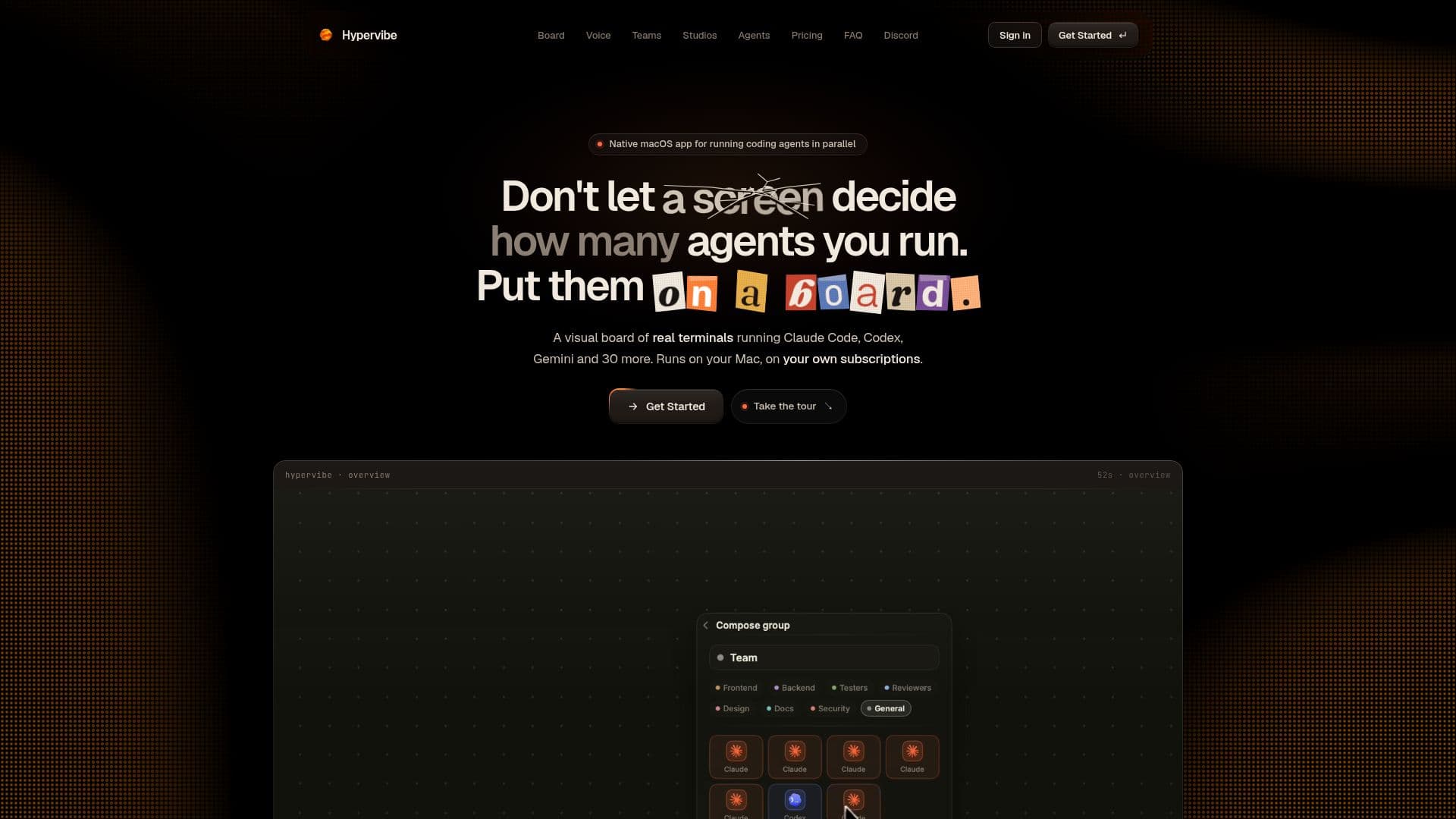
Hypervibe is a native macOS application that provides a visual board for managing AI coding agents. It supports CLI coding agents such as Claude Code, Codex, and Gemini CLI, allowing users to run these agents as real terminals on a single board. This setup facilitates the organization of teams and orchestration of work through voice commands, making it a versatile tool for developers who rely on multiple coding agents.
Read More
The app is designed to run on macOS 14 or later, specifically on Apple Silicon devices. It offers a local-first approach, ensuring that code, microphone audio, and workspace state remain on the user's machine. Hypervibe does not require API keys, as it operates under the user's existing subscriptions to various coding agents. The app includes features such as agent teams with roles, loops with goals, and studios for generating documents, diagrams, and code views.
Hypervibe Pro is available by subscription, priced at USD 19 per month or USD 190 annually. This subscription includes 10,000 credits per month for the voice planner and spoken replies. Users can manage their subscriptions and download the app from their account dashboard. The app is not available on the Mac App Store due to its need to spawn real processes, which the App Store sandbox does not allow.
The app's capabilities extend to running around 34 CLI agents, including custom executables added by the user. It provides a comprehensive environment for developers to manage their coding projects efficiently, with features like session resume, usage analytics, and project memory. Hypervibe also emphasizes security, ensuring that microphone audio and repositories do not leave the user's Mac, with only essential data reaching Hypervibe's servers.
- CategoryAI Coding Assistants
- Pricing ModelSubscription
- DeploymentLocal
- PlatformsmacOS
Hypervibe's Core Features
Visual board for AI coding agents
Supports Claude Code, Codex, Gemini CLI
Voice orchestration and dictation
Agent teams with roles and handoffs
Local-first data storage
Subscription-based pricing
Runs on macOS 14+ and Apple Silicon
No API keys required
How to use Hypervibe?
Configure: Set up CLI agents on your PATH
Use: Run agents as real terminals on the board
Optimise: Organize teams and workflows with voice commands
Hypervibe's Use Cases
- AI Coding Management
- Voice Workflow Orchestration
- Team Collaboration
- Local Data Security
- Document Generation