Description
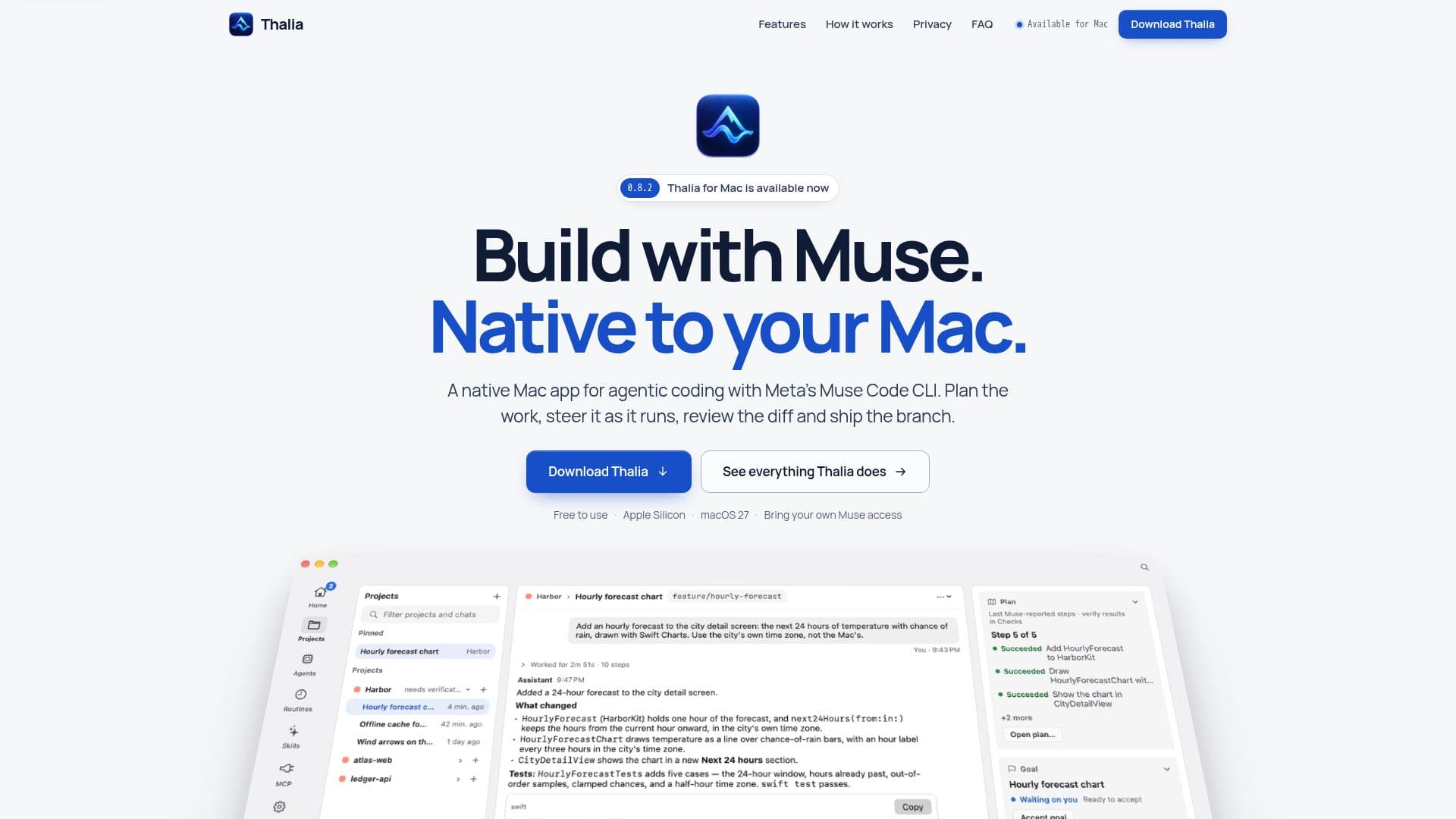
Thalia is a native macOS application developed by Mabry Ventures, specifically designed for agentic coding using Meta's Muse Code CLI. It is tailored for Apple Silicon Macs running macOS 27, providing a seamless interface for developers to manage their coding projects. Thalia allows users to open a project, plan the work, steer the process, review the changes, and ship the branch, all within a native Mac environment.
Read More
The app is built using Swift and SwiftUI, ensuring a smooth and responsive user experience. It features a voice mode that enables hands-free interaction with Muse, allowing users to talk to Muse and hear replies read aloud. Thalia also integrates with various services such as GitHub, Linear, Cloudflare, Sentry, and GitLab through guided MCP presets, requiring users to have their own accounts and authorization.
Thalia emphasizes privacy by keeping all projects, chats, checkpoints, and settings on the user's Mac. It does not send any analytics or telemetry data to the Thalia team. The app supports Git repositories for review, checkpoints, and worktrees, and requires a GitHub remote and the GitHub CLI for pull requests.
Thalia is free to use, but users need their own Meta Muse access, as Meta sets any Muse subscription or usage charges. The app does not support Intel Macs, and Windows and Linux versions have not been announced. Thalia provides a comprehensive solution for developers looking to manage their coding tasks efficiently on macOS.
- CategoryAI Coding Assistants
- Pricing ModelFree
- DeploymentNative macOS app
- PlatformsmacOS 27
Thalia's Core Features
Native macOS app for agentic coding
Integration with Meta's Muse Code CLI
Voice mode for hands-free interaction
Privacy-focused with no telemetry
Support for Git repositories
Guided MCP presets for integrations
Free to use with Meta Muse access
Built with Swift and SwiftUI
How to use Thalia?
Download: Get Thalia from the official website
Install: Drag Thalia to Applications on your Mac
Setup: Follow the checklist to install Muse CLI
Connect: Sign in with your Meta account or API key
Open Project: Choose a folder and start a chat
Plan: Approve the approach before building
Steer: Manage the process as it runs
Review: Inspect changes and ship the branch
Thalia's Use Cases
- Project Management
- Voice Interaction
- Code Review
- Integration Management
- Privacy-Focused Development