Description
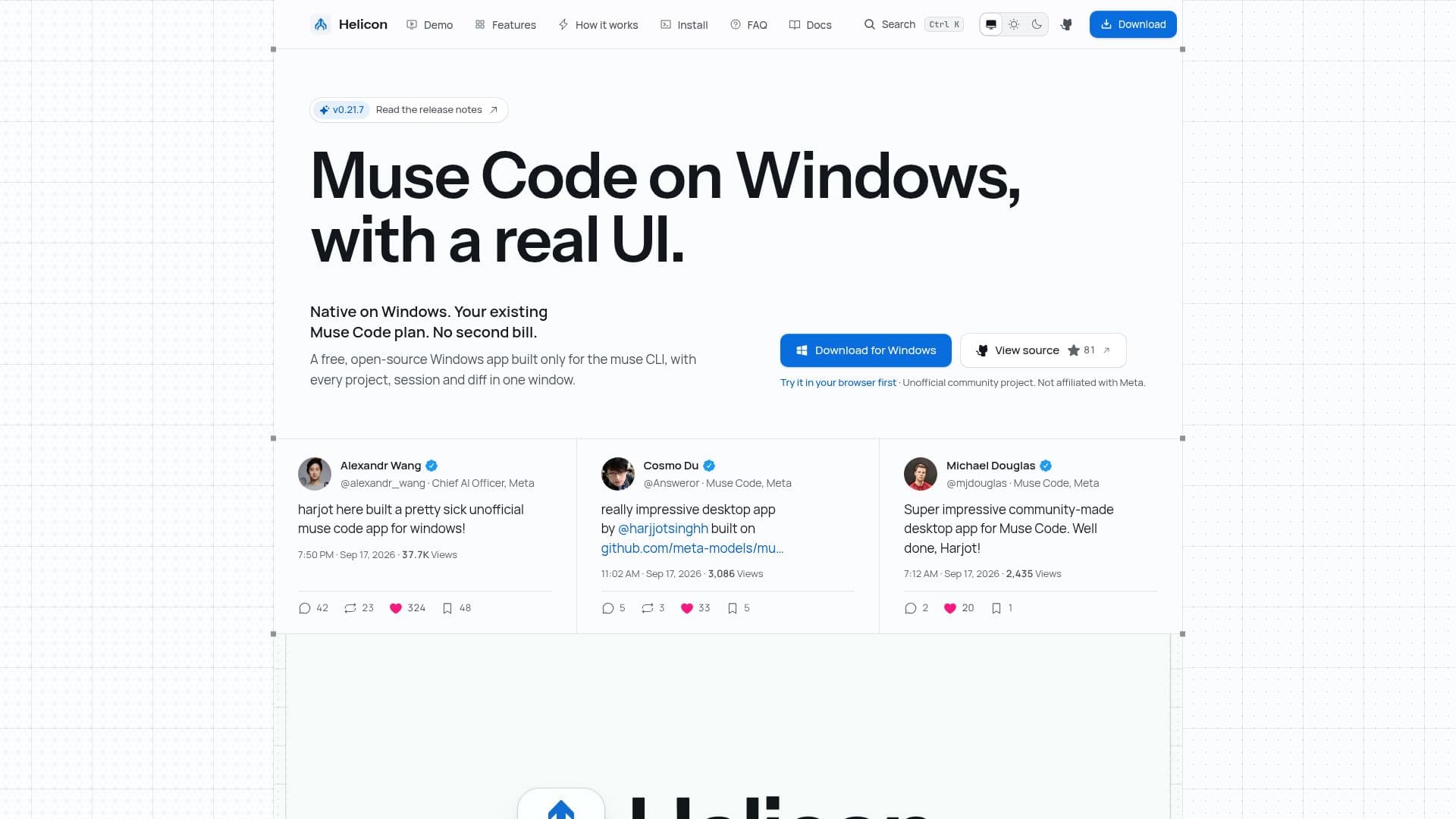
Helicon is an unofficial, community-driven desktop and web application tailored for Meta's Muse Code CLI. It offers a streamlined interface that integrates projects, sessions, inline diffs, approvals, and cost tracking into one cohesive window. This open-source tool is MIT licensed and operates on your existing Muse Code subscription, ensuring no additional costs.
Read More
The application supports both Windows and macOS platforms, utilizing native Muse Code execution on Windows and accommodating WSL2 for users preferring that environment. Helicon's interface is built on React, with a Tauri desktop app and a web app option that can connect to a remote daemon.
Key features include a command palette, slash commands, and a model and reasoning-effort picker, allowing comprehensive keyboard operation. Users can resume sessions initiated in the muse terminal TUI, view inline diffs at the point of occurrence, and access detailed cost views based on Meta's API rates.
Helicon does not store or handle user credentials, relying on the muse CLI for authentication. It checks for updates by contacting helicon.sh, but does not transmit any user data beyond installation details. The app is free, with its source code available on GitHub, and it requires the muse CLI to be installed and logged in.
While Helicon is not officially affiliated with Meta, it provides a robust interface for managing Muse Code sessions, making it a valuable tool for developers seeking enhanced functionality without additional subscription fees.
- CategoryAI Coding Assistants
- Pricing ModelFree
- DeploymentDesktop and Web
- PlatformsWindows, macOS
Helicon's Core Features
Free and open-source
Desktop and web app
Integrates Muse Code CLI
Inline diffs and approvals
Cost tracking at API rates
Command palette and slash commands
Remote daemon support
Native Windows and macOS compatibility
How to use Helicon?
Install: Download and set up Helicon
Configure: Connect with Muse Code CLI
Use: Manage projects and sessions
Optimize: Utilize command palette and keyboard shortcuts
Helicon's Use Cases
- Project Management
- Session Resumption
- Cost Tracking
- Remote Operation
- Keyboard Navigation