Description
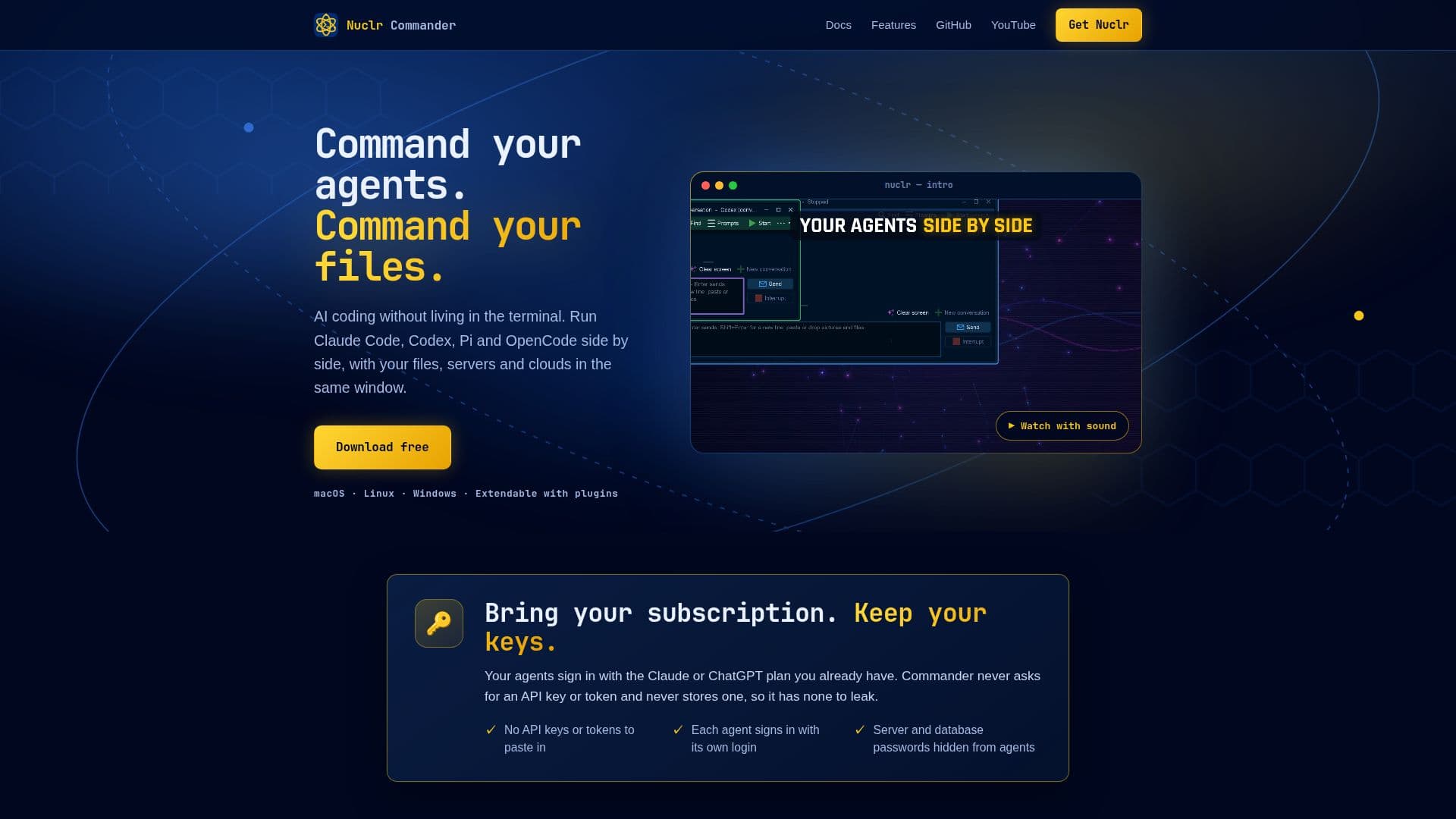
Nuclr Commander is an innovative AI coding platform designed to streamline the process of working with AI agents. It allows users to run multiple AI agents such as Claude Code, Codex, Pi, and OpenCode side by side, all within a single window. This tool is compatible with macOS, Linux, and Windows, making it accessible to a wide range of users.
Read More
One of the standout features of Nuclr Commander is its ability to integrate seamlessly with local files, servers, and cloud services. Users can manage their files, archives, SSH, S3, Docker, GitHub, and databases through a dual-pane file manager. This setup provides previews for code, media, binaries, and 3D models, enhancing the user experience.
Nuclr Commander prioritizes security by ensuring that agents sign in with their own login credentials, without requiring users to paste API keys or tokens. This approach minimizes the risk of data breaches and enhances user privacy. Additionally, the platform supports end-to-end encryption and allows users to control their agents remotely via their phones.
The tool is highly customizable, offering reusable profiles, a built-in terminal, and the ability to extend functionality through plugins. Users can also review changes made by AI agents, approve actions, and maintain a history of conversations and file changes.
Nuclr Commander is available for free download, with the possibility of some features becoming paid in the future. It is an ideal solution for developers and teams looking to enhance their AI coding capabilities while maintaining control over their digital environment.
- CategoryAI Coding Assistants
- Pricing ModelFreemium
- DeploymentDesktop
- PlatformsmacOS, Linux, Windows
Nuclr Commander's Core Features
Run multiple AI agents simultaneously
Dual-pane file manager with previews
Integration with local files, servers, and clouds
End-to-end encryption for remote control
No API keys or tokens required
Customizable with reusable profiles and plugins
Built-in terminal for command execution
Review and approve agent actions
How to use Nuclr Commander?
Download and install Nuclr Commander
Configure your AI agents and profiles
Integrate with local files and cloud services
Use the dual-pane manager to control files
Monitor and control agents remotely
Nuclr Commander's Use Cases
- AI Coding
- File Management
- Remote Control
- Security Management
- Customization