
Description
Open Interpreter is an open-source coding agent that runs in the terminal, built specifically to get strong performance out of low-cost and open-weight models. The current version is a fork of OpenAI's Codex, rewritten in Rust, with a focus on emulating the agent harness that gets the best results from a given model rather than relying on a single fixed prompting approach.
Read More
Installation is a single command: a curl script on macOS and Linux, or a PowerShell script on Windows. Once installed, typing i or interpreter starts a session. From there, /model switches the active provider or model, and /harness switches between emulated harnesses, including native, Claude Code, Kimi Code, Qwen Code, DeepSeek TUI, SWE-agent, and others, so the same model can be tested under different agent behaviors.
Open Interpreter speaks the same exec protocol as OpenAI's Codex SDK, so teams already building on that SDK can point their integration at Open Interpreter with a one-line change. It also runs as an Agent Client Protocol (ACP) agent, letting it plug into ACP-compatible editors, and it ships with a QA skill that lets a model operate and test web apps through a real browser or native desktop apps.
The project is built around shared, tool-neutral standards rather than a proprietary format: it reads repository-level AGENTS.md instructions and .agents/skills directories, and supports MCP for connecting external tools. Product-specific configuration and session state stay local under ~/.openinterpreter.
Open Interpreter is released under the Apache-2.0 license. It is a new, Rust-based direction for the project; the original Python version continues separately as a community-maintained fork.
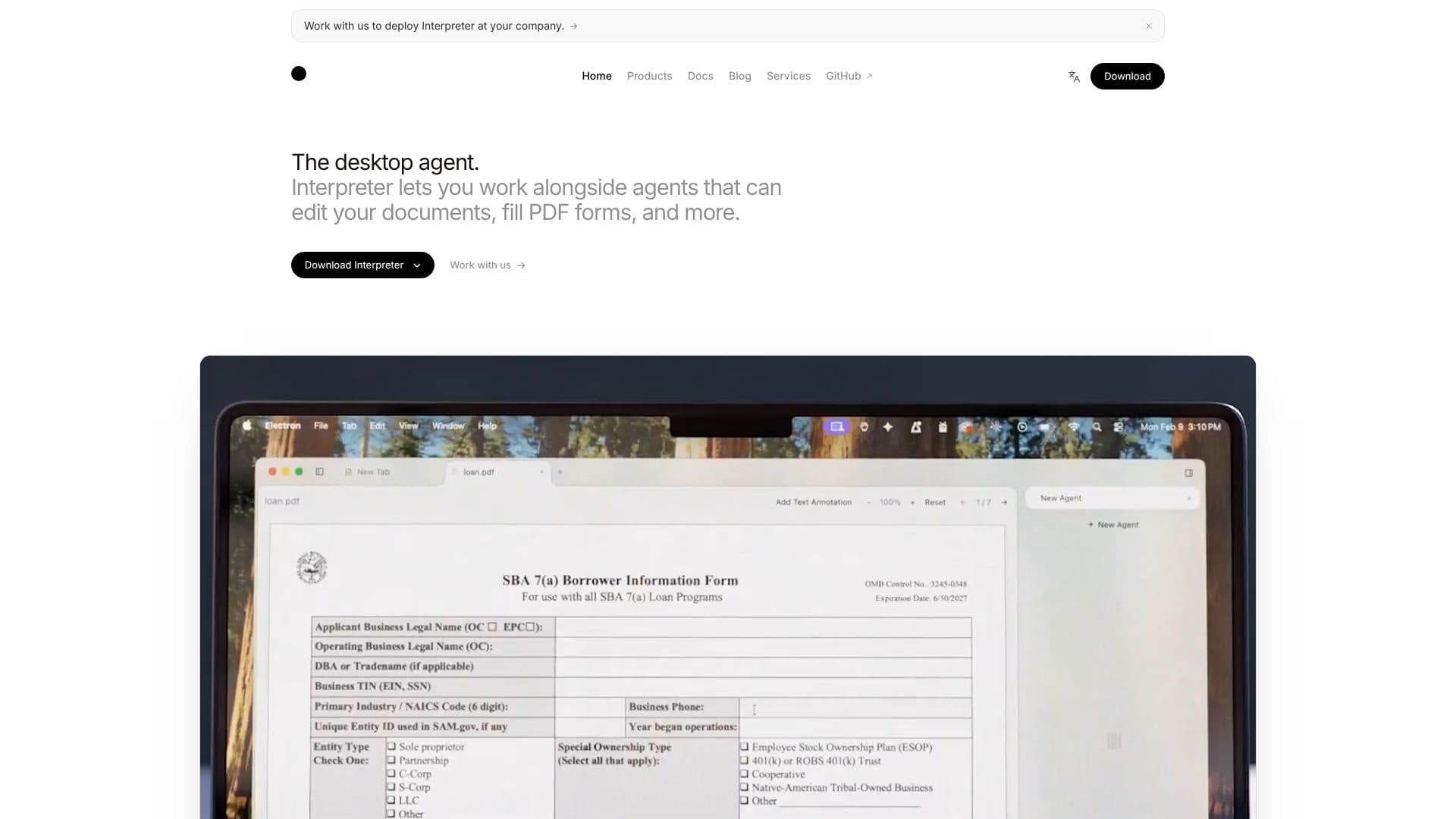
Beyond the core coding agent, Open Interpreter ships a Computer Use capability built on its QA skill, letting a model drive a real browser to test web apps or operate native desktop apps through third-party tooling. For teams wanting a fuller client on top of the raw agent, a separate companion project, Interpreter Workstation, provides a desktop, browser, or headless interface.
- CategoryAI Coding Assistants
- Pricing ModelFreemium
- DeploymentDesktop
- PlatformsWindows, macOS, Linux
Open Interpreter's Core Features
Installs via a one-line curl or PowerShell script on macOS, Linux, and Windows
Runs as a terminal coding agent, forked from OpenAI's Codex and tuned for low-cost, open-weight models
Switches between agent harnesses (native, Claude Code, Kimi Code, Qwen Code, DeepSeek TUI, SWE-agent, and more) with a /harness command
Works with any OpenAI-compatible provider through Chat Completions
Speaks the same Codex exec protocol, so apps built on the Codex SDK can swap in Open Interpreter with a one-line override
Runs as an Agent Client Protocol (ACP) agent inside ACP-compatible editors
Ships a QA skill that lets a model operate and test web apps or native apps
Reuses shared, tool-neutral standards (AGENTS.md, .agents/skills, MCP) instead of a proprietary format
Runs commands inside native sandboxing with configurable permissions and hooks
Released under the Apache-2.0 license
How to use Open Interpreter?
Install: Run the install script (curl for macOS/Linux, or the PowerShell equivalent on Windows).
Start a session: Type i or interpreter in your terminal.
Pick a provider and model: Use /model to choose an OpenAI-compatible provider or open-weight model.
Choose a harness: Use /harness to switch between native, Claude Code, Kimi Code, Qwen Code, and other emulated harnesses.
Work in your editor or CLI: Run interpreter acp to use it as an Agent Client Protocol agent in a compatible editor, or use exec/API modes for scripted workflows.
Open Interpreter's Use Cases
- Terminal coding agent
- Editor integration
- Harness testing