Description
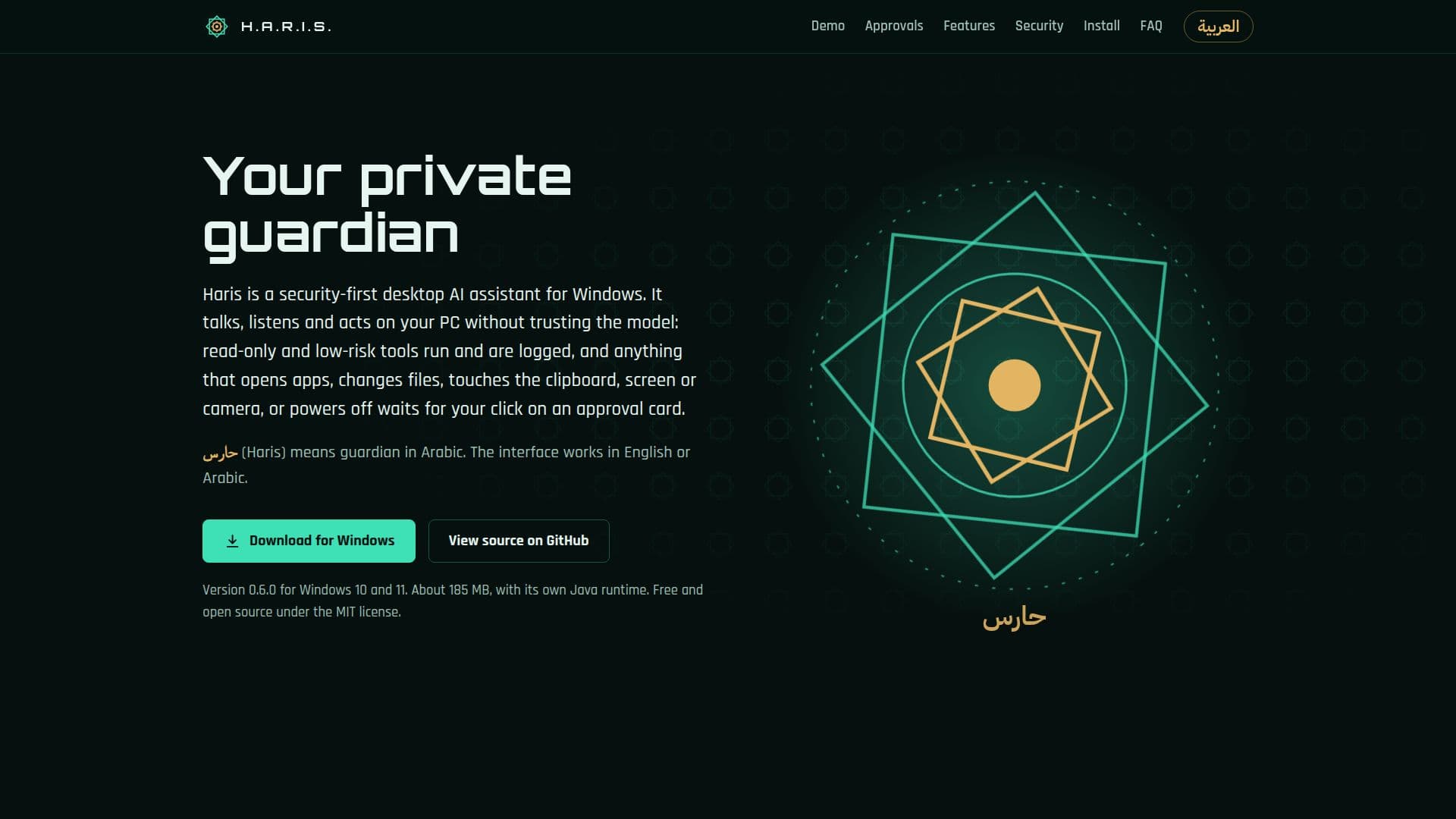
Haris is a security-first, open-source desktop AI assistant specifically designed for Windows 10 and 11. Developed with a strong emphasis on user control and privacy, Haris operates by talking, listening, and acting on your PC, but crucially, it never proceeds with high-risk actions without explicit user approval. This includes tasks such as opening applications, modifying files, accessing the clipboard, screen, or camera, or powering off the system.
Read More
The assistant is built on a "security-first" principle, meaning it does not blindly trust the AI model. Read-only and low-risk tools run and are logged, while any action that could impact your system or data requires a click on an approval card. This approval mechanism is robust: buttons arm after 0.7 seconds to prevent accidental clicks, and actions can be denied by pressing Esc or after a 2-minute timeout. Voice commands can never approve actions, ensuring that critical decisions remain solely with the user. Haris explicitly states that there is no shell, exec, or script tool, preventing the model from running self-written code.
Haris offers 25 fixed tools for everyday PC work, covering a wide range of functionalities including managing apps, files, clipboard operations, reminders, weather updates, media controls, system lock/sleep/restart, message drafts, system status checks, web search, vision capabilities, memory management, and undo functions. Users can choose their preferred AI engine, with options like Claude, Ollama, LM Studio (running locally), any OpenAI-compatible API, or Ollama on a free Google Colab GPU.
Voice interaction is a core feature, activated by saying "Hey Haris" or holding Ctrl + Space. Replies are spoken sentence by sentence, allowing for interruptions, and a conversation mode keeps the assistant listening. Haris leverages your NVIDIA GPU for faster Whisper speech-to-text processing in both Arabic and English, falling back to CPU if a GPU is not available. Piper voices run locally for spoken replies. The assistant also supports vision on request, taking a screenshot or webcam photo only after user approval, with screenshots previewed beforehand.
Privacy is paramount, with Haris remembering only approved facts, encrypted with AES-256-GCM, and the key stored in Windows Credential Manager. Web searches are routed through a local SearXNG instance, reducing pages to text with hidden elements removed. Haris also provides a status greeting on first launch, reporting system metrics and weather without involving the AI model. The interface supports both English and a full right-to-left Arabic display, with speech recognition for both languages and an optional Gemini voice for natural Egyptian Arabic replies.
Installation is straightforward, requiring no admin rights and installing only for the current Windows user. It's free and open source under the MIT license, with the full source code available on GitHub. Haris addresses common security vulnerabilities found in other AI agents, such as preventing external network access, disallowing model-written code execution, and ensuring all approvals are user-initiated clicks. The developer, Mahmoud Farouk, created Haris to demonstrate that a desktop AI assistant can be genuinely useful while maintaining absolute user control and security.
- CategoryAI Personal Assistants
- Pricing ModelFree
- DeploymentDesktop
- PlatformsWindows 10, Windows 11
Haris's Core Features
Security-first desktop AI assistant for Windows
Requires user approval for sensitive actions (apps, files, power-off)
Supports English and Arabic interfaces and speech recognition
Offers 25 fixed tools for daily PC tasks
Compatible with local and cloud AI engines (Claude, Ollama, LM Studio, OpenAI-compatible APIs)
Voice activation with "Hey Haris" or Ctrl + Space
Local speech-to-text (Whisper) and spoken replies (Piper voices)
Optional vision capabilities (screenshot/webcam photo with approval)
Encrypted memory for approved facts (AES-256-GCM)
Private web search via local SearXNG instance
No shell, exec, or script tools to prevent model-written code execution
Listens on 127.0.0.1 only, preventing external network access
API keys stored securely in Windows Credential Manager
Free and open-source under the MIT license
How to use Haris?
Download Haris: Get the latest Haris-0.6.0-windows.zip from the official release page.
Verify and Unblock: Check the SHA-256 hash against release notes and unblock the zip file in Windows properties.
Run Installer: Unzip the package, then right-click install.ps1 and choose "Run with PowerShell" to install for your user.
Choose Engine: Start Haris from the Start menu, open Settings, and select your preferred AI engine (e.g., Claude, Ollama, LM Studio).
Interact with Voice: Say "Hey Haris" or hold Ctrl + Space to activate voice commands and begin interacting with the assistant.
Approve Actions: Respond to approval cards with a click for any sensitive actions Haris proposes, ensuring full control over your PC.
Haris's Use Cases
- Daily PC Automation
- Secure Digital Assistance
- Multilingual Interaction
- Private Web Search
- System Status Monitoring
- File and Clipboard Management
- Media Control
- Secure Note-Taking