
Description
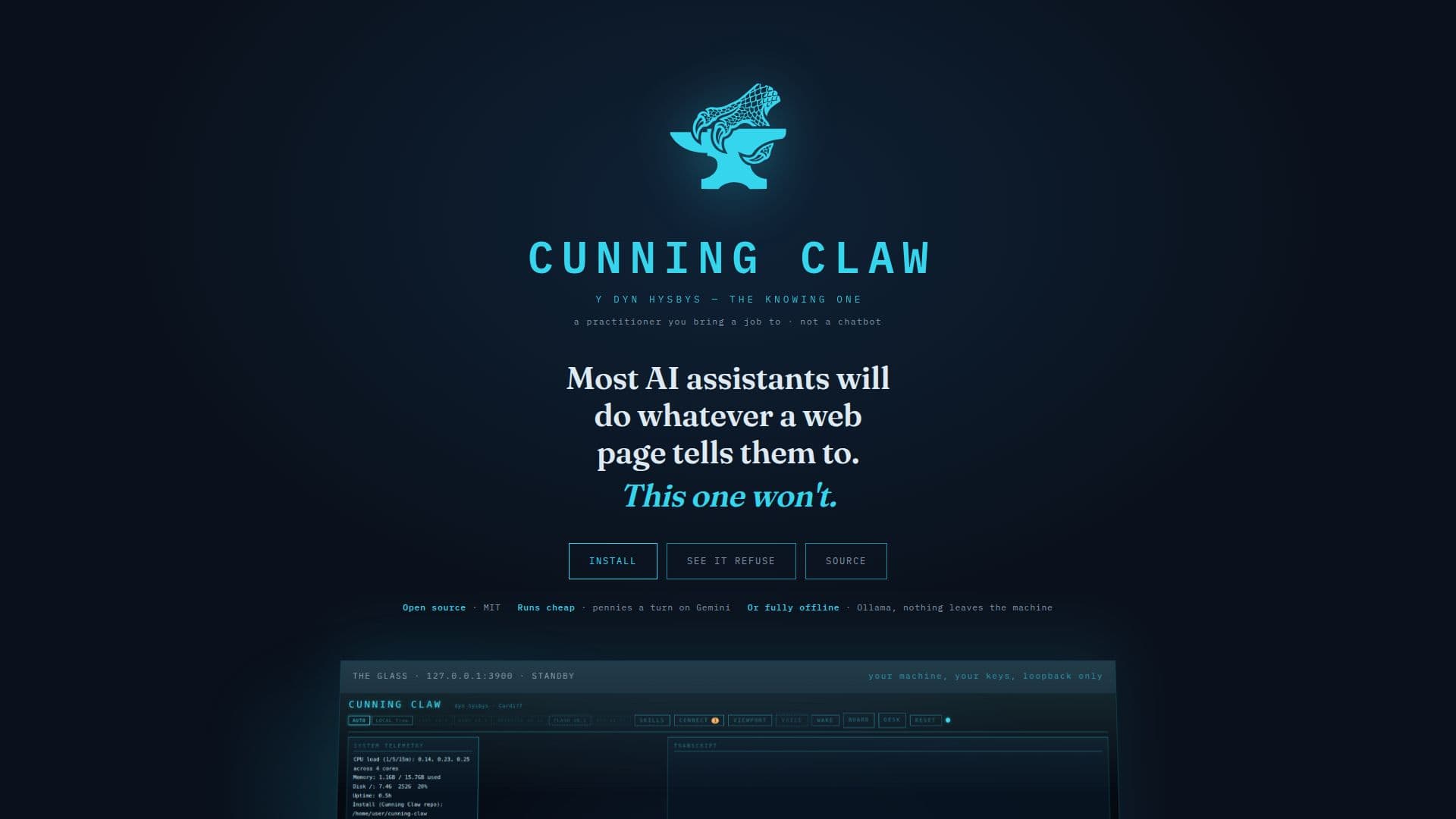
Cunning Claw is an innovative AI assistant designed to run locally on your machine, ensuring privacy and security. Unlike many AI tools that follow web instructions blindly, Cunning Claw is built with a robust threat model that prevents unauthorized actions. Developed in Cardiff, this open-source tool operates your shell, browser, screen, and email, providing a comprehensive suite of functionalities.
Read More
The assistant is designed to be local-first, meaning it can function entirely offline or with minimal online interaction. This is achieved by allowing users to bring their own API keys or run the tool without any external dependencies. Cunning Claw is equipped with multiple security layers, including a denylist of commands it will never execute, ensuring that your machine remains safe from harmful operations.
Cunning Claw integrates with a wide range of platforms, including Canva, GitHub, Notion, Slack, and more, using MCP connectors. It also supports various operating systems such as Linux, macOS, and Windows, making it versatile and accessible to a broad audience. The tool is particularly suitable for users who prioritize security and privacy in their AI interactions.
Pricing for Cunning Claw is straightforward, with a free tier available for those who prefer to manage their own API keys. For users seeking a more seamless experience, a subscription option is available at £7 per month, providing access to fast Gemini models without the need for technical setup.
Cunning Claw is not just an AI assistant; it is a practitioner that you bring tasks to, reflecting its roots in Welsh folklore as a 'knowing one'. It is designed to be a reliable and secure tool for managing digital tasks, ensuring that users maintain control over their machine's operations.
- CategoryAI Personal Assistants
- Pricing ModelFreemium
- DeploymentLocal
- PlatformsLinux, macOS, Windows
Cunning Claw's Core Features
Local-first operation
Open-source software
Runs offline
Security-focused with threat model
Integrates with multiple platforms
Supports Linux, macOS, Windows
Free tier available
Subscription option for seamless use
How to use Cunning Claw?
Install: Set up Cunning Claw on your machine
Configure: Bring your own API key or subscribe for seamless use
Use: Operate shell, browser, and email securely
Optimize: Integrate with platforms like GitHub and Notion
Cunning Claw's Use Cases
- Secure Shell Operations
- Email Management
- Screen Reading
- Platform Integration
- Offline Operation