
Description
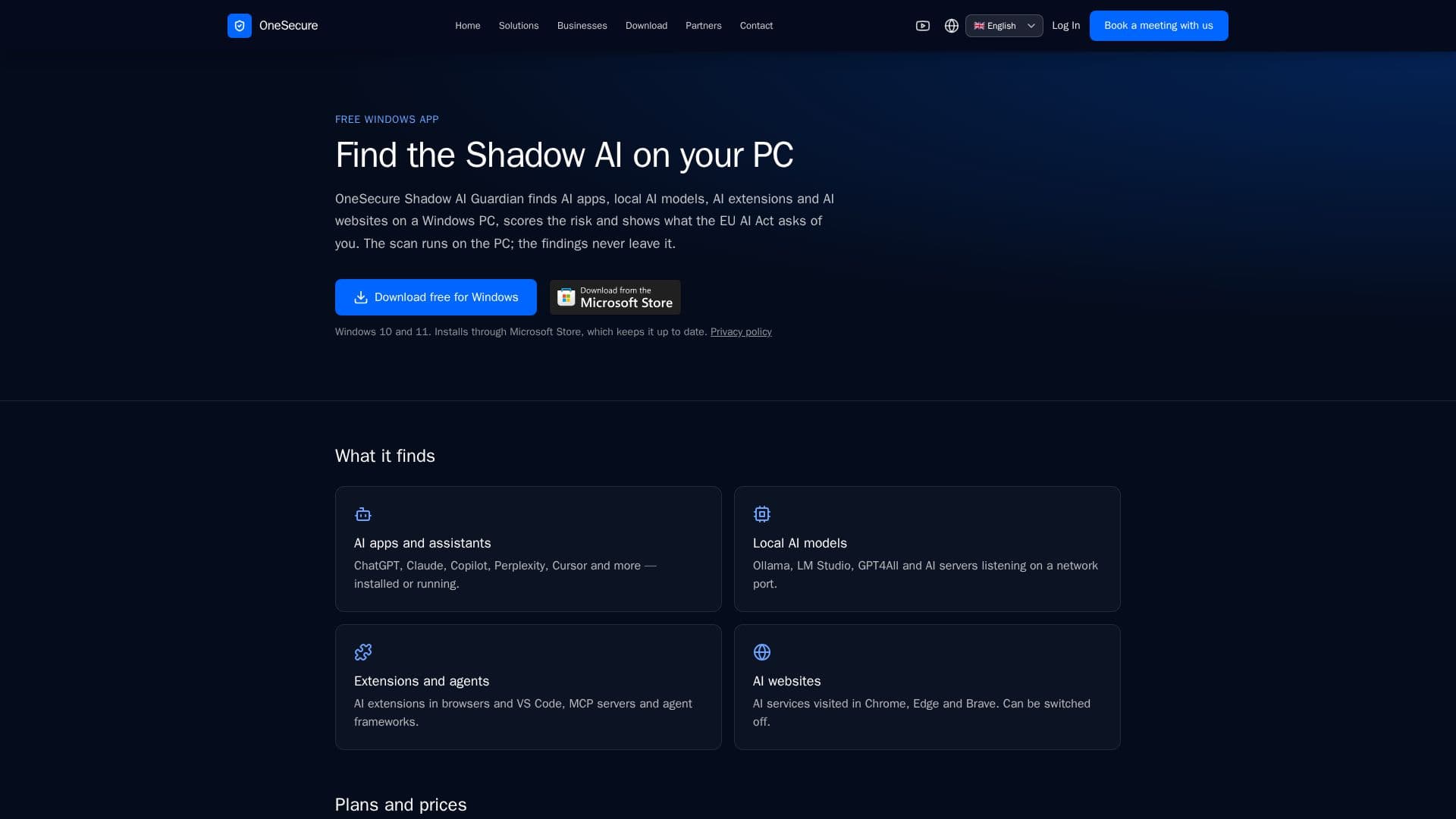
OneSecure Shadow AI Guardian is a free application designed for Windows users to identify and manage AI tools on their PCs. This tool scans for AI applications, local AI models, AI extensions, and AI websites, providing a comprehensive overview of AI usage on the device. It assigns a risk score to each identified tool and offers guidance on compliance with the EU AI Act, ensuring users are informed about the AI tools in use and their potential implications.
Read More
The application supports Windows 10 and 11 and can be installed via the Microsoft Store, ensuring it remains up-to-date. One of its key features is that all scanning and data processing occur locally on the user's PC, meaning no data is sent to external servers, thus maintaining user privacy.
OneSecure Shadow AI Guardian is available for free, with additional features available through Basic and Business plans. The Basic plan, priced at €3.90 per month, includes reporting capabilities, historical tracking of AI tools, and email support. The Business plan, priced at €2.49 per PC per month for a minimum of five PCs, offers a centralized dashboard for managing multiple devices, shared policies for approved tools, and company-wide control through the OneSecure portal.
The tool is particularly beneficial for organizations needing to comply with the EU AI Act, which mandates AI literacy among staff using AI tools. By providing a clear overview of AI usage, OneSecure Shadow AI Guardian helps organizations ensure compliance and manage AI tools effectively. The Business plan further enhances this capability by aggregating data from multiple PCs into a single dashboard, allowing for streamlined management and oversight.
Overall, OneSecure Shadow AI Guardian is a valuable tool for individuals and organizations looking to understand and manage AI tool usage on Windows PCs, with a strong emphasis on privacy and compliance.
- CategoryAI Cybersecurity Tools
- Pricing ModelFreemium
- DeploymentMicrosoft Store
- PlatformsWindows 10, Windows 11
OneSecure Shadow AI Guardian's Core Features
Free Windows application
Identifies AI tools on PC
Provides risk scores
EU AI Act compliance guidance
Local data processing
Available on Windows 10 and 11
Basic and Business plans available
Privacy-focused
How to use OneSecure Shadow AI Guardian?
Install: Download from Microsoft Store
Scan: Run the application to identify AI tools
Review: Check risk scores and compliance guidance
Manage: Use Basic or Business plans for additional features
OneSecure Shadow AI Guardian's Use Cases
- AI Tool Identification
- Risk Assessment
- EU AI Act Compliance
- Privacy Protection
- Centralized Management