
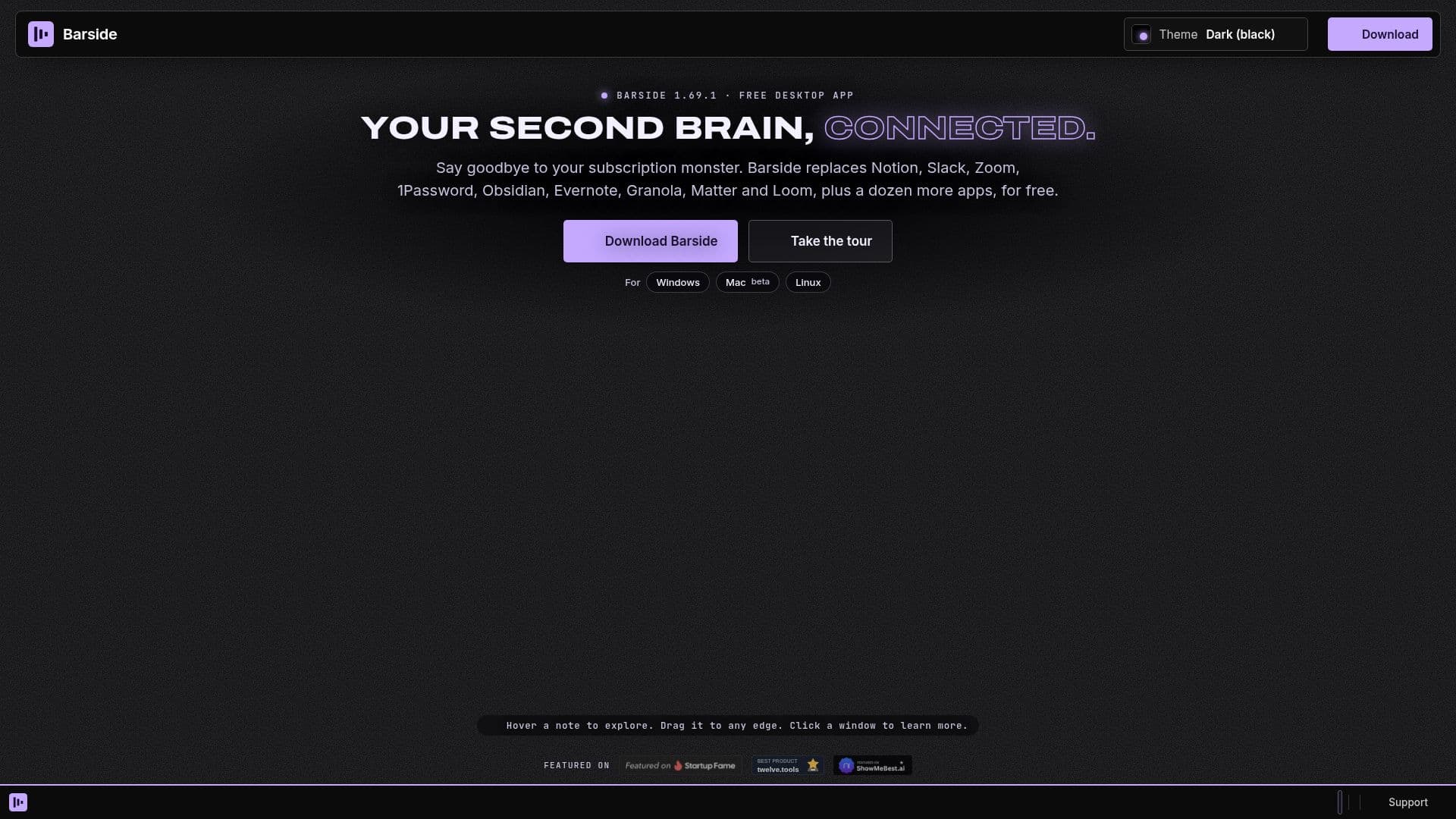
Description
Barside is a versatile desktop application designed to serve as your second brain by integrating various productivity tools into one cohesive platform. It allows users to manage notes, tasks, a reading inbox, video meetings, password storage, and recordings, all within a single app. Barside is available for Windows, Mac (beta), and Linux, emphasizing a local-first approach to ensure data privacy and security.
Read More
The app is free to use, positioning itself as a cost-effective alternative to popular subscription-based services like Notion, Slack, Zoom, 1Password, Obsidian, Evernote, and others. Barside aims to streamline your digital workspace by replacing the need for multiple apps, thus reducing subscription costs and simplifying user experience.
Barside also offers a creator program, allowing users to share the app and earn a commission on Barside Plus payments made by referred users. This program is accessible to anyone with a Barside account and a Stripe account for payouts. While Barside remains free, Barside Plus is an optional add-on for users seeking enhanced features.
The app includes a variety of free note templates for meetings, planning, projects, and more, which can be opened with a single click. These templates are designed to enhance productivity and organization, catering to both personal and professional needs.
Barside's integration of AI agents further enhances its functionality, providing users with intelligent assistance across various tasks. This feature, combined with its comprehensive suite of tools, makes Barside a valuable asset for individuals looking to optimize their workflow without incurring additional costs.
- CategoryAI Personal Assistants
- Pricing ModelFreemium
- DeploymentDesktop
- PlatformsWindows, Mac, Linux
Barside's Core Features
Local-first data storage
Free to use
Integrates notes, tasks, and meetings
AI agents for task assistance
Free note templates
Cross-platform support
Creator program with commission
Optional Barside Plus add-on
How to use Barside?
Download: Install Barside from the website
Configure: Set up your notes and tasks
Use: Integrate video meetings and password management
Optimize: Utilize AI agents for enhanced productivity
Barside's Use Cases
- Note Management
- Task Tracking
- Video Meetings
- Password Management
- AI Assistance