
Description
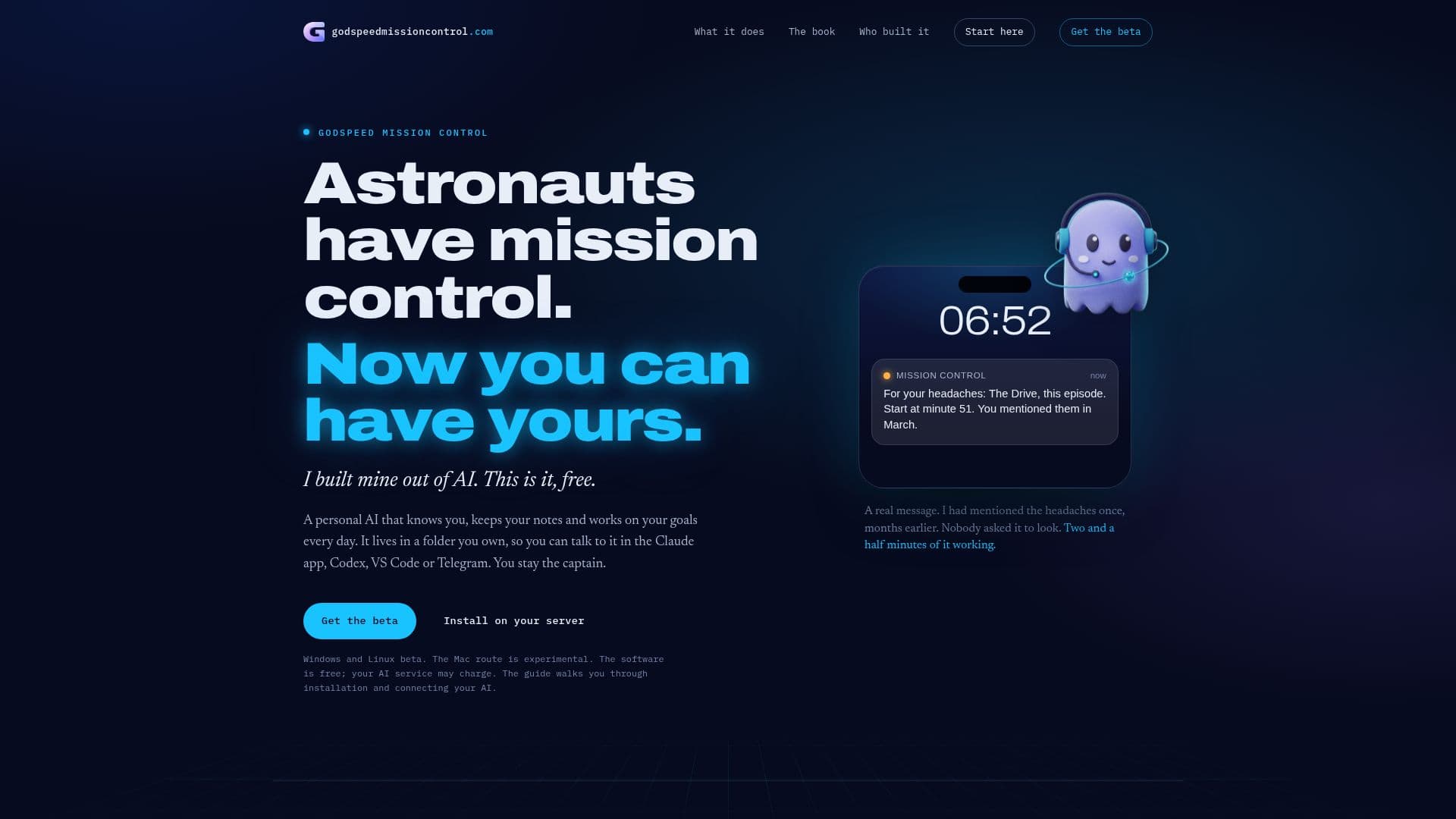
Godspeed Mission Control is a personal AI assistant designed to help you manage your notes and work towards your goals efficiently. Developed by Michael Zelbel, this tool operates from a folder on your computer or server, ensuring that your data remains under your control. It integrates seamlessly with popular applications such as Claude, Codex, VS Code, and Telegram, allowing you to interact with it through various platforms.
Read More
The AI assistant is capable of understanding your deadlines, people, and questions, and it uses this information to prepare your day's work and remind you of important tasks. It works on your schedule, researching your goals and performing tasks while you sleep, if set up on a server. This flexibility ensures that you remain the captain of your workflow.
Godspeed Mission Control is available for Windows and Linux in beta, with an experimental route for Mac users. The software itself is free, though using an AI service may incur charges. A comprehensive guide is available to assist with installation and connecting your AI account.
The tool's notebook is composed of Markdown files, making it accessible through editors like Obsidian. This ensures that your notes and the AI's learning are easily manageable and portable. The accompanying book, 'Teach It Once', provides a guided journey to integrate Godspeed Mission Control into your life, helping you decide which tasks to delegate and how to teach the AI about your preferences and limits.
Godspeed Mission Control is ideal for individuals looking to enhance their productivity by leveraging AI to manage routine tasks and reminders. It offers a unique blend of flexibility and control, making it a valuable tool for personal and professional use.
- CategoryAI Personal Assistants
- Pricing ModelFree
- DeploymentLocal
- PlatformsWindows, Linux, Mac
Godspeed Mission Control's Core Features
Personal AI assistant
Integration with Claude, Codex, VS Code, Telegram
Operates from a local folder
Free to use
Markdown file notebook
Windows and Linux beta
Experimental Mac support
Guide for installation and AI connection
How to use Godspeed Mission Control?
Install: Follow the guide for your platform
Connect: Link your AI account
Set Goals: Define your daily objectives
Use: Interact through supported apps
Godspeed Mission Control's Use Cases
- Goal Management
- Note Keeping
- Task Automation
- Cross-Platform Integration
- Personal Productivity