


Description
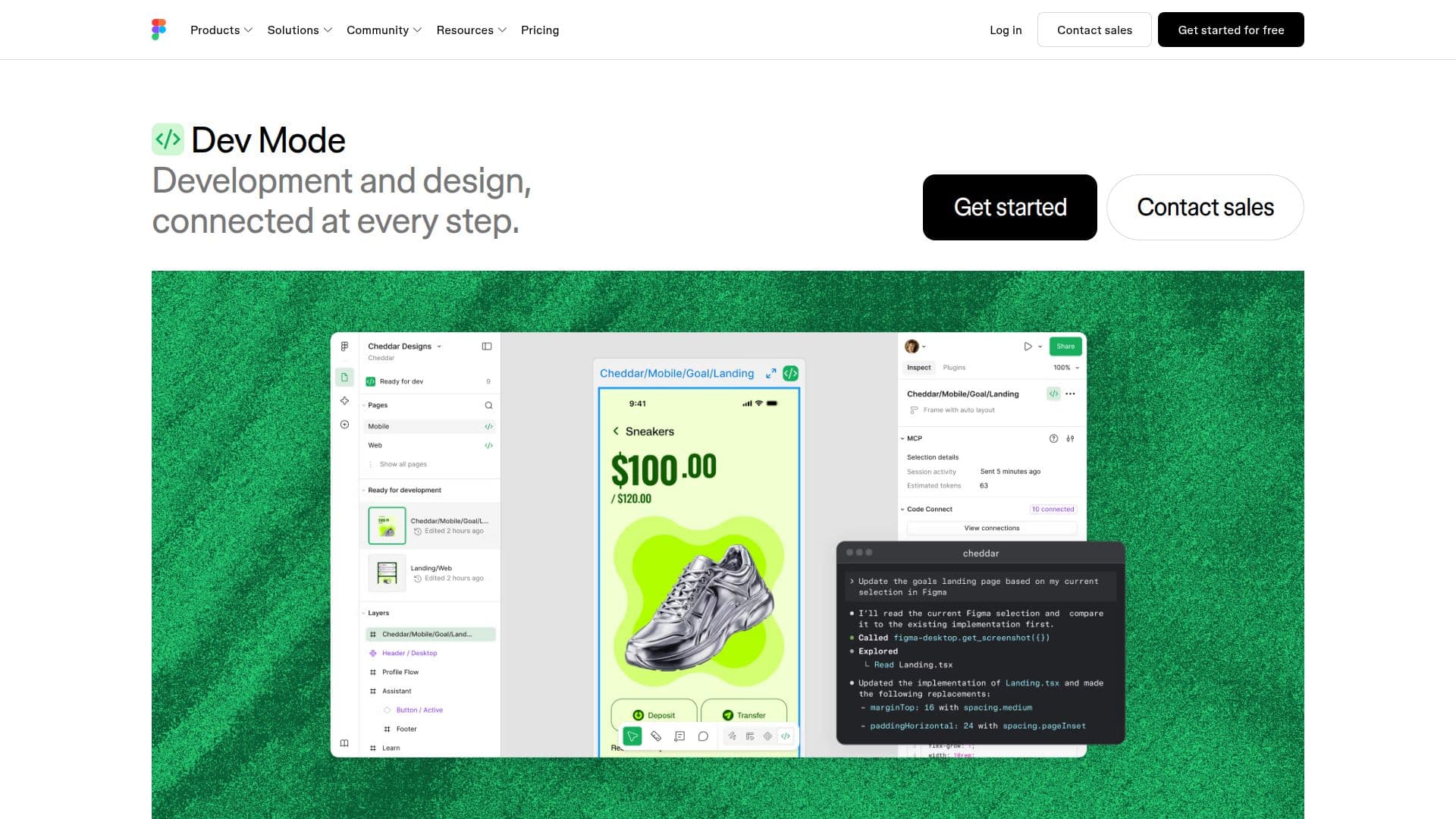
Figma Dev Mode is a powerful tool designed to streamline the transition from design to development. It allows developers to pull design system components directly into their codebase using the Figma MCP server, ensuring that what is designed is what gets built. This feature helps maintain consistency and accuracy in the final product.
Dev Mode facilitates a fluid movement between different stages of production, allowing users to inspect components and experiment with breakpoints without disrupting the design. It also supports the mapping of design components to real production components, ensuring that new code adheres to the established system.
The tool provides advanced inspection capabilities, enabling developers to access code snippets, component properties, and structured layer data directly from the canvas. This feature is complemented by a component playground, where users can explore component properties and variants interactively.
Figma Dev Mode also enhances collaboration by allowing developers to link GitHub files, Jira tickets, and Storybook stories directly to design layers. This integration ensures that all necessary resources are easily accessible during the development process.
In terms of pricing, Figma offers different plans with varying levels of access to Dev Mode. The Dev seat, for instance, provides full access to Dev Mode and is available at $12 per month on the Professional plan. This seat also includes 500 AI credits per month, which can be used across Figma's AI features.
Overall, Figma Dev Mode is ideal for teams looking to improve communication and collaboration between designers and developers. By providing a unified platform for design and development, it helps teams build products more efficiently and effectively.
Figma Dev Mode's Core Features
Integrates design components into codebases
Supports seamless design-to-code workflows
Advanced inspection capabilities
Component playground for interactive exploration
Links to GitHub, Jira, and Storybook
Code syntax representation in variables
Dev statuses and notifications
Focus view for isolated frame inspection
How to use Figma Dev Mode?
Configure: Set up Dev Mode with your design system
Use: Integrate design components into your codebase
Inspect: Access code snippets and component properties
Optimize: Use the component playground for exploration
Figma Dev Mode's Use Cases
- Design-to-Code Integration
- Component Exploration
- Resource Linking
- Design Consistency
- Workflow Optimization