
Description
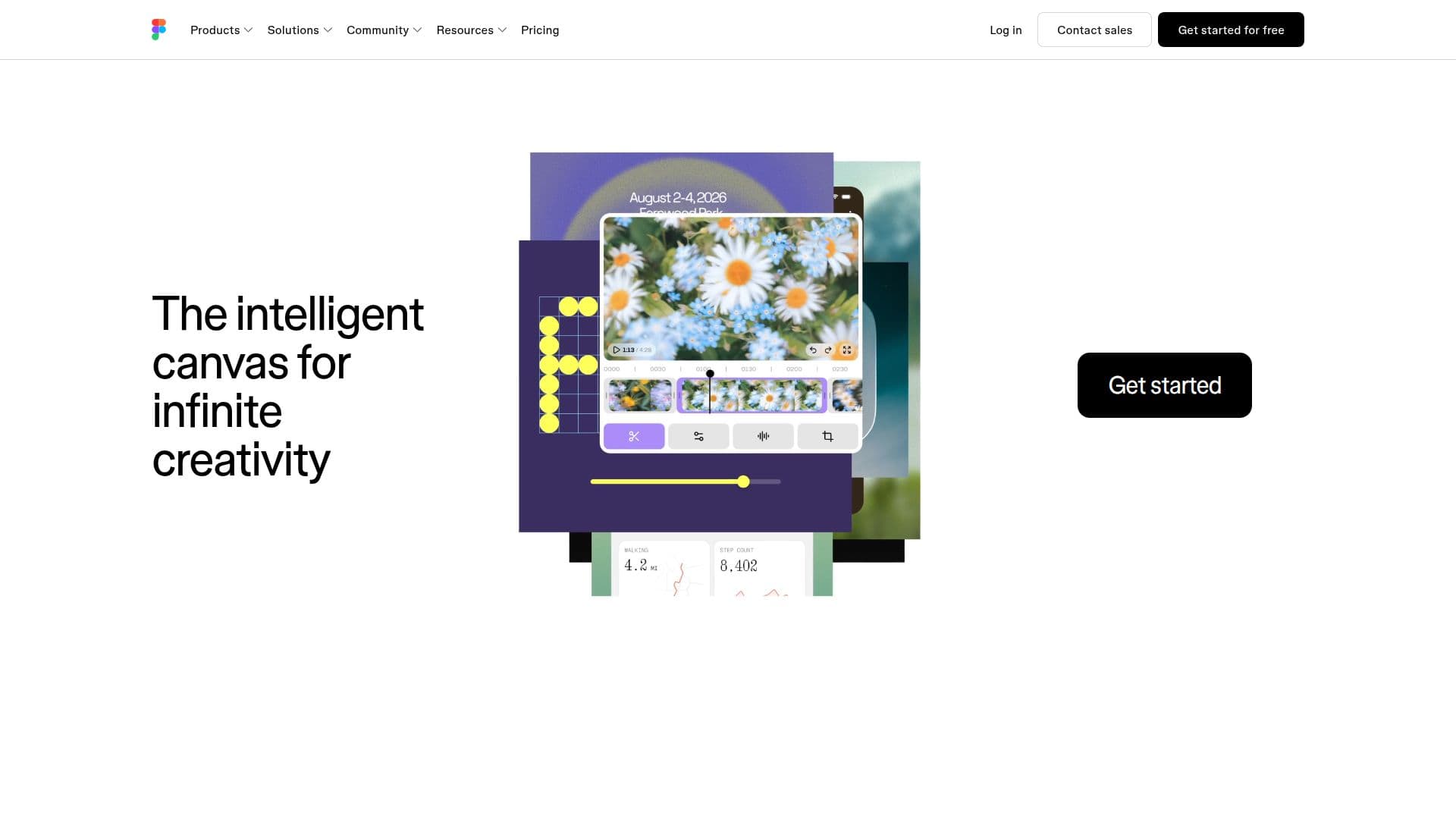
Figma is the collaborative canvas where design, code, and AI converge, allowing teams to transform ideas into tangible products. It serves as a single workspace for the entire product development process, enabling teams to move from work-in-progress to shipped products efficiently.
Read More
The platform is designed to facilitate collaboration, allowing teammates and AI agents to work in the same space with shared context. This integration fosters creativity, enabling users to generate new design directions, refine concepts, and align their efforts seamlessly. Figma's tools are powerfully expressive and incredibly precise, providing every technical resource needed to fine-tune designs.
Figma's user-friendly interface supports a variety of design tasks, from creating UI kits and wireframes to developing mobile apps and websites. The platform also includes advanced features for prototyping, allowing users to simulate interactions and create realistic user experiences. With Figma, the design context remains connected to the codebase, ensuring that what is designed is accurately reflected in the final product.
Figma is trusted by 95% of the Fortune 500 companies, highlighting its reliability and effectiveness in the design community. The platform is not just about design; it also emphasizes transparency and collaboration, allowing all team members to contribute ideas and feedback directly within the design files. This open process enhances communication and ensures that everyone involved is aligned throughout the project.
Whether you are a designer, developer, or part of a product team, Figma provides the tools necessary to streamline your workflow and enhance productivity. Its integration with various tools and platforms further extends its capabilities, making it a versatile choice for teams looking to innovate and improve their design processes.
- CategoryAI UI & UX Design Tools
- Pricing ModelFreemium
- DeploymentCloud
- PlatformsWeb, Mobile
Figma's Core Features
Collaborative design tools
Prototyping capabilities
AI integration
Version control
Real-time collaboration
Design handoff tools
Extensive plugin support
Cross-platform accessibility
Customizable templates
Design system management
How to use Figma?
Start with brainstorming: Use FigJam to explore ideas with your team.
Create designs: Utilize Figma's design tools to develop your concepts.
Prototype: Build interactive prototypes to simulate user interactions.
Collaborate: Invite team members to review and provide feedback in real-time.
Refine designs: Use AI tools to enhance and finalize your designs.
Handoff to developers: Use design handoff features to share specifications and assets.
Iterate: Gather feedback and make necessary adjustments before finalizing.
Figma's Use Cases
- UI/UX Design
- Prototyping
- Team Collaboration
- Design Handoff
- Design Systems