Description
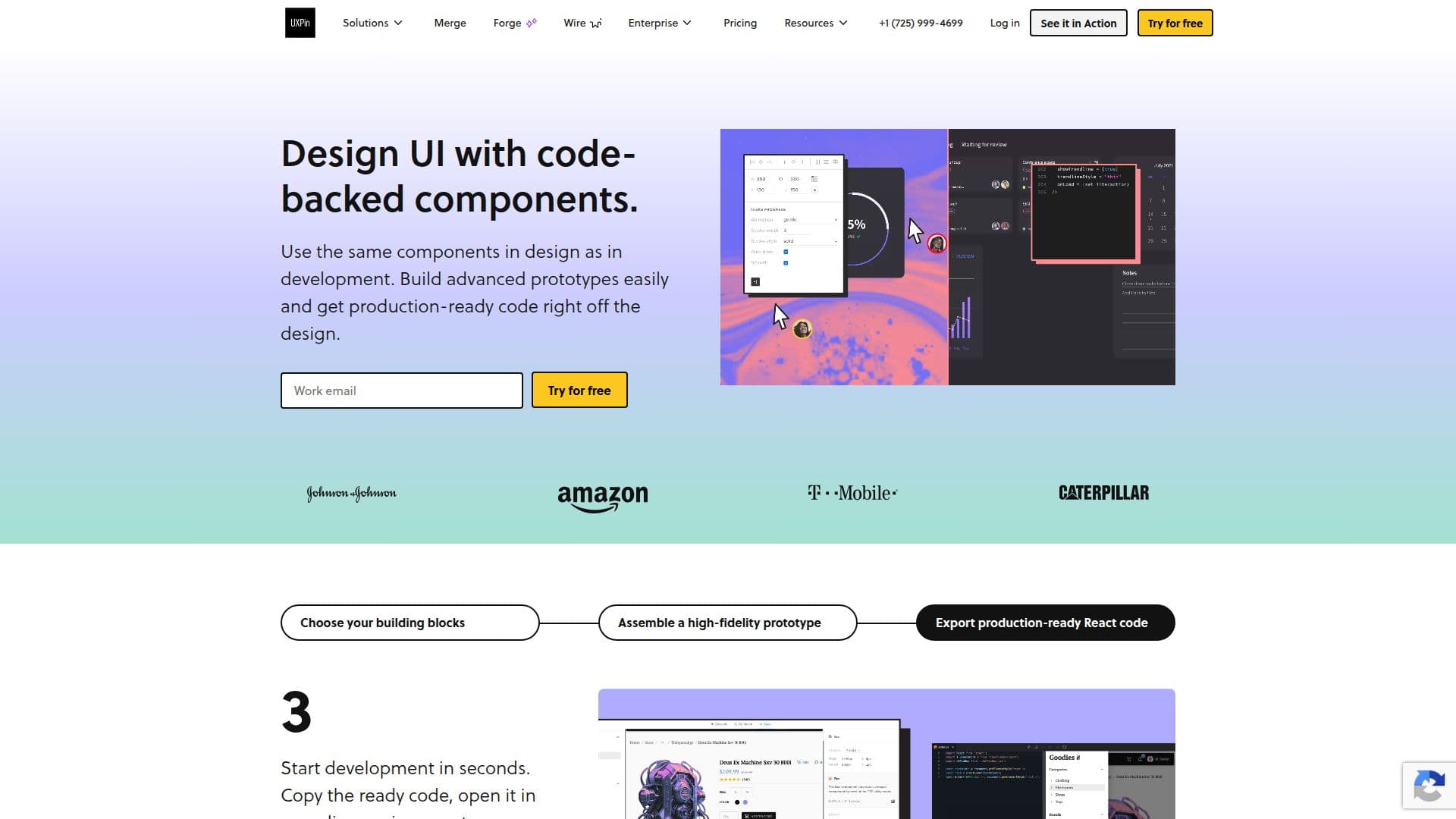
UXPin is a comprehensive design tool that allows designers and developers to create fully interactive UX/UI prototypes. Unlike static design tools, UXPin enables the creation of prototypes that behave like real products, incorporating real interactions, states, and logic. This makes it possible to design experiences that reflect actual product behavior, including conditional flows, variables, and dynamic content.
The tool is built for high-fidelity work, allowing users to design complex interfaces with precise layouts and advanced interactions. UXPin is particularly useful for professional product teams that require more than visual mockups, as it supports real workflows for designers, product managers, and developers.
UXPin can complement or replace static tools like Figma or Sketch when realistic behavior is needed. It adds logic, states, and component-driven design, enabling prototypes to function like real apps. The tool is designed for complex products such as SaaS platforms, dashboards, and mobile apps, with features like variables, expressions, and conditional interactions to model real user flows and edge cases.
UXPin supports design systems and shared components, helping teams maintain consistency across products and scale their design operations. It also bridges the gap between design and development by enabling teams to design with real components and realistic behavior, providing developers with clearer specifications and reducing friction during handoff.
The pricing plans for UXPin include Core, Growth, and Enterprise options, each offering different levels of AI features, credits, and integrations. A 14-day free trial is available, allowing users to explore all features before committing to a paid plan. UXPin also offers discounts for students and non-profit organizations.
UXPin's Core Features
Interactive prototypes with real interactions
High-fidelity product design
Component-driven design
Design systems and shared components
Real-time collaboration
AI-powered prototyping
Integration with Figma and Sketch
Git and Storybook integration
Security features like SSO and 2FA
Production-ready JSX export
How to use UXPin?
Sign up: Start with a 14-day free trial
Log in: Access UXPin via browser or desktop app
Configure: Set up design systems and integrations
Use: Create interactive prototypes with real components
Optimize: Refine designs with AI and manual editing
UXPin's Use Cases
- Interactive Prototyping
- High-Fidelity Design
- Design System Management
- Development Handoff
- Complex App Prototyping