Description
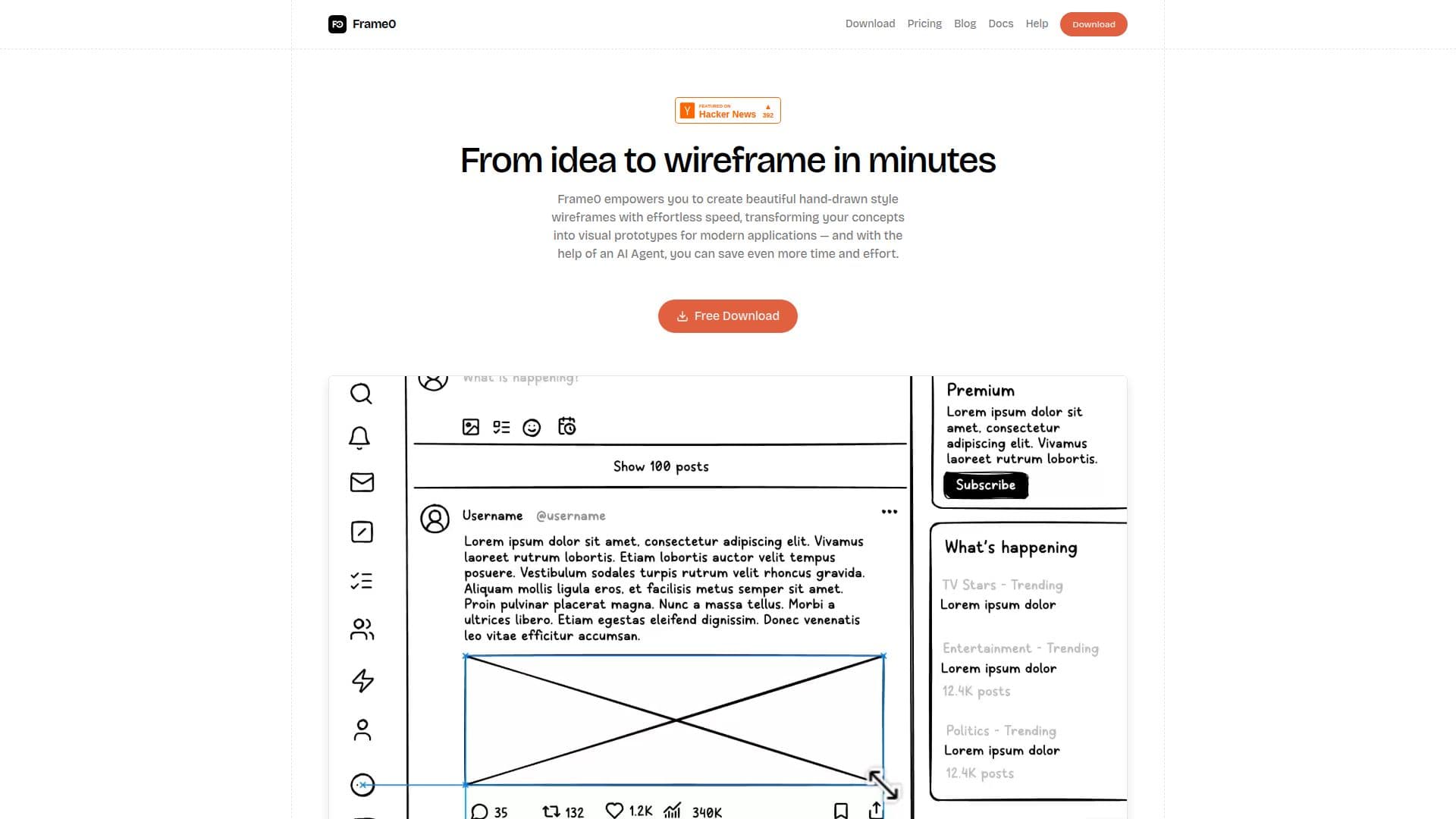
Frame0 is a desktop wireframing tool for creating hand-drawn style, low-fidelity wireframes and prototypes for modern applications. Its sketchy aesthetic frees you from pixel-perfect precision, encouraging rapid ideation and signaling to stakeholders that a design is a prototype inviting feedback rather than a final visual.
Read More
It ships with a comprehensive library of UI components across desktop, mobile, smartwatch, and web interfaces, including buttons, forms, navigation bars, cards, modals, and data visualizations, many with adjustable states. It also includes over 1,500 sketch-style icons adapted from the Lucide library, device templates, and the ability to create flowcharts, UML, and entity-relationship diagrams in the same file.
A built-in AI agent lets you create wireframes by chatting and even turn them into code, using your own API key with OpenAI, Anthropic, Google Gemini, or Grok, or a Frame0 MCP server with Claude Desktop, Cursor, and other clients. Frames can be linked into interactive user flows and presented as a slideshow, and frame mirroring keeps reusable elements consistent.
Frame0 runs on Windows, macOS, and Linux with offline-first, file-based documents, dark mode, and export to PNG, SVG, JPEG, and WebP images, plus live prototypes as a single HTML or PDF file. It uses a one-time payment per device with a free, no-time-limit trial that adds watermarks.
- CategoryAI UI & UX Design Tools
- Pricing ModelPaid
- DeploymentDesktop app
- PlatformsWindows, macOS, Linux
Frame0's Core Features
Hand-drawn style wireframing for low-fidelity prototypes
Rich UI component library with adjustable states across devices
1,500+ sketch-style icons adapted from Lucide
AI agent for chat-to-wireframe and wireframe-to-code with your own API key
MCP server support for Claude Desktop, Cursor, and more
Frame linking, presentation mode, and frame mirroring
Flowcharts, UML, and ER diagrams in the same file
Cross-platform, offline-first with image, HTML, and PDF export
How to use Frame0?
Download and install: Get Frame0 for Windows, macOS, or Linux and start immediately.
Start a wireframe: Use a device template or a blank canvas to begin sketching.
Add components: Drag in UI components and icons and adjust their states.
Use the AI agent: Chat with the AI agent using your own API key to generate or refine wireframes.
Link and export: Link frames into a user flow, present as a slideshow, or export images, HTML, or PDF.
Frame0's Use Cases
- App wireframing
- Rapid ideation
- Interactive prototypes
- AI-assisted design
- Project documentation