
Description
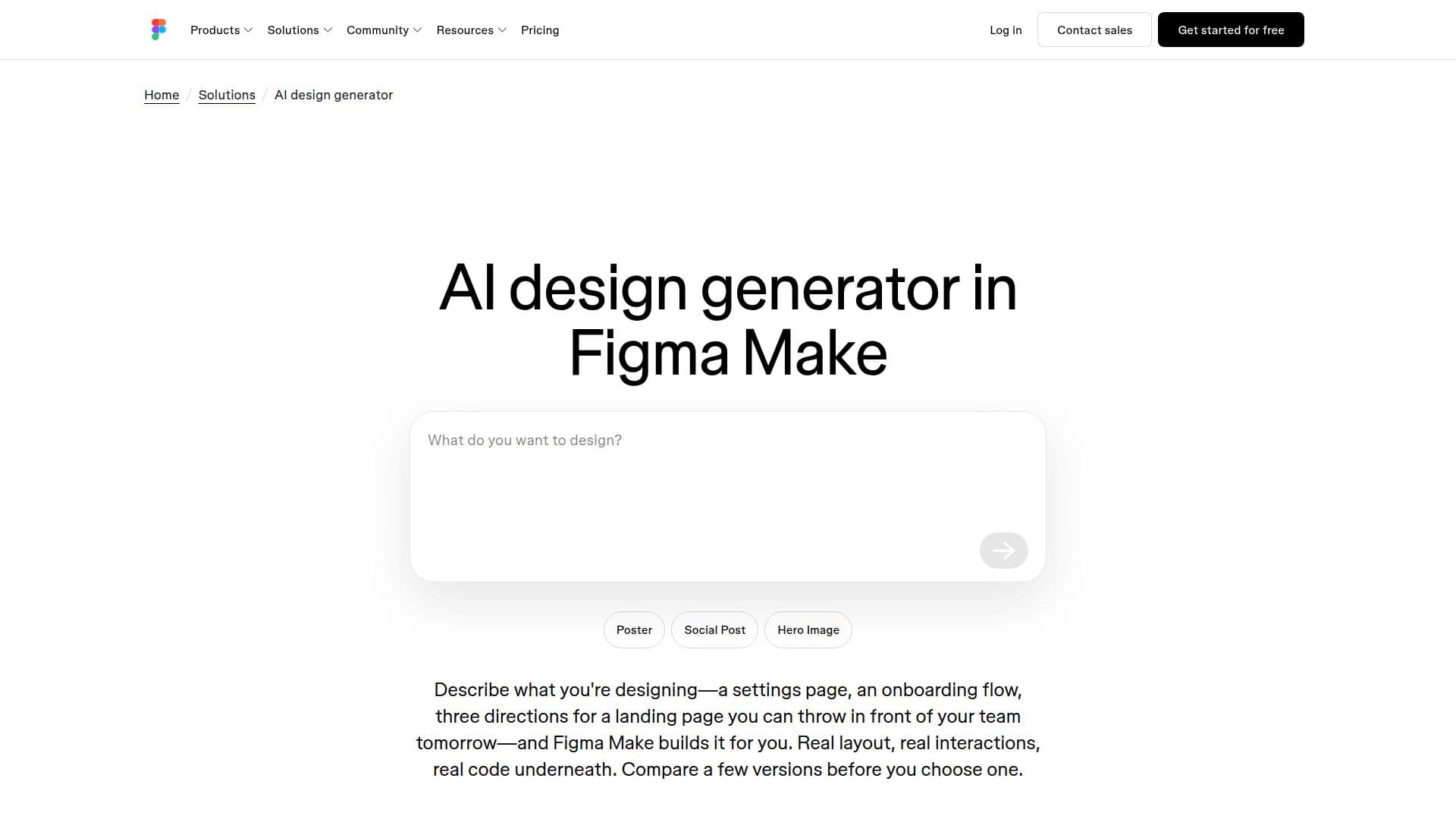
Figma Draw is an innovative AI-powered design tool that enables users to create stunning layouts, graphics, and interactive prototypes in a matter of seconds. Integrated with Figma Make, it provides a unified creative space where designers can describe their vision in plain language, and the AI generates multiple versions of the design. This allows users to compare and refine their designs efficiently.
Read More
The tool supports a variety of design tasks, from creating marketing pages to developing product dashboards and mobile-first flows. Users can start with a prompt or integrate existing codebases to ensure the generated designs align with their brand's tokens and components. Figma Draw's AI capabilities extend to refining every detail, whether through visual edits or direct code manipulation.
Figma Draw is designed for collaboration, allowing teams to work on the same file and provide feedback on interactive prototypes rather than static screens. This collaborative approach enhances the design process, enabling faster iterations and better decision-making.
The tool is available on Figma's free Starter plan, with some AI features requiring credits. The number of credits varies depending on the user's plan, with options to purchase additional credits if needed. Figma Draw is ideal for designers looking to speed up their workflow without sacrificing creative control, making it a valuable asset for businesses and individual designers alike.
- CategoryAI UI & UX Design Tools
- Pricing ModelFreemium
- DeploymentCloud
- PlatformsCloud
Figma Draw's Core Features
AI-powered design generation
Integration with Figma Make
Multiple design versions
Visual and code-based editing
Collaborative design environment
Interactive prototype feedback
Free Starter plan availability
AI credit system for advanced features
How to use Figma Draw?
Describe: Define what you're designing in plain language
Generate: Create multiple design versions
Refine: Edit visually or through code
Collaborate: Share with your team for feedback
Figma Draw's Use Cases
- Marketing Pages
- Product Dashboards
- Mobile-First Flows
- Interactive Prototypes
- Collaborative Design