
Description
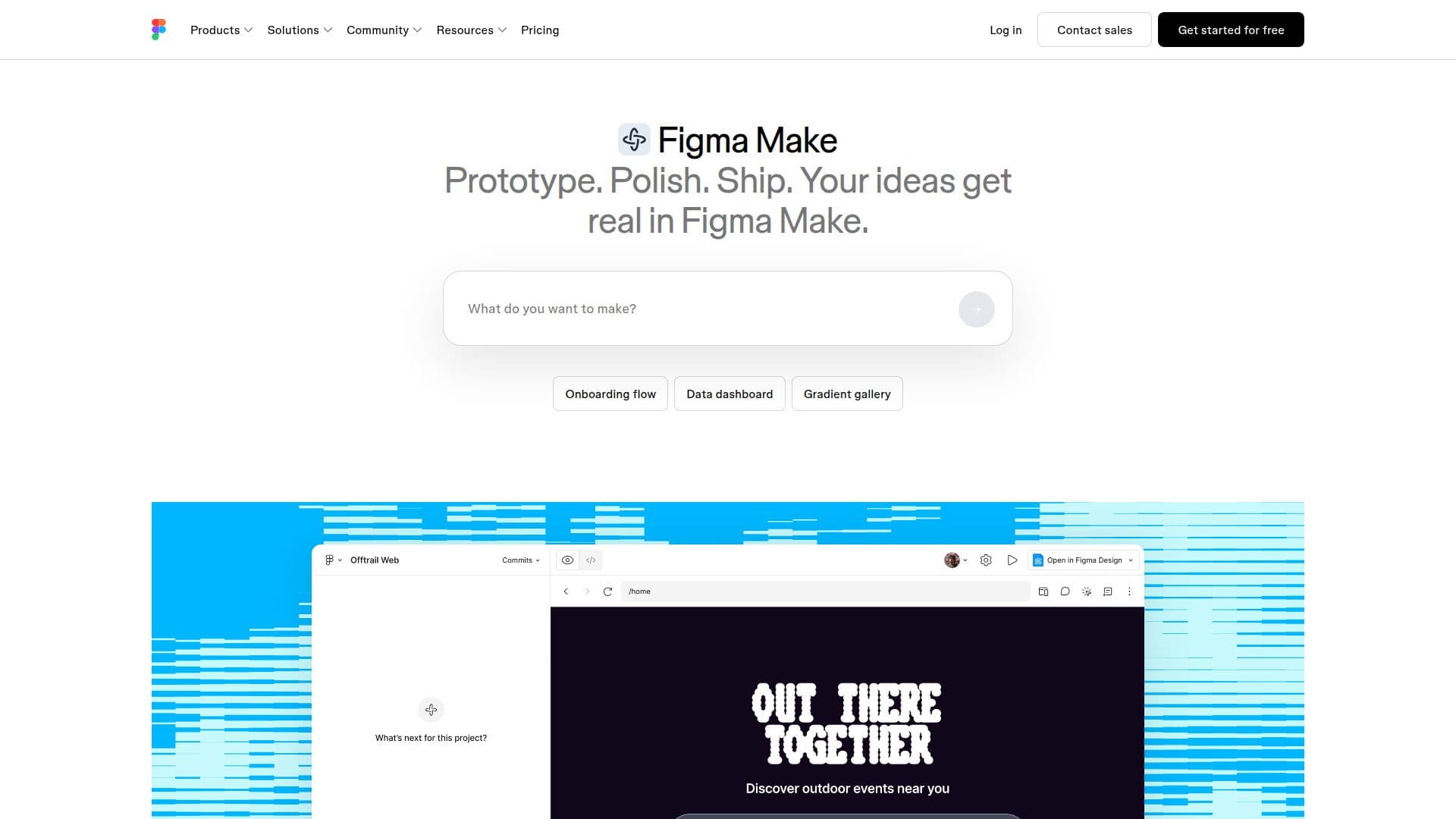
Figma Make is designed to help users turn their ideas into tangible products using advanced AI-powered design tools. It provides a seamless environment where users can generate, iterate, and build faster than ever before. The platform allows for local development, enabling users to build directly within their codebase and ship to production efficiently. With Figma Make, everything created is code-backed and visually editable, allowing for easy transitions between code and design.
Read More
The tool is built to enhance collaboration, enabling teams to work together in real-time. Users can start with design context and prompts, then refine their designs directly on the canvas. This flexibility allows for quick prototyping, whether starting from existing codebases or creating from scratch. Figma Make also supports the integration of design systems, enabling users to bring in assets and guidelines seamlessly.
Figma Make is particularly beneficial for product managers and designers who need to streamline their workflow. It significantly reduces the time required to prototype ideas, allowing teams to move from concept to execution in just hours rather than weeks. The platform includes features like version history, voice-to-text prompting, and the ability to attach various file types to prompts, enhancing the overall design process.
With Figma Make, users can create high-fidelity prototypes, collaborate effectively, and maintain control over their design details. The tool is tailored for teams looking to innovate quickly and efficiently, making it an essential asset in the modern design landscape.
- CategoryAI UI & UX Design Tools
- Pricing ModelFreemium
- DeploymentCloud
- PlatformsWeb
Figma Make: Create with AI-Powered Design Tools's Core Features
AI-powered design tools
Local codebase integration
Version history tracking
Voice-to-text prompting
Attachment support for various file types
Real-time collaboration
Custom skills packaging
MCP connectors for external tools
Make kits for high-fidelity prototypes
Plan mode for structured planning
How to use Figma Make: Create with AI-Powered Design Tools?
Use Make locally: Build in your existing codebase.
Generate prototypes: Start from design assets or create from scratch.
Attach files: Include designs, images, or documents to guide AI results.
Refine designs: Edit prototypes directly on the canvas.
Collaborate: Share your work with team members for feedback.
Track changes: Use version history to manage edits.
Utilize voice prompts: Dictate ideas for faster generation.
Integrate tools: Connect external applications for enhanced functionality.
Figma Make: Create with AI-Powered Design Tools's Use Cases
- Rapid Prototyping
- Collaborative Design
- Integration with Code
- Feedback Collection
- Design System Implementation