
Description
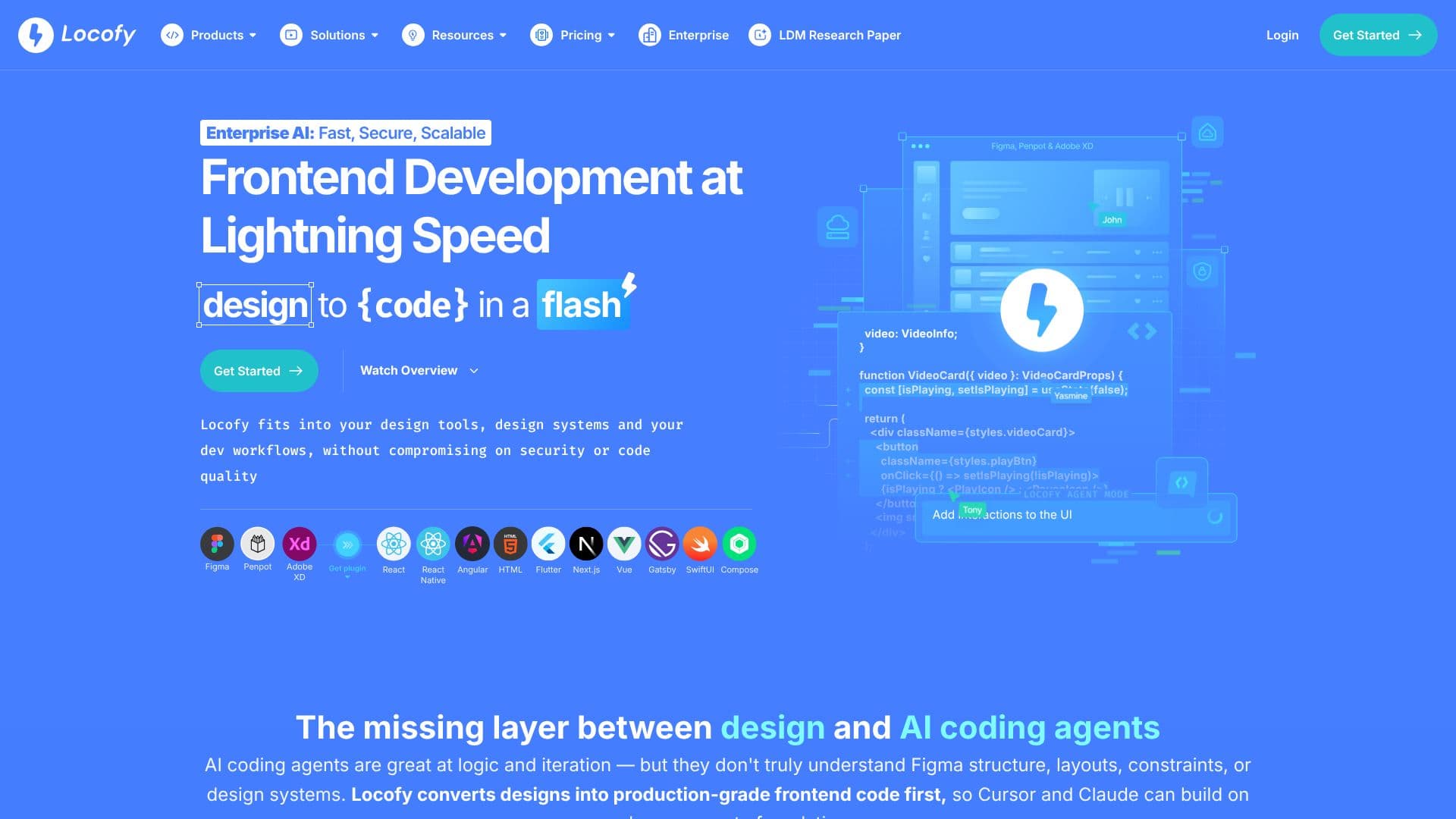
Locofy.ai is an AI-powered platform designed to accelerate frontend development by converting design files into high-quality, developer-friendly code. It bridges the gap between design tools and coding workflows, enabling teams to go from design to functional code in minutes. The platform integrates seamlessly with popular design tools such as Figma, Penpot, and Adobe XD, offering plugins that allow designers to tag interactive elements, manage styling, layouts, and responsiveness.
Read More
At its core, Locofy.ai leverages proprietary Large Design Models (LDMs) trained on millions of designs to ensure pixel-perfect precision. Unlike generic AI coding agents that may struggle with design nuances, Locofy.ai understands Figma structure, layouts, constraints, and design systems. This specialized approach provides a clean, accurate foundation for AI coding agents like Cursor and Claude to build upon, resulting in production-grade code.
The platform supports a wide range of frontend frameworks and technologies, including React, React Native, HTML-CSS, Flutter, Vue, Angular, and Next.js, with more on the way. Developers can extend the generated UI code with AI assistants through its MCP (Model Conversion Platform) and VS Code Extension, integrating logic and further development. Locofy.ai also offers enterprise-ready features, including SOC2 and ISO certifications, with deployment options for cloud or on-premise solutions, including SAML SSO authentication for enhanced security.
Locofy.ai aims to significantly reduce development time, with users reporting savings of up to 90%. It empowers designers and developers to collaborate more effectively, allowing developers to focus on complex problem-solving and business logic rather than repetitive UI coding. The tool is suitable for new product development and integrating with existing design systems and components, offering flexibility through its CLI and GitHub integration for importing custom components.
- CategoryAI UI & UX Design Tools
- Pricing ModelFreemium
- DeploymentCloud, Self-hosted
- PlatformsWeb
Locofy.ai's Core Features
Converts Figma and Penpot designs to production-grade frontend code.
Supports multiple frameworks including React, React Native, Flutter, Vue, Angular, Next.js, and Gatsby.
Utilizes proprietary Large Design Models (LDMs) for pixel-perfect precision.
Integrates with design tools via plugins for Figma, Penpot, and Adobe XD.
Offers a VS Code Extension for seamless code integration.
Provides an MCP (Model Conversion Platform) for extending code with AI assistants.
Enterprise-ready with SOC2 and ISO certifications.
Flexible deployment options: SaaS Shared Cloud, Dedicated Private Cloud, Self-Hosted/On-Premise.
Supports SAML SSO authentication.
Enables live prototyping for feedback.
Facilitates team collaboration and component sharing.
CLI for importing design systems and custom components.
How to use Locofy.ai?
Design: Create your UI in Figma, Penpot, or Adobe XD.
Plugin Integration: Install the Locofy.ai plugin and tag interactive elements.
Code Generation: Convert your designs into developer-friendly code for your chosen framework.
Extend Code: Use Locofy MCP and AI coding assistants to add logic and features.
Integrate: Pull code directly into your VS Code or push to GitHub.
Deploy: Deploy your application to your preferred environment.
Locofy.ai's Use Cases
- Design to Code Conversion
- Prototyping
- Accelerated Development
- Design System Integration
- Enterprise Frontend Development
- Cross-Platform Development