
Description
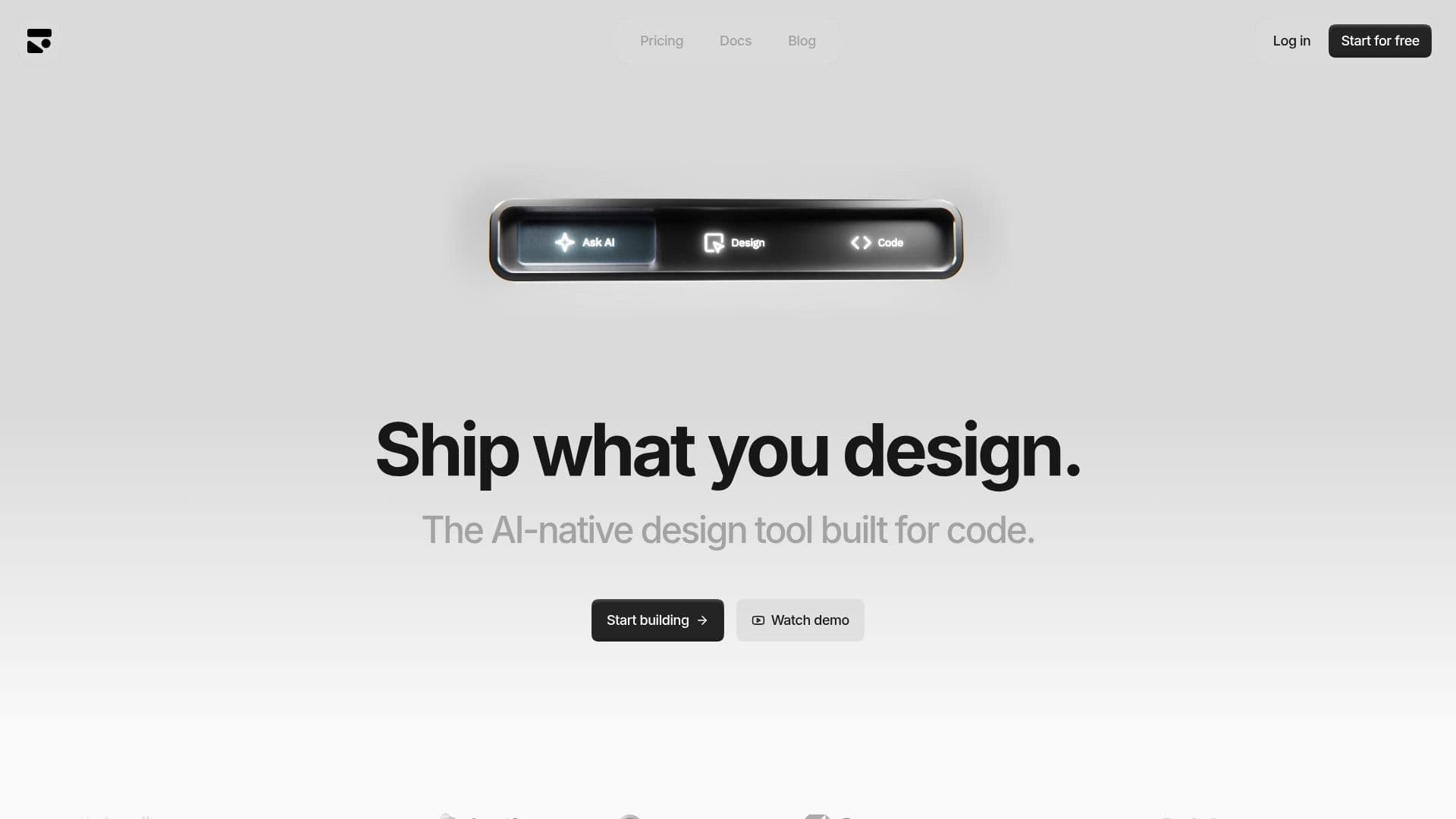
Subframe is an innovative AI-native design tool specifically built for code, enabling designers and developers to collaborate effectively. It allows users to design with real components, ensuring that the transition from design to development is smooth and efficient. By connecting design systems to AI agents, Subframe empowers users to ship production-ready React and Tailwind CSS code, eliminating the need for mockups and ensuring that what is designed is exactly what gets built.
Read More
The platform features a responsive canvas that supports mobile design and built-in auto layout, making it easier to create web applications that look great on any device. With its multiplayer collaboration feature, teams can work in real-time across projects, commenting directly on layers to streamline communication and feedback. This real-time collaboration is crucial for teams looking to enhance their workflow and productivity.
Subframe also prioritizes code quality, exporting clean front-end code without relying on AI-generated outputs. This ensures that developers receive pixel-perfect code that is ready to be edited in their IDEs, maintaining ownership and control over the codebase. The tool is designed for designers, by designers, ensuring that the AI features enhance the creative process rather than complicate it.
Users can teach the AI their components and design styles, allowing it to improve over time as more designs are created. This personalized context makes Subframe a powerful tool for those looking to elevate their design systems. Additionally, Subframe integrates with AI code tools like Cursor and Claude Code, enabling users to sync components and export code directly from their IDEs.
Subframe offers various pricing tiers, including a free tier for individuals and startups, and custom plans for larger teams and enterprises. This flexibility makes it accessible for a wide range of users, from freelancers to large organizations. With its focus on bridging the gap between design and development, Subframe is poised to transform how teams approach UI design and coding.
- CategoryAI UI & UX Design Tools
- Pricing ModelFreemium
- DeploymentCloud
- PlatformsWeb
Subframe's Core Features
Real design tool with components
Responsive canvas for mobile support
Multiplayer collaboration in real-time
Exports clean front-end code
AI-native design assistance
Customizable design systems
Integration with AI code tools
Version history management
How to use Subframe?
Design: Create interfaces using real components.
Connect: Link your design system to AI agents.
Export: Generate production-ready React and Tailwind CSS code.
Collaborate: Work in real-time with your team on projects.
Customize: Adjust components and design tokens visually.
Sync: Keep your design system updated with Figma.
Teach: Personalize AI to understand your design style.
Integrate: Connect to AI code tools for enhanced workflows.
Subframe's Use Cases
- Web App Design
- Design System Development
- Prototyping
- Team Collaboration
- AI Integration