
Description
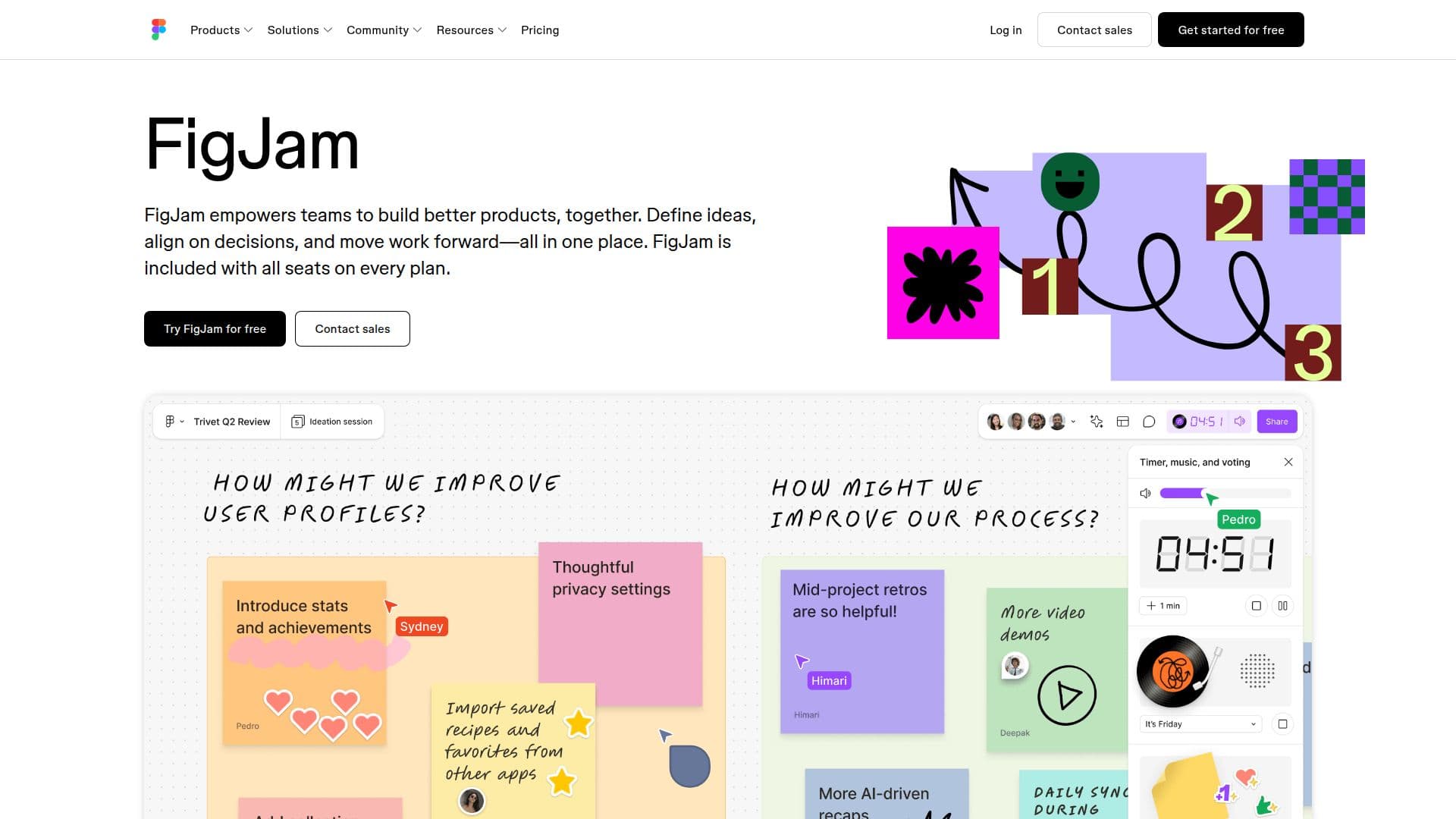
FigJam is a versatile online collaborative whiteboard designed to help teams brainstorm, diagram, and organize ideas seamlessly. It empowers teams to build better products by providing a platform where ideas can be defined, decisions aligned, and work moved forward—all in one place. FigJam is included with all seats on every plan, making it accessible to a wide range of users.
Read More
The tool is trusted by leading teams worldwide and is suitable for various tasks, from brainstorming to building. It allows teams to collaborate in real-time, making it easy to riff and build on ideas, work through complex user flows, and facilitate meetings and workshops. FigJam supports agile workflows, helping teams keep sprints moving forward with stand-ups and retrospectives.
FigJam offers over 300 ready-made templates to kickstart conversations and projects, including project kickoffs, flow charts, and customer journey maps. It also integrates with popular tools like Asana, Jira, and Github, ensuring that projects continue to progress even after brainstorming sessions.
The platform includes AI features that help teams generate custom templates and visuals, automate sticky note sorting, and summarize team outputs into clear action items. FigJam also supports dynamic conversations with features like audio and live chat, comments, and Spotlight mode to guide meeting participants.
FigJam is designed for a wide range of users, including product managers, designers, and developers. It offers a freemium pricing model, with additional AI credits available for purchase. The tool is available on various platforms, including iPad, and integrates with numerous third-party applications to enhance workflow efficiency.
- CategoryProductivity
- Pricing ModelFreemium
- DeploymentCloud
- PlatformsCloud, iPad
FigJam: Collaborative Whiteboard's Core Features
Real-time collaboration
Over 300 templates available
AI-powered custom templates
Integrates with Asana, Jira, Github
Audio and live chat support
Spotlight mode for meetings
Free 24-hour access for guests
iPad app for solo brainstorming
Customizable Bitmoji avatars
Automated sticky note sorting
How to use FigJam: Collaborative Whiteboard?
Configure: Set up your FigJam board with templates
Use: Collaborate with your team in real-time
Optimize: Integrate with Asana, Jira, and Github
Automate: Use AI features to streamline workflows
FigJam: Collaborative Whiteboard's Use Cases
- Brainstorming
- Diagramming
- Meetings
- Agile Workflows
- Strategy Planning