
Description
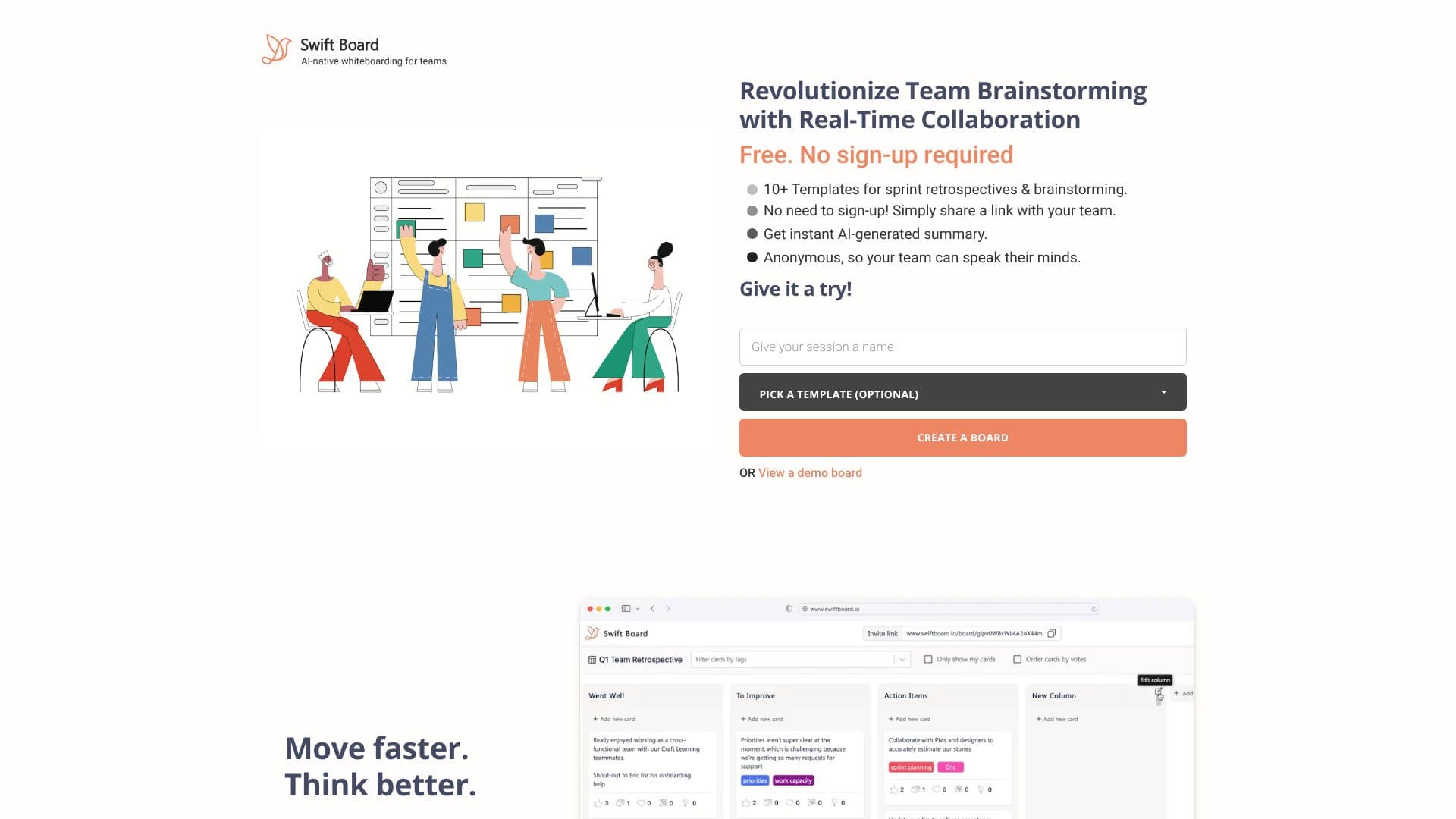
Swift Board is an all-in-one solution designed to revolutionize team brainstorming and sprint planning. It provides a free, anonymous, and real-time collaborative environment, eliminating the need for sign-ups or subscriptions. This makes it incredibly accessible for teams of all sizes, especially those working remotely or in distributed setups.
Read More
With over 10 pre-built templates for sprint retrospectives and brainstorming sessions, users can quickly get started. Popular templates include "Went Well | To Improve | Action Items," "Start | Stop | Continue," and "Mad | Sad | Glad." For those with unique needs, Swift Board also allows for the creation of custom templates, offering full control over the board's structure and content. The tool emphasizes speed and ease of use, allowing users to create a board and share a link instantly with their team.
Anonymity is a core feature, fostering an environment where team members feel safe to express honest feedback without fear of judgment. This is crucial for effective retrospectives and open brainstorming. Swift Board supports real-time collaboration for up to 20 collaborators per board, ensuring that everyone can contribute simultaneously and ideas are captured efficiently. The platform is built with remote teams in mind, offering a visual interface for prioritizing ideas and integrating with popular project management tools like Jira and Trello.
Swift Board is committed to providing a no-fee, no-catch experience for its core offering. For larger organizations, enterprise-level support and data hosting services are available, including 24/7 support, on-site training, and dedicated account management, ensuring data accessibility, security, and confidentiality. The tool aims to help teams move faster, think better, and filter down discussions to clear action items, making planning sessions both productive and enjoyable.
- CategoryAI Project Management
- Pricing ModelFreemium
- DeploymentCloud
- PlatformsWeb
Swift Board's Core Features
Free to use
No sign-up required
Real-time collaboration
Anonymous feedback
Over 10 pre-built templates
Customizable templates
Supports up to 20 collaborators per board
AI-powered summary generation
Visual interface for brainstorming and prioritization
Integrates with Jira and Trello
Enterprise-level support available
How to use Swift Board?
Access Swift Board: Navigate to swiftboard.io in your browser.
Select a Template: Choose from over 10 pre-built templates or create your own.
Create or Share Board: Start a new board or share an existing board link with your team.
Collaborate in Real-Time: Team members join via the link and contribute ideas anonymously.
Generate Summary: Utilize AI to get an instant summary of the discussion.
Filter and Prioritize: Discuss, vote on ideas, and filter down to clear action items.
Swift Board's Use Cases
- Sprint Retrospectives
- Team Brainstorming
- Idea Prioritization
- Remote Team Collaboration
- Agile Planning
- Anonymous Feedback Collection
- Custom Workshop Design