Description
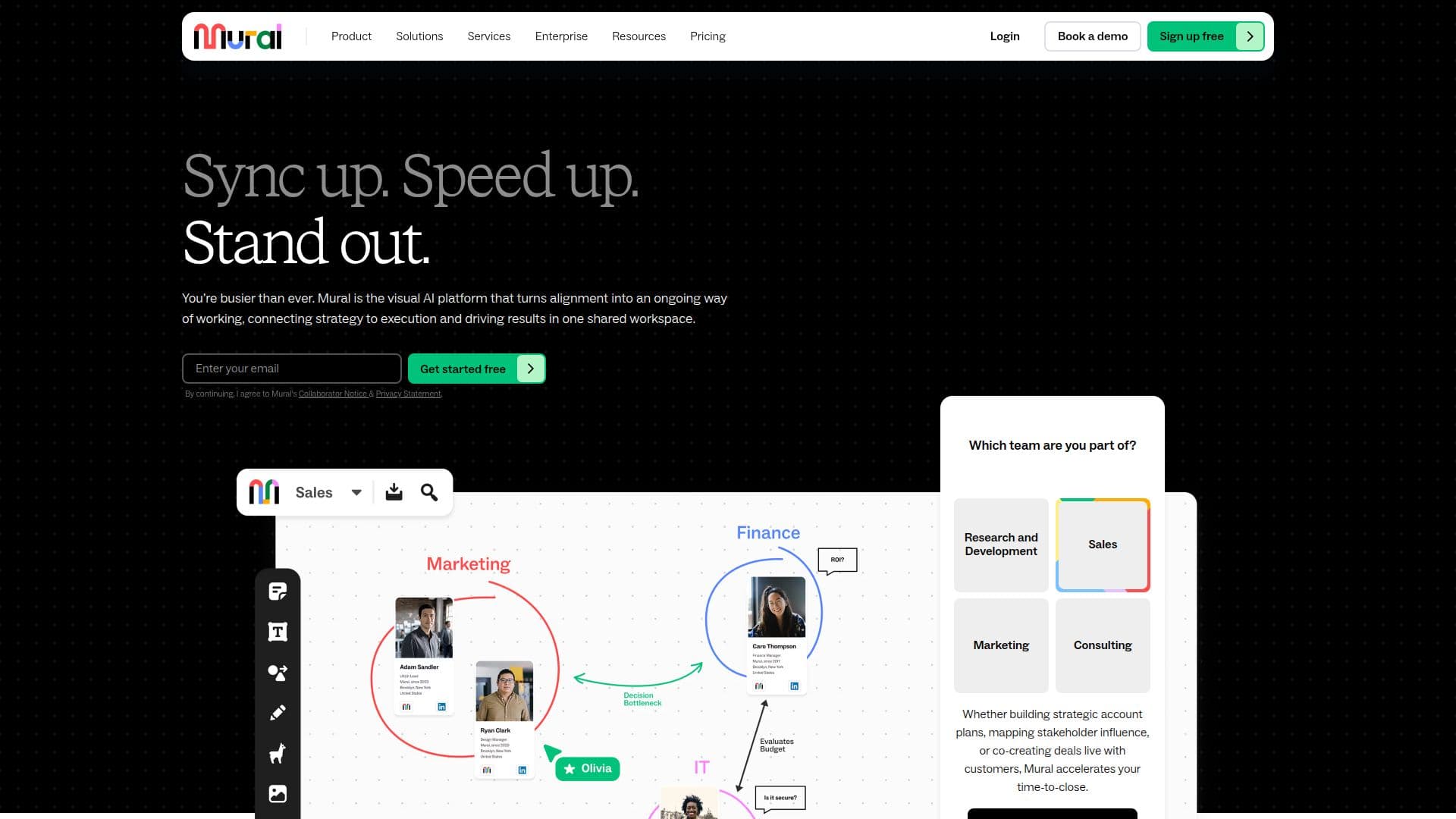
Mural is a visual collaboration platform designed to enhance team collaboration and innovation through AI-powered tools. It offers an interactive space where teams can ideate, align, and execute strategies effectively. Mural connects strategy to execution, driving results in a shared workspace. It streamlines product workflows, enabling teams to design smarter, iterate faster, and build with confidence. Mural accelerates time-to-close by facilitating workshops, aligning stakeholders, and solving problems visually.
The platform is trusted by brands worldwide and is known for its intuitive workspace and AI-powered tools that bring teams into alignment instantly. Mural's AI capabilities include jumpstarting brainstorming, analyzing feedback, and optimizing next steps. It offers real-time collaborative workspaces with an infinite canvas, expert-designed templates, and intelligent integrations with tools like Asana, Jira, and Microsoft 365.
Mural provides flexible collaboration options with plans ranging from Free to Enterprise, supporting unlimited members and visitors. The Free plan includes core collaboration features and Facilitation Superpowers, while higher tiers offer additional security and enterprise-grade controls. Mural supports educators, students, and nonprofits with special programs.
Mural's value proposition lies in its ability to transform teamwork by providing tools and strategies that unlock the hidden potential of every team. It helps teams work better together from anywhere, fostering growth, productivity, and innovation. Mural is more than just a tool; it's a better way to work, enabling teams to achieve more and discover new insights.
Mural's Core Features
AI-powered visual collaboration
Infinite and resizable canvas
Real-time collaborative workspaces
Facilitation Superpowers
Expert-designed templates
Intelligent integrations
Flexible collaboration options
Security and compliance certifications
Customizable permissions
Mapping and diagramming tools
Sticky notes and text boxes
Icons, GIFs, and images
Private mode for brainstorming
Timer and voting features
Outline and instructions for sessions
How to use Mural?
Configure: Set up your workspace and templates
Use: Collaborate with your team in real-time
Optimise: Utilize AI tools for insights and decisions
Integrate: Connect with your existing tech stack
Mural's Use Cases
- Agile project management
- Brainstorming sessions
- Design thinking workshops
- Go-to-market strategy
- Sales collaboration