
Description
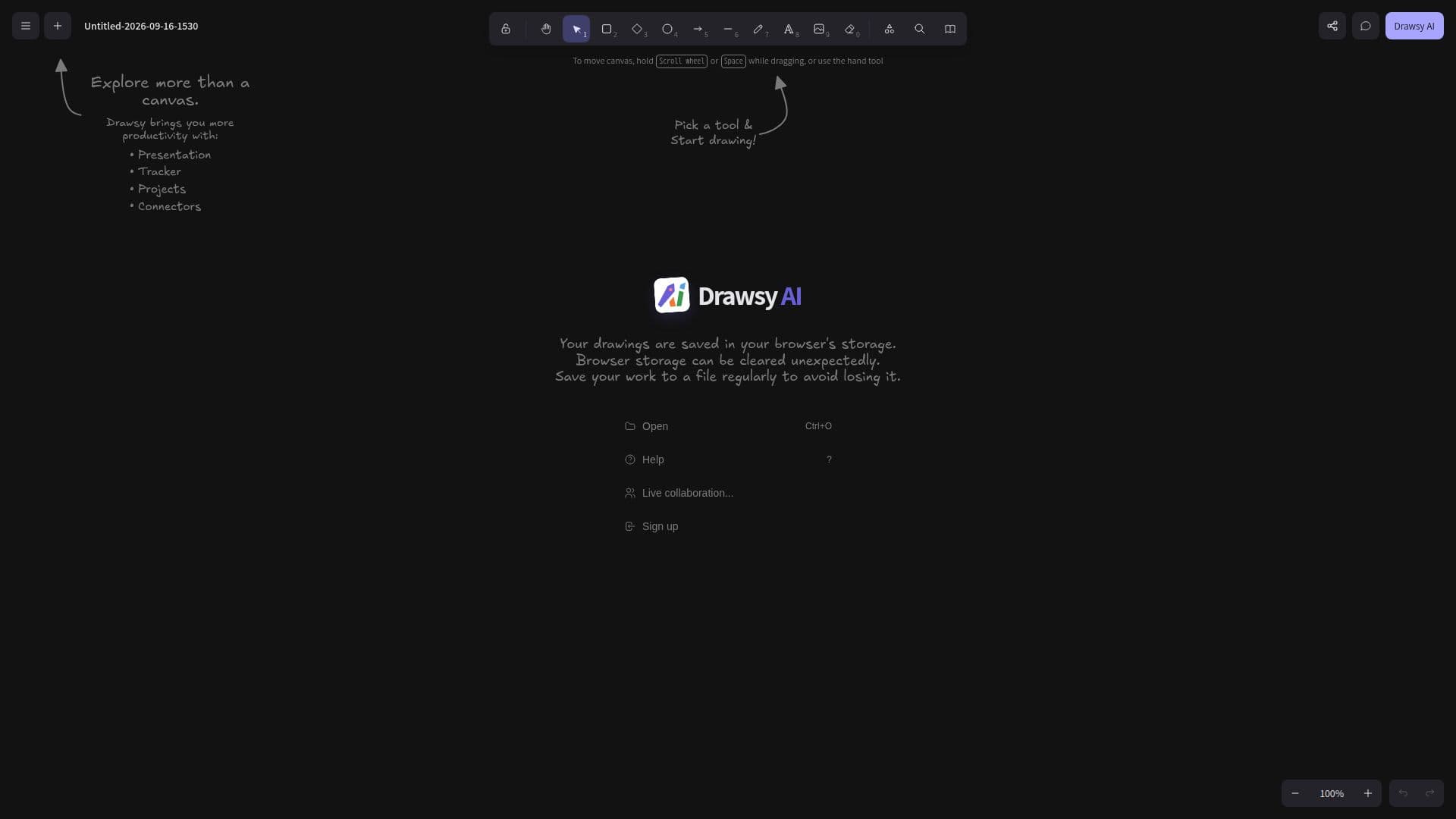
Drawsy AI is designed to convert disorganized ideas into coherent visual workspaces. It offers a unique platform where users can integrate a canvas, project context, and working software all in one place. This tool is particularly beneficial for individuals and teams looking to streamline their project management processes. By providing a visual representation of ideas, Drawsy AI helps users better understand and organize their thoughts, leading to more efficient project execution.
Read More
The platform's canvas feature allows users to map out their ideas visually, making it easier to see the big picture and identify connections between different elements of a project. The project context feature ensures that all relevant information is available at a glance, reducing the need to switch between different tools or documents. Additionally, the integration of working software means that users can execute tasks directly within the platform, further enhancing productivity.
Drawsy AI is ideal for project managers, team leaders, and creative professionals who need a comprehensive tool to manage complex projects. Its ability to combine visualization with practical project management tools makes it a valuable asset for any team looking to improve their workflow. However, the platform's effectiveness is contingent on the user's ability to effectively utilize its features, which may require a learning curve for those unfamiliar with visual workspace tools.
- CategoryAI Project Management
- DeploymentCloud
- PlatformsWeb
Drawsy AI's Core Features
Visual workspace integration
Canvas for idea mapping
Project context management
Integrated working software
Streamlined project management
Enhanced productivity tools
Comprehensive project overview
User-friendly interface
How to use Drawsy AI?
Configure: Set up your workspace
Use: Map ideas on the canvas
Integrate: Add project context
Execute: Utilize working software
Drawsy AI's Use Cases
- Project Planning
- Team Collaboration
- Creative Brainstorming
- Task Management
- Workflow Optimization