Description
NodeLand is a learning tool with two connected apps under one account: NodeLand Canvas and NodeLand Flashcards. The company frames its approach around three learning practices: connecting new ideas to what a learner already knows, actively trying to recall information rather than re-reading it, and revisiting material on a spaced schedule so it is not forgotten.
Read More
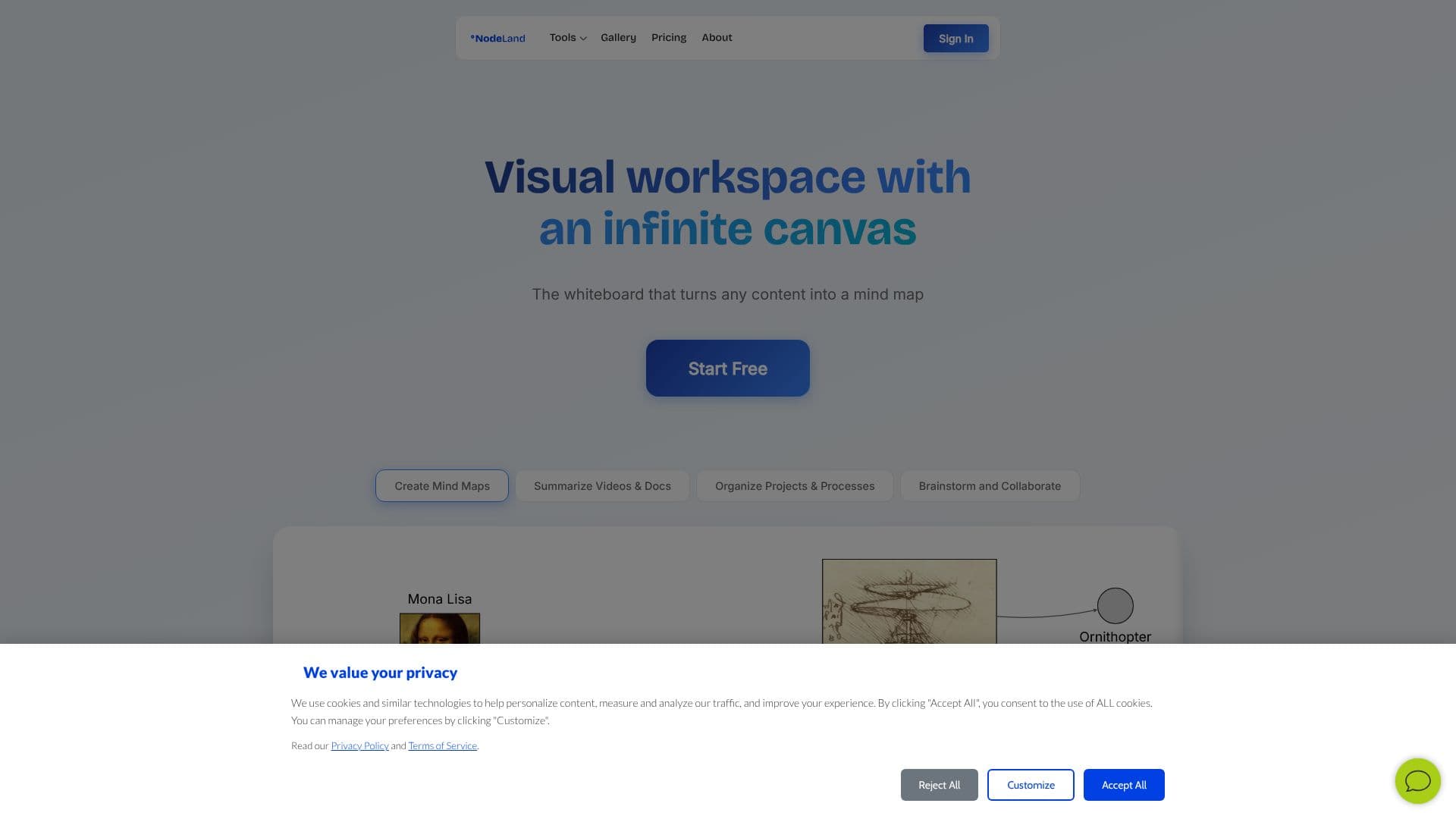
NodeLand Canvas is a visual mind-mapping workspace. Learners organize notes as connected nodes, explore how one idea relates to another, and keep context attached to each concept. AI features generate mind maps automatically and can summarize a document or video into a visual map, so learners can turn a lecture recording or PDF into a structured overview instead of starting from a blank canvas.
NodeLand Flashcards is a spaced-repetition study tool. Learners write questions, try to answer them from memory, and check their answer against the source material; the app schedules reviews at growing intervals so material comes back before it is likely to be forgotten. An AI chat feature is also available to help learners work through a topic conversationally. Canvas and Flashcards run as two separate apps sharing one NodeLand account, so a learner can move a concept mapped in Canvas into a flashcard for later practice.
The company describes its method around three research-backed practices: connecting a new idea to what a learner already knows, trying to recall an answer before checking it (active recall), and revisiting material at spaced intervals before it fades (spaced repetition). NodeLand is explicit that these practices guide its product choices and are a starting point rather than a guarantee of individual results.
NodeLand offers a free plan with one workspace, two documents, and no AI credits, and a Premium plan at $4 per month with unlimited workspaces and documents plus 500 AI credits per month for the mind-mapping, summarization, and chat features. A custom Teams plan adds enterprise features like a custom domain and dedicated support. The product is aimed at students and self-directed learners rather than enterprise knowledge teams, and the company publishes comparisons of NodeLand against general mind-mapping tools like Miro.
- CategoryAI Study Tools
- Pricing ModelFreemium
- DeploymentCloud
- PlatformsWeb
NodeLand's Core Features
AI-generated mind maps from a topic or existing notes
AI summarization turns documents and videos into visual maps
AI chat to explore and discuss a topic
Spaced-repetition flashcards with scheduled review intervals
Visual canvas for connecting notes, ideas, and context
Free plan plus a $4/month Premium plan with 500 monthly AI credits
How to use NodeLand?
Create a workspace: Sign up and start a NodeLand workspace
Build a map: Add ideas to Canvas and connect related nodes
Summarize source material: Turn a document or video into a visual map with AI
Make flashcards: Write questions in Flashcards for the material you want to remember
Practice on a schedule: Review flashcards as NodeLand spaces out the intervals
Upgrade for more AI: Move to Premium for unlimited workspaces and monthly AI credits
NodeLand's Use Cases
- Exam study
- Course notes as mind maps
- Topic exploration
- Long-term retention