
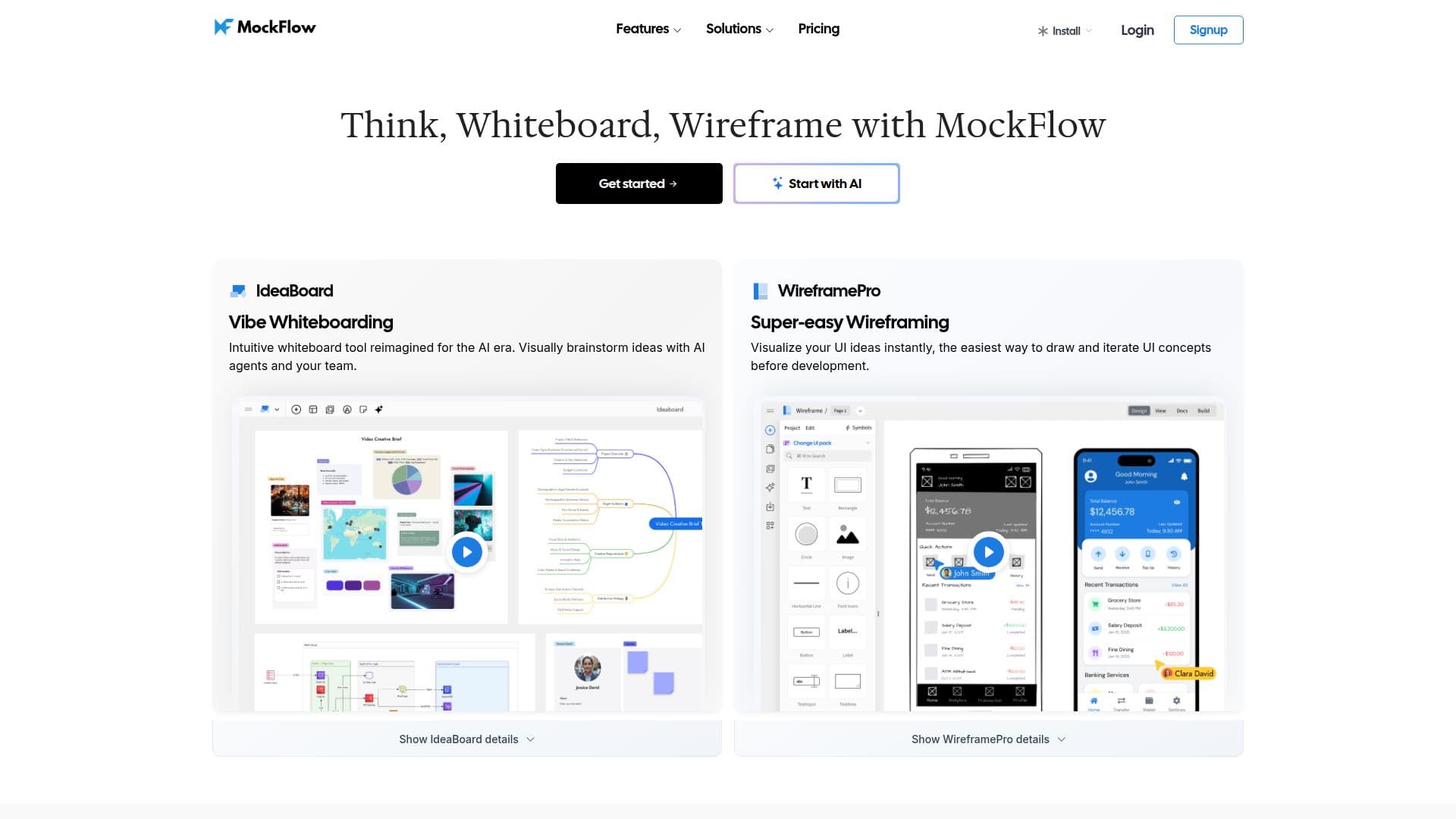
Description
MockFlow is a wireframing tool and AI online whiteboard designed to help teams think, brainstorm, and visualize UI ideas before development. It emphasizes simplicity so anyone on a team, from project managers to designers to developers, can turn ideas into visuals quickly, using ready-to-use UI kits and built-in mockup components like charts, datagrids, and navigation bars.
Read More
Its AI-powered features (in beta) let users turn screenshots into editable wireframes, generate sketchy or high-fidelity wireframes from a text hint, and produce diagrams, flowcharts, cloud architecture diagrams for AWS, Azure, and GCloud, and information architecture sitemaps. AI can also generate wireframe content such as text, images, data grids, and color palettes, and convert any existing website or web app into editable wireframes.
MockFlow positions itself as a full ideation platform covering the whole lifecycle, with an IdeaBoard whiteboard for brainstorming with AI agents and teammates, and a build mode in WireframePro that transforms designs into UI code for React, iOS, Android, and other frameworks. It integrates with Trello, Slack, MS Teams, Office, and Atlassian products, and has been trusted by teams since 2009.
- CategoryAI UI & UX Design Tools
- DeploymentCloud
- PlatformsWeb
MockFlow's Core Features
Simple UI wireframing with ready-to-use UI kits and components
AI text-to-wireframe generation (sketchy or high fidelity)
Screenshot-to-wireframe conversion
AI diagram, flowchart, and cloud architecture generation
Information architecture and sitemap generation
IdeaBoard whiteboard for team and AI-agent brainstorming
Design-to-code with WireframePro build mode
Integrations with Trello, Slack, MS Teams, Office, and Atlassian
How to use MockFlow?
Start a board: Open a wireframe project or IdeaBoard whiteboard.
Add UI or prompt AI: Drag in UI components, or give a hint and let AI generate a wireframe.
Convert or diagram: Turn a screenshot or website into an editable wireframe, or generate diagrams and sitemaps.
Collaborate: Co-design with your team and AI agents using comments and chat.
Build: Use build mode to transform designs into UI code for your framework.
MockFlow's Use Cases
- UI wireframing
- Team brainstorming
- Architecture diagrams
- Design to code