Description
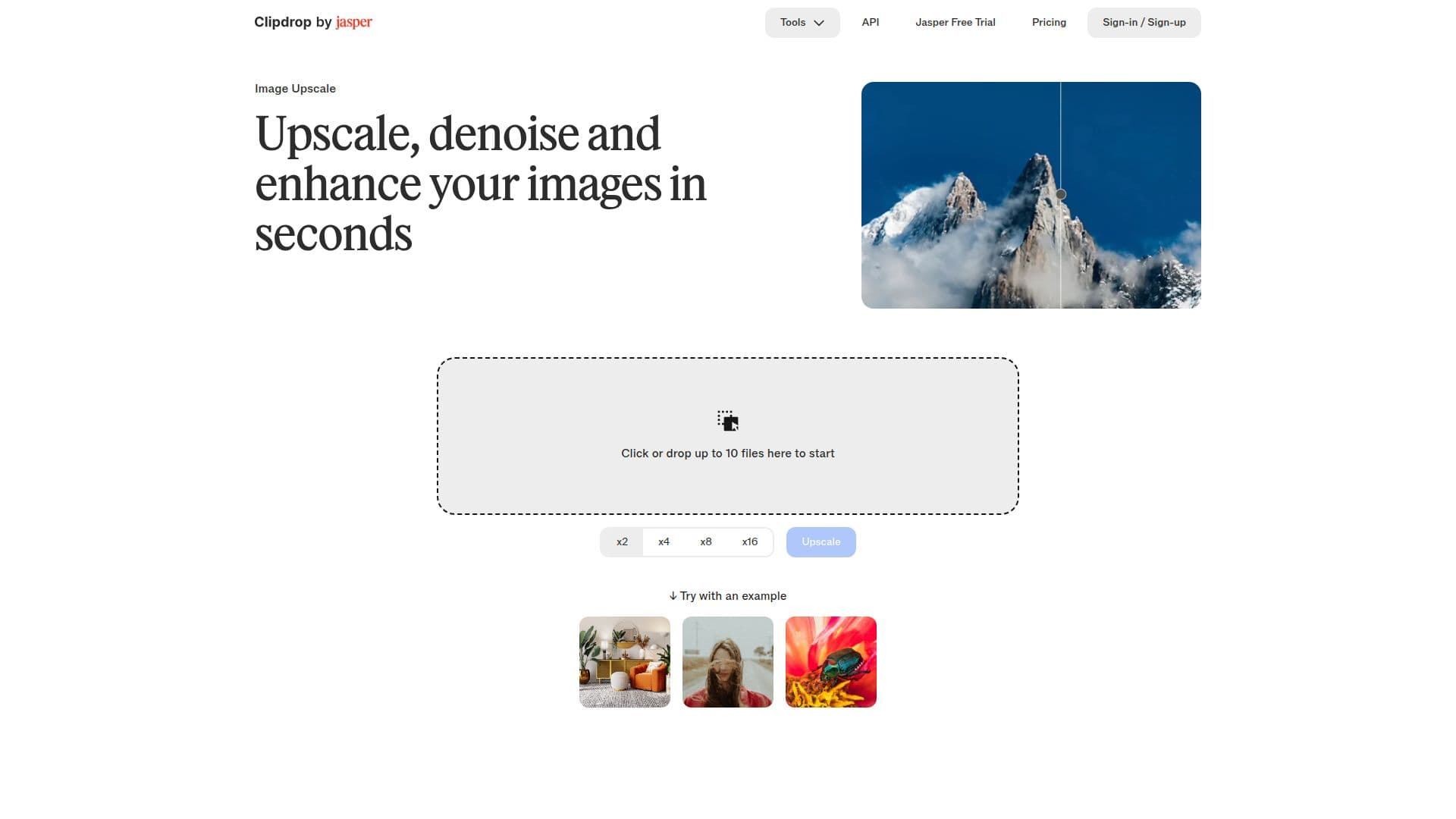
Clipdrop Image Upscaler is a powerful tool designed to enhance the quality of images quickly and efficiently. It allows users to upscale images by 2x or 4x, making it particularly useful for those who work with low-resolution images. The tool is incredibly user-friendly; simply drop your image into the interface, and the AI technology takes care of the rest. This means that even users with minimal technical skills can achieve professional-looking results in seconds.
Read More
The primary function of Clipdrop Image Upscaler is to improve the quality of compressed images. It effectively denoises images while raising their resolution, ensuring minimal loss of sharpness and fidelity. This capability is particularly beneficial for photos and screenshots, which often suffer from pixelation. By using advanced algorithms, Clipdrop enhances the clarity and detail of images, making them sharper and more visually appealing.
In addition to its upscaling capabilities, Clipdrop offers a range of other tools that complement its image enhancement features. Users can resize images for social media, generate high-resolution images from text, and even remove backgrounds with incredible accuracy. These tools are designed to streamline the creative process, allowing users to focus on their artwork without getting bogged down by technical details.
Clipdrop is suitable for a wide audience, including professional photographers, graphic designers, and casual users looking to improve their images. Its integration with Jasper APIs further enhances its functionality, making it a versatile choice for anyone in need of image enhancement solutions. Whether you are looking to upscale a single image or batch process multiple files, Clipdrop provides the tools necessary to achieve high-quality results effortlessly.
Overall, Clipdrop Image Upscaler stands out as a reliable solution for anyone seeking to enhance their images quickly and effectively. Its ease of use, combined with powerful AI-driven technology, makes it an essential tool for improving image quality in various contexts.
- CategoryAI Image Upscalers
- Pricing ModelUsage-based
- DeploymentCloud
- PlatformsWeb
Clipdrop's Core Features
Upscale images by 2x or 4x
Denoise images
Enhance image quality
User-friendly interface
Batch processing for up to 10 files
Integrates with Jasper APIs
Supports various image formats
High-resolution output
How to use Clipdrop?
Upload your image: Click or drop the image you want to enhance.
Let Clipdrop process: The AI will automatically upscale and enhance your image.
Download your image: Use the download button to save your upscaled image.
Explore additional tools: Utilize other features like background removal or resizing.
Clipdrop's Use Cases
- Professional Photography
- Graphic Design
- Social Media Marketing
- E-commerce
- Personal Use