Description
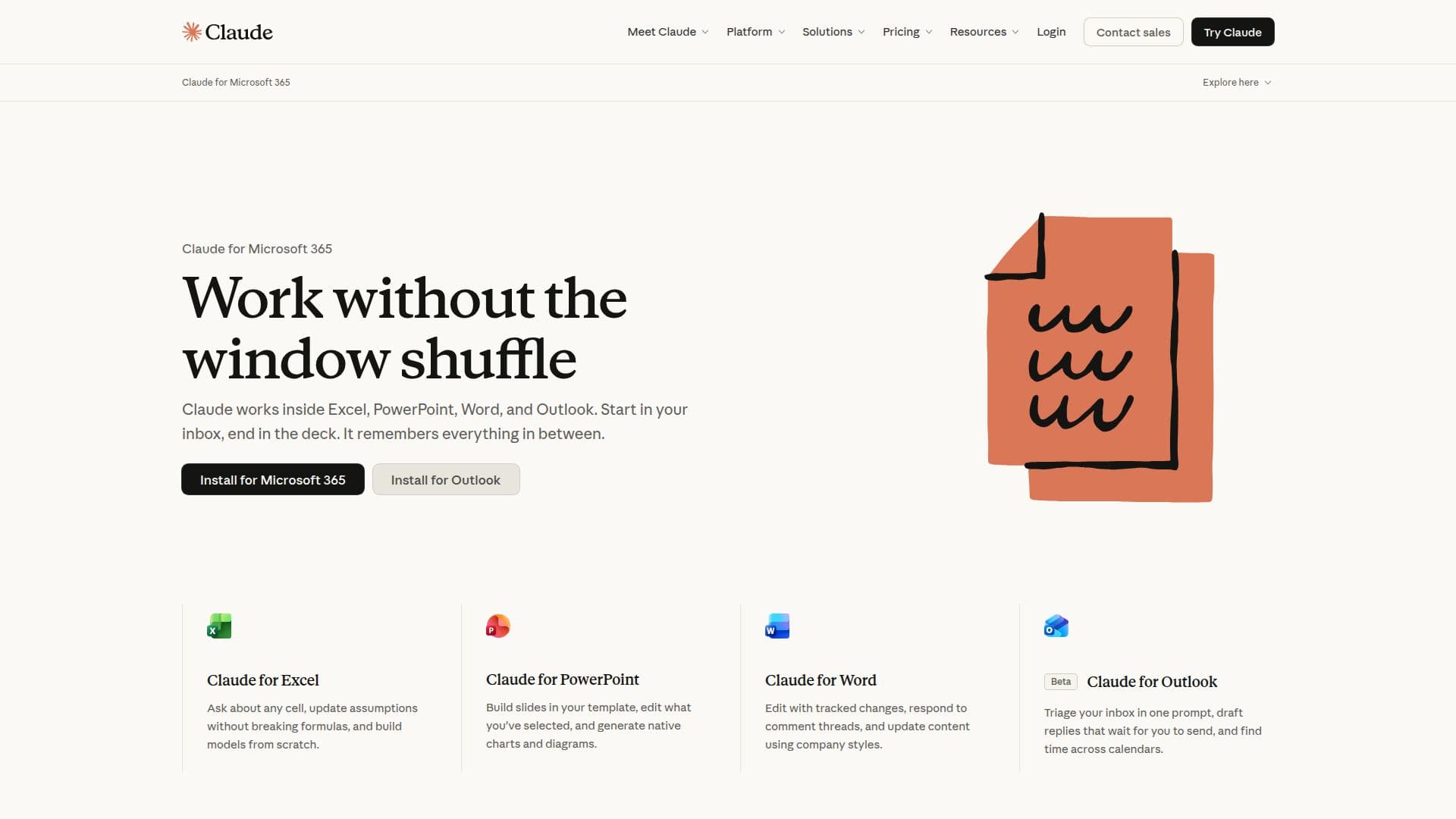
Claude for Microsoft 365 is designed to enhance productivity by integrating with popular Microsoft applications like Excel, PowerPoint, Word, and Outlook. This integration allows users to edit their files while carrying context across all four applications, ensuring that every change is manageable and reviewable. Claude empowers teams to streamline their workflows, turning emails into deliverables, clearing inboxes before meetings, and drafting documents using templates.
Read More
The core capabilities of Claude include the ability to engage in one continuous conversation across all applications, which simplifies the user experience and fosters collaboration. Users can deploy Claude through their preferred cloud provider, ensuring that it fits seamlessly into their existing workflows. Furthermore, Claude preserves formatting and templates, maintaining the integrity of documents as they are edited.
Enterprise security is a priority with Claude, providing built-in features that protect sensitive information while allowing teams to work efficiently. The platform is designed for various user roles, from individual contributors to large teams, making it suitable for organizations of all sizes. Claude's ability to connect with other tools and applications enhances its functionality, allowing users to bring any document into the conversation and turn workflows into actionable skills.
Claude for Microsoft 365 is not just about editing documents; it’s about transforming how teams collaborate and communicate. By leveraging AI, Claude helps users tackle complex challenges, analyze data, and streamline their work processes, making it an essential tool for problem solvers in any organization.
- CategoryAI Personal Assistants
- Pricing ModelFreemium
- DeploymentCloud
- PlatformsMicrosoft 365
Claude for Microsoft 365's Core Features
Integrates with Microsoft 365 apps
Context preservation across applications
Enterprise security features
Reviewable edits
Cloud deployment options
Template and formatting preservation
Workflow automation capabilities
Supports team collaboration
How to use Claude for Microsoft 365?
Integrate Claude with Microsoft 365 apps
Edit documents while maintaining context
Utilize templates for drafting
Turn emails into actionable tasks
Clear inboxes before meetings
Deploy through your preferred cloud provider
Manage changes effectively across applications
Claude for Microsoft 365's Use Cases
- Email Management
- Document Drafting
- Team Collaboration
- Workflow Automation
- Data Analysis