
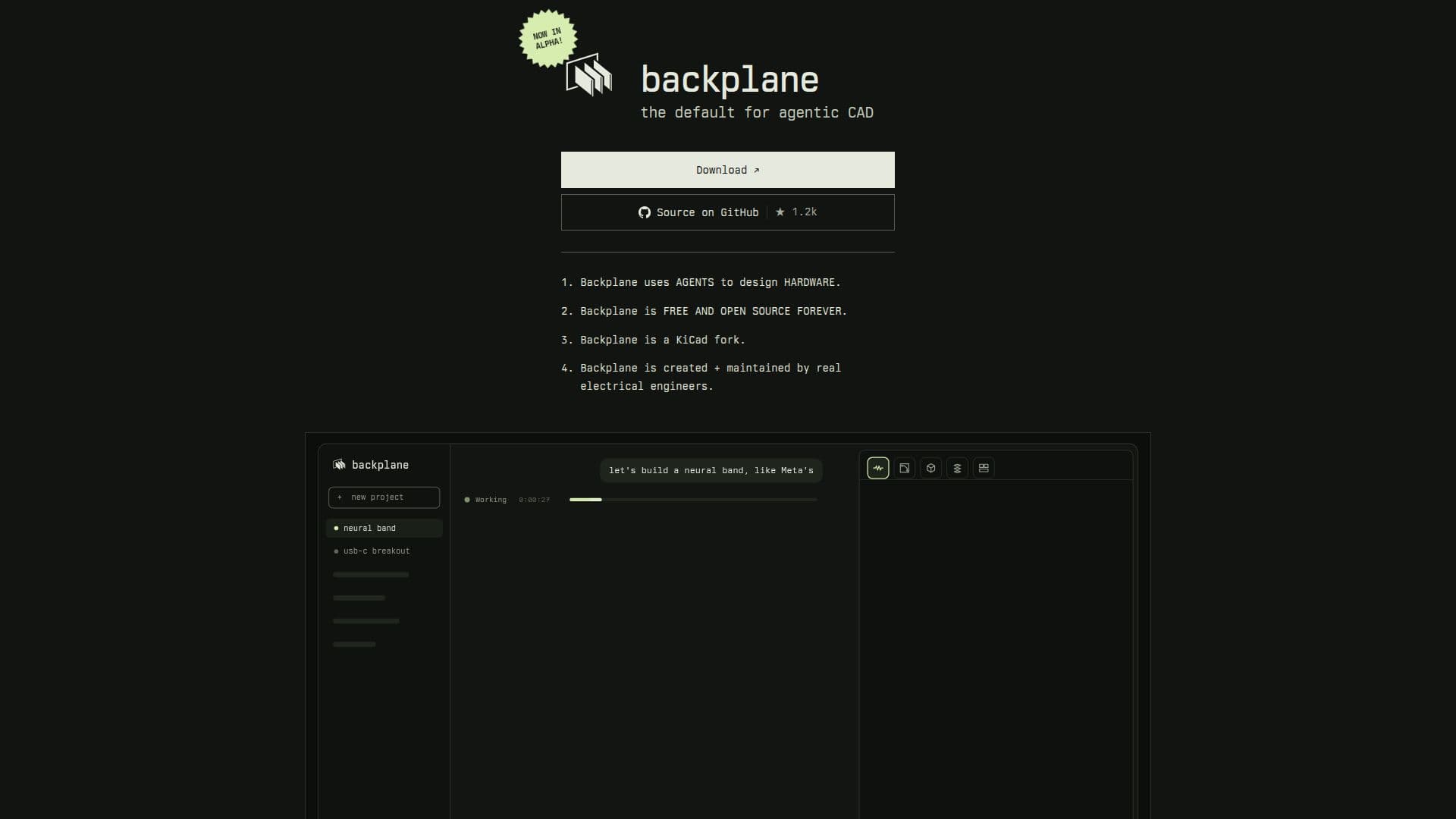
Description
Backplane provides a completely open-source workspace tailored for agentic hardware development, positioning itself as the default for agentic computer-aided design (CAD). The platform is built upon a fork of KiCad, a popular open-source software suite for electronic design automation (EDA), and is actively created and maintained by experienced electrical engineers.
Read More
At its core, Backplane leverages AI agents to automate and assist in various aspects of hardware design. These agents can handle tasks such as designing printed circuit boards (PCBs), creating and modifying schematics, resolving and reviewing bill of materials (BOM) for exact PCB parts, and generating fabrication outputs. The system is designed to run on the user's local compute resources, with mobile applications announced as coming soon, ensuring data privacy and control.
Backplane integrates deeply with KiCad functionalities, allowing users to open and edit boards or schematics directly within the Backplane interface. Agents can make live edits that appear in the open editor, and users can undo agent changes or collaborate directly. The platform includes new panels for a live BOM with stock and pricing information, a Checks panel for DRC and ERC findings, and a Fab panel with fabrication limits and recommended values.
Key capabilities include generating deterministic KiCad ERC, DRC, fabrication, assembly, documentation, and 3D export outputs using `kicad-cli`. It also supports the creation of compliant KiCad footprints and symbols, visual review of Gerber layers, and advanced PCB layout tasks such as component placement and routing with signal integrity best practices. For visual validation, Backplane can create realistic Blender product renders from KiCad PCB projects.
Backplane is free and open source forever, making it an accessible tool for individual engineers and teams. It supports various operating systems including Linux, Windows, and macOS (with specific hardware requirements for Apple silicon). The platform also offers features like streamer mode to hide sensitive information during screen sharing, infinite context for bots to remember long conversations, and a robust update mechanism for its integrated KiCad version. The system is designed for security, with measures like strict Content-Security-Policy and rate limiting for pairing attempts.
- CategoryRobotics & AI Hardware
- Pricing ModelFree
- DeploymentOn-Premise
- PlatformsLinux, Windows, macOS, Android, iOS
Backplane's Core Features
Open-source agentic hardware development workspace
KiCad fork with IPC support
AI agents for hardware design automation
Runs on local compute (mobile apps coming soon)
Free and open source forever
Live editing and collaboration with AI agents
Integrated KiCad editor within the workspace
Real-time Bill of Materials (BOM) with stock and pricing
DRC, ERC, and review findings in a unified Checks panel
Fabrication panel with limits and recommendations
Deterministic KiCad export outputs (Gerbers, Drill, POS, PDF, STEP)
Schematic creation, modification, and review
PCB layout, component placement, and routing assistance
Realistic Blender product renders from KiCad projects
Infinite context memory for AI agents
How to use Backplane?
Install Backplane: Download and run the installer for your operating system (Linux, Windows, macOS, Android, iPhone).
Set up Uberbot: Name your uberbot, pick its color, and define where it lives within the setup process.
Start a Project: Create your first hardware design project within the Backplane environment.
Design with Agents: Utilize AI agents to assist with schematic design, PCB layout, BOM generation, and other tasks.
Edit with KiCad: Open boards or schematics to edit directly within Backplane's integrated KiCad editor, collaborating with agents.
Review and Export: Use built-in checks for DRC/ERC, review Gerber layers, and export fabrication files for manufacturing.
Update Backplane: Update the application and its integrated KiCad version directly from within the app settings.
Backplane's Use Cases
- PCB Design Automation
- Schematic Creation & Review
- Bill of Materials (BOM) Management
- Fabrication Output Generation
- Component Placement & Routing
- Product Render Creation
- Open-Source Hardware Development