
Description
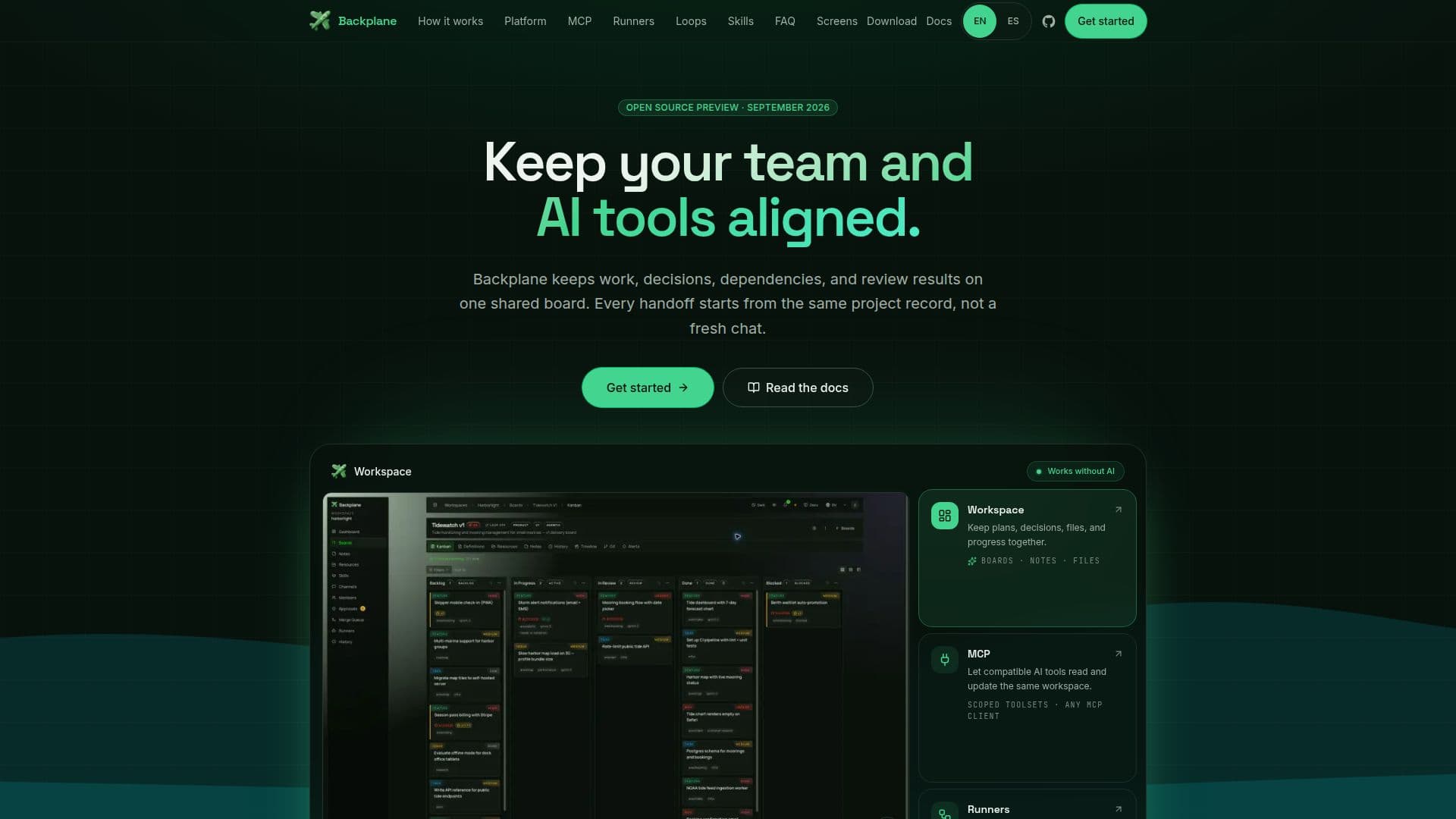
Backplane is a comprehensive open-source platform designed to streamline team workflows by integrating both human and AI tool interactions on a shared Kanban board. It allows teams to manage work, decisions, dependencies, and review results in one centralized location. The platform is self-hosted, meaning it runs on your own infrastructure, ensuring complete control over your data without any telemetry collection.
Read More
Backplane connects compatible AI tools through its MCP (Multi-Client Protocol) layer, allowing seamless integration and interaction between various tools. The platform supports runners like Claude Code and Codex CLI, which can be configured with your own subscriptions and keys. This ensures that each client receives a scoped toolset tailored to their specific needs, avoiding the confusion of overloading sessions with unnecessary tools.
The platform is built to be highly configurable, with features like execution loops and skill management. Execution loops allow for repeated tasks to be automated within set boundaries, while skills can be saved and reused across different projects. Backplane emphasizes human oversight, ensuring that important actions and completed work are always reviewed by a person.
Backplane is developed by the valaris.studio team and was initially used as an internal tool for managing software projects. It is now open-sourced to allow other teams to benefit from its capabilities. While the open-source version is available for self-hosting, a cloud version is planned for those who prefer a managed service. Enterprise features are also in the works, focusing on advanced governance and centralized management.
Overall, Backplane offers a robust solution for teams looking to integrate AI tools into their workflow while maintaining control over their data and processes.
- CategoryWorkflow Automation
- Pricing ModelOpen Source
- DeploymentSelf-Hosted
- PlatformsDocker
Backplane's Core Features
Open-source platform
Self-hosted on your infrastructure
Integrates with AI tools via MCP
Supports Claude Code and Codex CLI
Scoped toolsets for clients
Execution loops for automation
Skill management and reuse
Human oversight for reviews
Docker-based deployment
No telemetry collection
How to use Backplane?
Start the platform: Set up the environment and launch the platform.
Connect the MCP layer: Add the MCP server to compatible clients.
Connect a runner: Define roles and limits for multi-step work.
Use the board: Manage tasks and updates on the shared Kanban board.
Backplane's Use Cases
- Project Management
- AI Tool Integration
- Data Privacy
- Automation
- Skill Reuse