
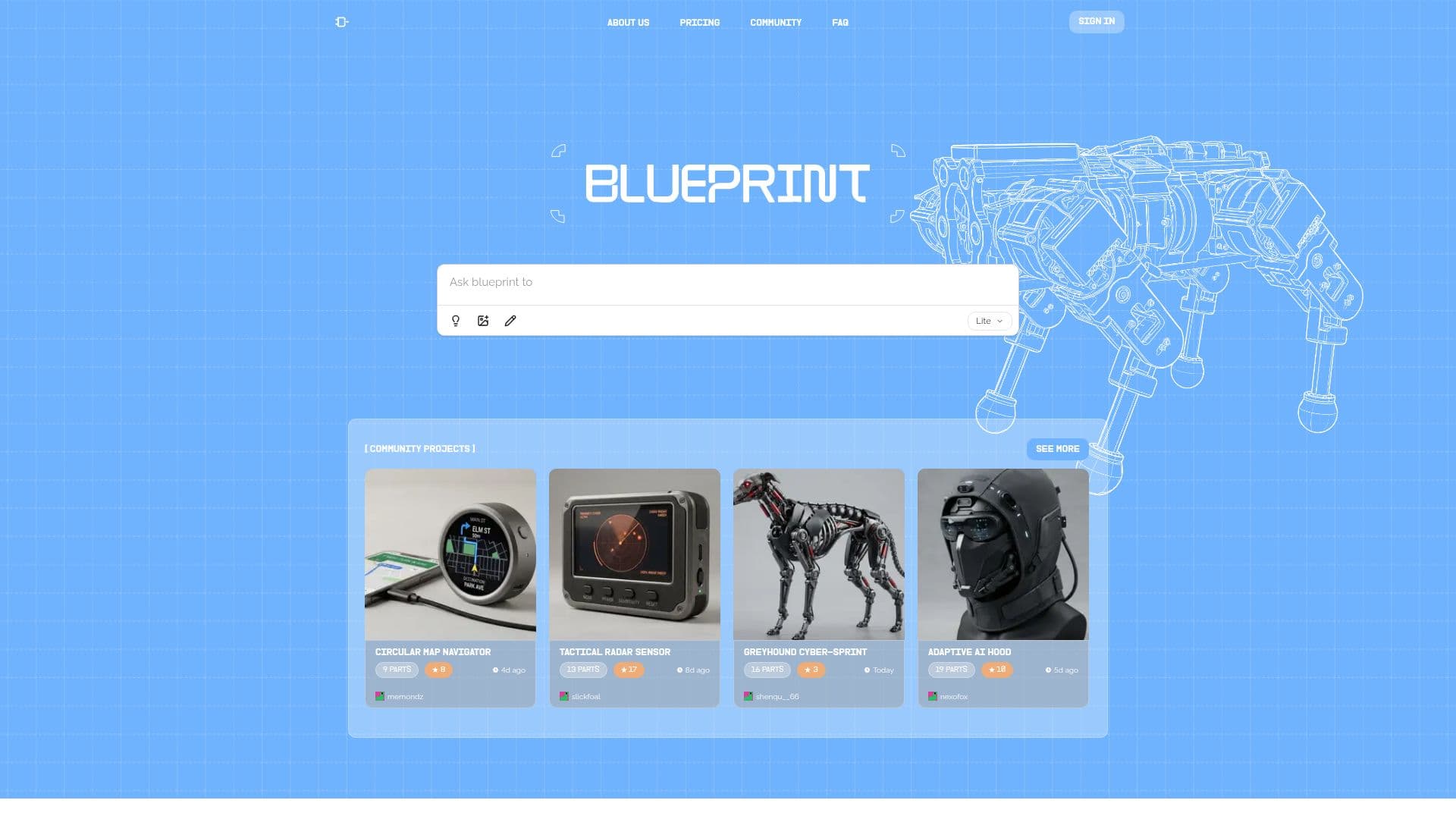
Description
Blueprint is an innovative AI hardware design tool that empowers users to turn their hardware ideas into tangible projects with unprecedented ease. By simply providing a text prompt, the platform automatically generates a comprehensive design package. This includes detailed wiring diagrams, a full bill of materials with real sourcing links and current prices for every component, and clear, step-by-step assembly instructions.
Read More
The tool is designed to be accessible to everyone, from novice makers without an engineering degree to experienced professionals. It eliminates the complexities and guesswork traditionally associated with hardware development, allowing users to focus on their creative vision. Blueprint operates entirely in the browser, requiring no software installation, and guides users through the design process by asking clarifying follow-up questions to refine their initial ideas.
Key capabilities include the generation of 3D mechanical renders and the ability to download CAD files in formats like STL, STEP, or GLB. Users can also edit previously generated CAD designs using text instructions. The platform supports image or sketch input alongside text descriptions to inform the AI's design process, and users can upload build photos to saved projects.
Blueprint offers various pricing tiers, including a free Basic plan with weekly design credits and monthly CAD credits, and paid Pro and Ultra plans that provide unlimited design credits, more advanced AI models, and increased or unlimited CAD generation. An Enterprise plan is available for larger organizations, offering custom integrations, centralized billing, and dedicated support.
While Blueprint significantly streamlines hardware design, it's important for users to sanity-check designs before purchasing parts or beginning construction, as the AI is still early and may occasionally produce minor inaccuracies. The platform encourages user feedback to continuously improve its output accuracy and sourcing capabilities. Projects are private by default, with an optional publishing feature to share designs with the community.
- CategoryRobotics & AI Hardware
- Pricing ModelFreemium
- DeploymentCloud
- PlatformsWeb
Blueprint's Core Features
Prompt-to-hardware project generation
Automatic wiring diagram creation
Comprehensive bill of materials (BOM) generation
Real-time sourcing links with prices
Step-by-step assembly guides
3D mechanical render generation
CAD file download (STL, STEP, GLB)
Text-based CAD editing
Image and sketch input for design prompts
Community project sharing and exploration
Private project creation by default
Version history and project renaming
Mobile browser compatibility
Project ZIP export (Pro and Ultra plans)
How to use Blueprint?
Describe your idea: Provide a plain English prompt outlining your hardware project concept.
Refine the design: Answer follow-up questions from Blueprint to add details, constraints, and budget information.
Generate design package: Blueprint creates a parts list, wiring diagram, build instructions, and 3D render.
Review and edit: Sanity-check the generated design and use edit prompts to make corrections or adjustments.
Generate CAD: Select a part in the mechanical view and generate its CAD model, then preview and download.
Source parts: Use the provided sourcing links to purchase components, verifying details on local stores.
Build your project: Follow the step-by-step assembly guide to construct your hardware.
Publish and share: Optionally publish your project to the community to generate a public share link.
Blueprint's Use Cases
- Rapid Prototyping
- Educational Projects
- Custom Device Creation
- Product Development
- Community Sharing
- Sourcing Assistance
- Design Iteration
- Visualizing Concepts