
Description
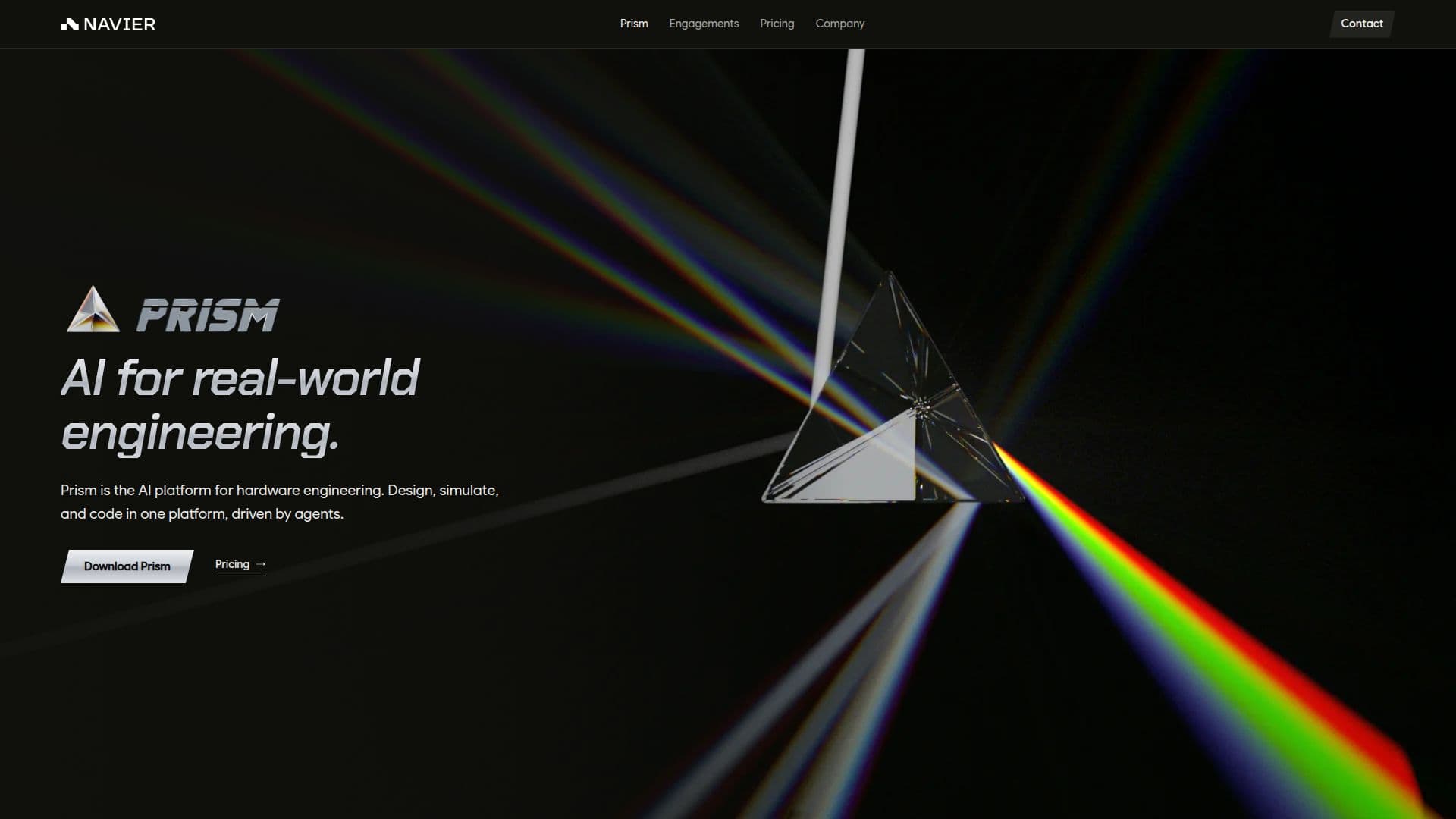
Prism, developed by Navier AI, is a comprehensive desktop application tailored for hardware engineers, streamlining the entire engineering workflow. It integrates design, simulation, and code generation capabilities within a unified platform, driven by an intelligent agent. This agent automates tasks such as building CAD models from natural language prompts, executing complex simulations across various domains, writing analysis scripts and firmware, and authoring detailed reports.
Read More
The platform supports CAD generation directly from textual descriptions, allowing engineers to define parts, loads, and constraints, then export and edit the generated models. For simulation, Prism covers structures, fluids, thermal, multibody, and electromagnetics. The agent sets up, runs, and verifies each simulation case, providing auditable files for complete transparency. It integrates a wide array of open-source solvers like OpenFOAM, SU2, Basilisk, code_aster, CalculiX, Elmer, Yade, Project Chrono, OpenModelica, Palace, openEMS, and ngspice, alongside Navier AI's own GPU-native FEA solver, Ferro.
Prism also features a robust results viewer for visualizing fields, slices, plots, and side-by-side comparisons, all configured by the agent for easy analysis. Beyond simulation, the agent can write and build various code artifacts, from solvers and analysis scripts to embedded firmware. Reporting is automated, with the agent generating PDFs or PowerPoint decks based on user templates and preferences, complete with relevant plots and visuals.
Connectivity is a key aspect of Prism, offering plugins for popular engineering and collaboration tools such as Onshape, GitHub, GitLab, Atlassian, Linear, Notion, Slack, Outlook, and Microsoft Teams. These integrations allow the agent to connect with existing CAD systems, code repositories, project trackers, documentation platforms, and communication channels. Prism runs on macOS (Apple Silicon), Windows (Intel or AMD), and Linux (Intel or AMD), ensuring broad compatibility for engineering teams. The pricing model is a single plan at $500 per seat per month, which includes the full desktop app, the general-purpose engineering agent, integrated solvers, and plugins.
- CategoryRobotics & AI Hardware
- Pricing ModelSubscription
- DeploymentDesktop App
- PlatformsmacOS, Windows, Linux
Prism's Core Features
CAD generation from natural language prompts
Multi-domain simulation (structures, fluids, thermal, multibody, electromagnetics)
Integrated open-source solvers (OpenFOAM, SU2, Basilisk, code_aster, CalculiX, Elmer, Yade, Project Chrono, OpenModelica, Palace, openEMS, ngspice)
Ferro GPU-native FEA solver built-in
Results viewer for fields, slices, plots, and comparisons
Automated report generation in PDF or PowerPoint format
Code generation for solvers, analysis scripts, and embedded firmware
Plugins for CAD, code, project tracking, documentation, and communication tools
Optional review and approval at every workflow step
Durable harness for saving and resuming long runs
Local solver runtime on user's machine
General-purpose engineering agent for task planning and execution
Support for macOS, Windows, and Linux operating systems
Single plan pricing per seat per month
Forward deployed engineering and simulation engagement services
How to use Prism?
Download & Install: Download Prism for macOS, Windows, or Linux from the Navier AI website and install it on your machine.
Describe Task: Open Prism and use natural language prompts to describe your engineering task, such as designing a part or setting up an analysis.
Agent Execution: Observe as the agent builds CAD, runs simulations, writes code, or authors reports based on your description.
Review & Audit: Review the agent's output, audit case files, and make any necessary edits or approvals at each step.
Visualize Results: Utilize the integrated results viewer to analyze fields, slices, plots, and comparisons from your simulations.
Generate Reports: Request the agent to generate comprehensive reports in PDF or PowerPoint format, customized to your templates.
Connect Tools: Install plugins from within Prism to connect with your existing CAD, code, project tracking, and communication tools.
Prism's Use Cases
- Automated CAD Design
- Multi-Domain Simulation
- Engineering Workflow Automation
- Code Generation for Analysis
- Automated Report Authoring
- Integrating Engineering Tools
- Simulation Case Verification
- Results Visualization
- Open-Source Solver Management