Description
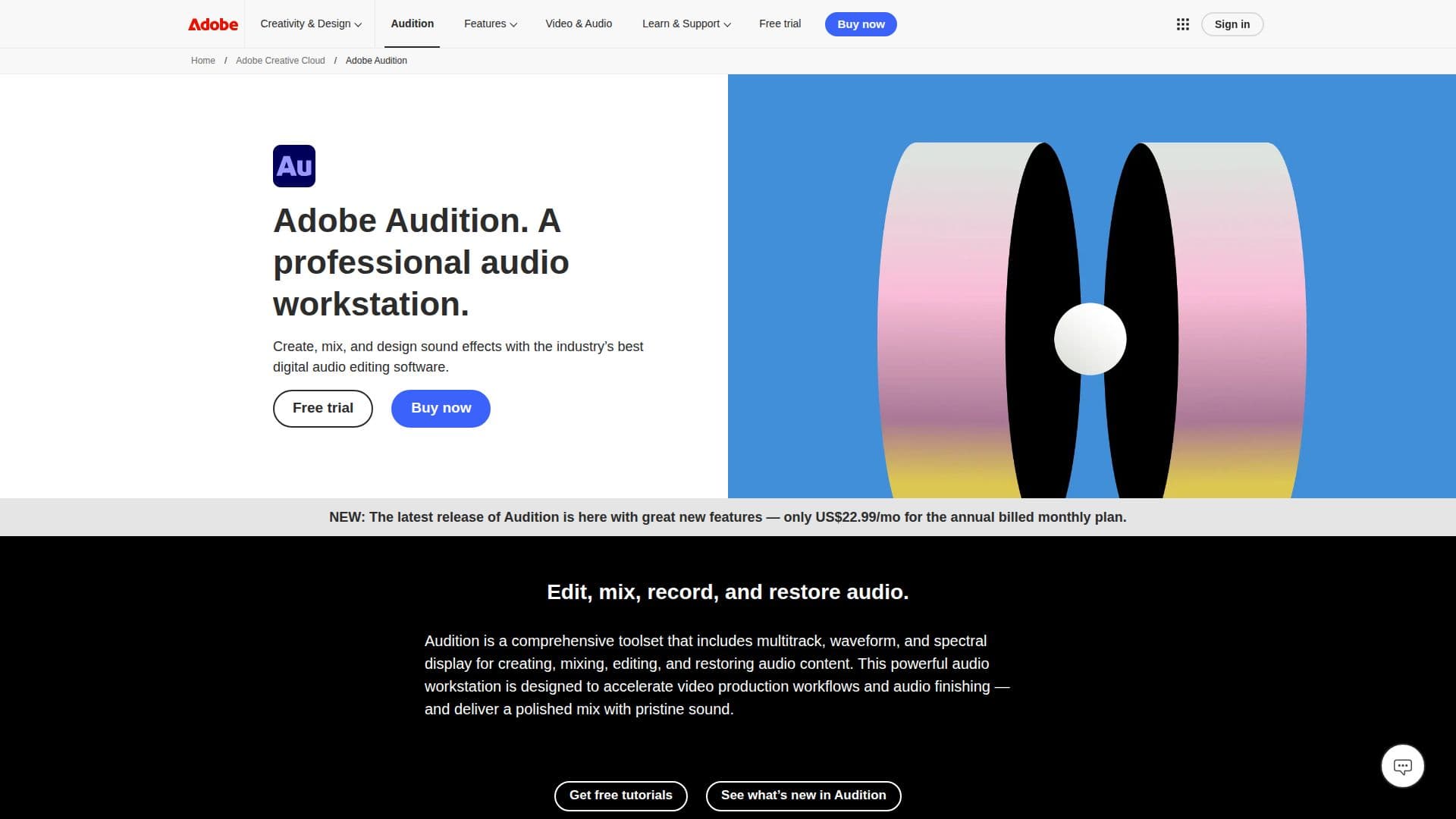
Adobe Audition is a powerful audio recording and editing software designed for professionals in the audio industry. It provides a comprehensive toolset that allows users to mix, edit, and create audio content efficiently. With features such as multitrack, waveform, and spectral display, Adobe Audition stands out as a leading digital audio workstation.
Read More
The software is particularly well-suited for video editing, podcasting, and sound effect design. Its robust audio toolkit is designed to streamline the workflow, especially when used in conjunction with Adobe Premiere. Users can take advantage of tutorial guides that help them navigate the software's features and capabilities, ensuring they can maximize their audio production efforts.
One of the standout features of Adobe Audition is the Essential Sound panel, which enables users to achieve professional-quality audio even if they are not seasoned audio engineers. This makes it an excellent choice for podcasters and content creators who want to enhance their audio without extensive technical knowledge. Additionally, the software includes tools for audio repair and restoration, allowing users to fix audio issues and improve sound quality effectively.
Adobe Audition also offers a unique Remix feature that allows users to automatically rearrange songs to fit specific durations, making it easier to create custom audio tracks for various projects. The integration with other Adobe applications, such as After Effects and Adobe Stock, further enhances its usability, allowing for a seamless creative process across different media types.
Whether you are a professional audio engineer, a content creator, or someone looking to produce high-quality audio for personal projects, Adobe Audition provides the tools and features necessary to bring your audio visions to life. With a subscription model that includes various pricing tiers, it is accessible to a wide range of users, from individuals to businesses seeking comprehensive audio solutions.
- CategoryAI Audio Editors
- Pricing ModelSubscription
- DeploymentCloud
- PlatformsWindows, Mac
Adobe Audition's Core Features
Multitrack editing
Waveform display
Spectral display
Essential Sound panel
Audio repair tools
Remix feature
Integration with Adobe Premiere
Tutorial guides available
How to use Adobe Audition?
Explore: Familiarize yourself with the Adobe Audition interface and features.
Import: Load your audio files into the software for editing.
Edit: Use the multitrack and waveform features to mix and edit your audio.
Enhance: Apply effects and use the Essential Sound panel for quality improvement.
Export: Save your final audio project in the desired format.
Integrate: Utilize Adobe Premiere for seamless video and audio collaboration.
Learn: Access tutorial guides for advanced techniques and tips.
Adobe Audition's Use Cases
- Podcast Production
- Video Sound Design
- Audio Restoration
- Music Remixing
- Sound Effects Creation