Description
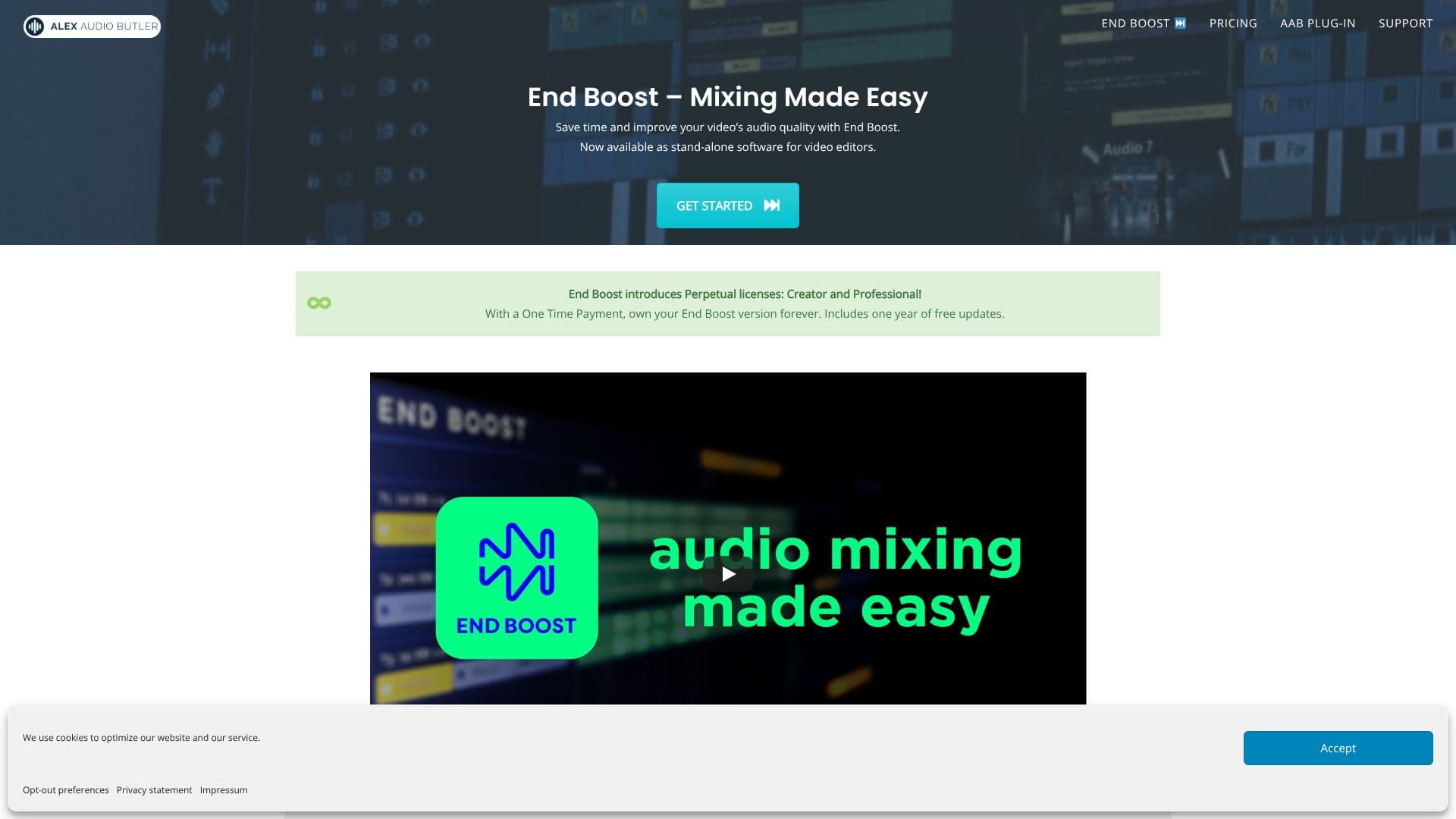
End Boost, developed by Alex Audio Butler, is a stand-alone desktop application designed to automate the audio mixing and mastering process for video content. It aims to significantly reduce the time and effort video editors spend on audio post-production, allowing them to focus more on storytelling and visuals.
Read More
The software utilizes advanced AI algorithms, inherited from Alex Audio Butler's plug-in technology, to intelligently mix and master voiceovers, music, and sound effects. Users can select from over 25 smart preset combos, each tailored for specific use cases, ensuring an appropriate audio mix for any video project. The AI handles complex audio adjustments such as EQ, dB levels, Hz frequencies, and LUFS loudness, making professional audio accessible even to those without specialized audio skills.
Key features include AI-powered de-noising and mastering, which cleans up recordings and perfects the overall mix. End Boost supports a wide range of non-linear editing (NLE) software by allowing import and export of WAV files, making it compatible with popular tools like Adobe Premiere Pro, DaVinci Resolve, Final Cut Pro X, and Magix Vegas. The application offers a stable, predictable, and powerful user experience, with plans for future expansion of mixing tools.
End Boost is available through perpetual licenses, offering one-time payment options for Creator and Professional versions, which include one year of free updates. A yearly subscription model is also an option. The developers are actively seeking user feedback to guide future development, ensuring the tool evolves to meet real-world professional workflow needs. This approach aims to deliver a robust and continuously improving audio solution for content creators.
The value proposition of End Boost lies in its ability to democratize high-quality audio mixing. By automating complex processes, it empowers creators to elevate their video production value without requiring deep technical expertise or significant time investment in learning audio engineering. This leads to faster workflows, improved comprehension in videos, and greater confidence in the final output.
- CategoryAI Audio Editors
- Pricing ModelPerpetual License, Subscription
- DeploymentDesktop app
- PlatformsWindows, macOS
End Boost's Core Features
Automatic audio mixing for video
AI-powered voice, music, and sound effect blending
Over 25 smart preset combos for various use cases
AI de-noising and mastering capabilities
EBU R128 Loudness Mastering
Stand-alone desktop application for Windows and macOS
Supports WAV file import/export for NLE integration
Compatible with Premiere Pro, DaVinci Resolve, Final Cut Pro X, Magix Vegas, and more
Perpetual license options with one year of free updates
Yearly subscription option available
Automatic background analysis
Voice denoising
How to use End Boost?
Import Audio: Load your voice, music, and sound effect tracks into End Boost from your NLE or DAW.
Select Preset: Choose from over 25 smart preset combos based on your video's content and desired audio style.
Automatic Mixing: Let End Boost's AI algorithms automatically mix and master your audio tracks.
Apply Enhancements: Utilize AI de-noising and mastering for a clean and polished sound.
Export Audio: Export the mixed and mastered audio file.
Integrate into Video: Import the final audio back into your NLE for your video project.
End Boost's Use Cases
- Video Audio Mixing
- Content Creator Audio
- Corporate Video Sound
- Filmmaker Audio Post
- Podcast Audio Enhancement
- EBU R128 Loudness
- AI Audio Mastering