
Description
Antinode Clear is the continuation of Supertone Clear under a new company name. Antinode Audio's site states that the Supertone product line, Clear, Air and Shift, has moved to the Antinode name, and that existing licenses and purchased voices remain valid under the rebrand. The product itself is unchanged in function: a real-time plug-in that separates voice from background noise and reverb, and can also remove dialogue entirely to isolate background ambience.
Read More
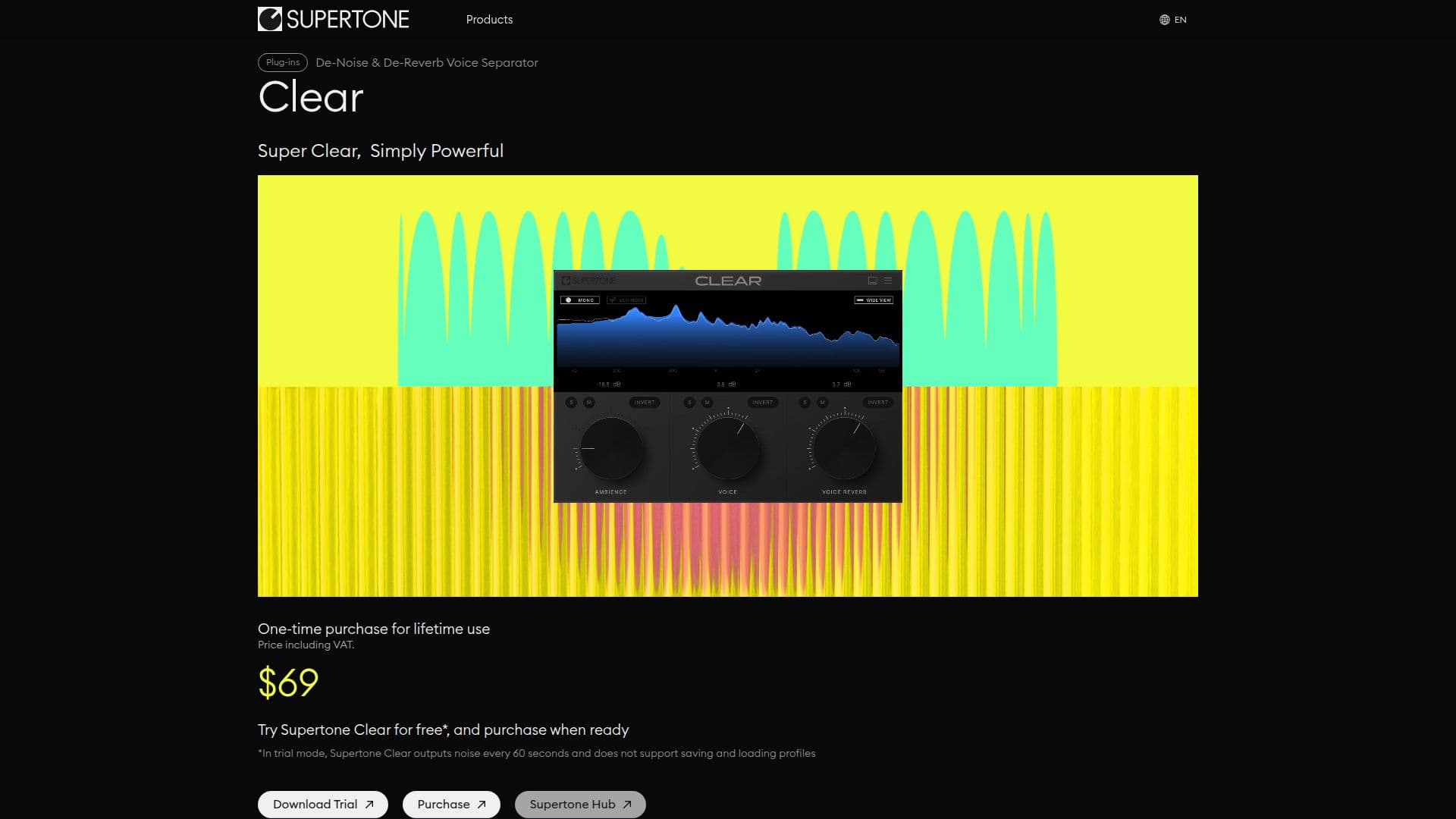
Clear is controlled with three knobs, for voice, ambience and voice reverb, letting someone dial in clear dialogue with a few adjustments rather than a complex mixing chain. Processing happens in real time, so it works for live streaming as well as recorded post-production work.
The plug-in is available in VST, VST3 and AAX formats, so it works inside any digital audio workstation that supports third-party plug-ins. It runs on Windows 10 and later (64-bit only) and macOS 10.13 and later, with native support for Apple Silicon (M1, M2 and M3) chips, and it natively supports the industry-standard sample rates of 44.1kHz, 48kHz and 96kHz.
Clear is sold as a one-time purchase for lifetime use rather than a subscription; the product page listed it at $69 at the time of writing, alongside limited-time promotional discounts. A free trial is available for testing the plug-in before buying: in trial mode, Clear outputs a burst of noise every 60 seconds and does not support saving or loading profiles, with those restrictions lifted after purchase.
Antinode Audio Co., Ltd. is based in Daejeon, Republic of Korea, led by CEO Pillip Youn. The company also sells Air, which matches the reverb and EQ of a reference recording to dry dialogue, and Shift, a real-time voice changer, both likewise renamed from their Supertone predecessors. Clear is aimed at post-production engineers, video editors, streamers and musicians who need to clean up voice audio without a complicated setup.
- CategoryAI Audio Editors
- Pricing ModelPaid
- DeploymentPlugin
- PlatformsWindows, Mac
Antinode Clear's Core Features
Real-time de-noise and de-reverb processing for voice audio
Three-knob control for voice, ambience and voice reverb levels
De-voice mode to remove dialogue and isolate background ambience
VST, VST3 and AAX plug-in formats for use in any compatible DAW
Native Apple Silicon (M1/M2/M3) support on macOS
Native support for 44.1kHz, 48kHz and 96kHz sample rates
One-time purchase for lifetime use, no subscription required
Free trial mode for testing before purchase
How to use Antinode Clear?
Download the trial: Get Antinode Clear's free trial from antinodeaudio.com/clear.
Install the plug-in: Add it to your DAW as a VST, VST3 or AAX plug-in.
Load it on a track: Insert Clear on a voice or dialogue track.
Adjust the knobs: Set voice, ambience and voice reverb to clean up the audio.
Buy the license: Purchase the one-time license to remove trial noise bursts and enable profile saving.
Antinode Clear's Use Cases
- Podcast and video cleanup
- Live streaming audio
- Music vocal processing
- Ambience isolation