
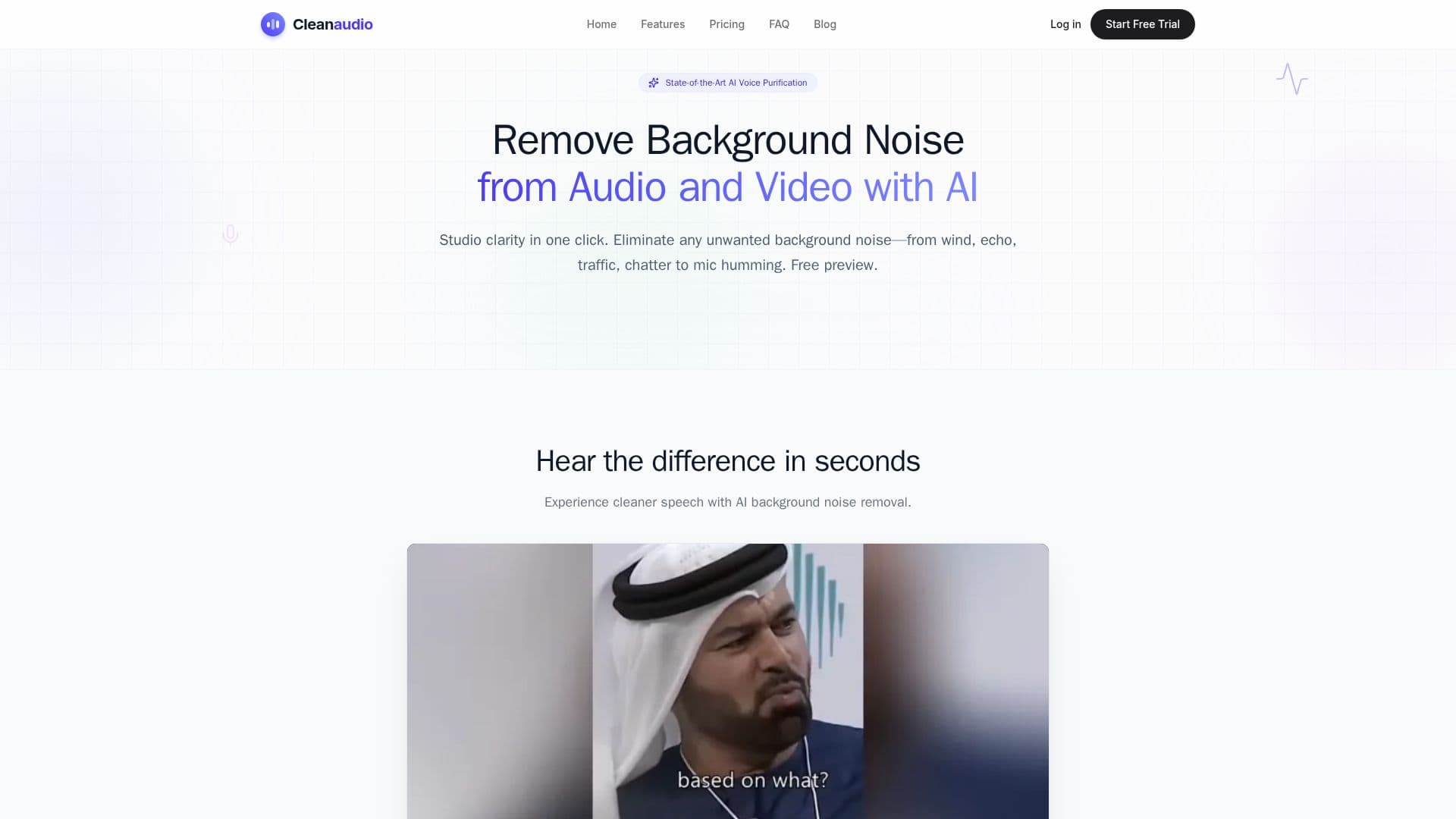
Description
CleanAudio is an online AI tool that removes background noise from audio and video files. You upload a file directly in the browser, and its deep-learning engine analyzes the waveform and isolates human speech, removing unwanted sounds such as wind, air conditioning and fan whir, traffic, electronic static and hum, pet barking, and room echo, while preserving natural voice quality.
Read More
Unlike traditional software like Audacity or Premiere Pro, which require manual profiling and audio-engineering skills, CleanAudio is a one-click solution that aims to deliver studio-quality results without hours of editing. It supports a wide range of formats, including video (MP4, MOV, FLV, MKV, WMV) and audio (MP3, WAV, AIFF, FLAC, M4A), and is optimized for spoken-word content such as podcasts and YouTube voiceovers. It is fully responsive and works on mobile browsers, so recordings and voice notes can be cleaned on the go.
You can try the tool for free with a 30-second cleaned preview and no sign-up, then pay to download the full noiseless version. Uploaded and processed files are placed in a secure sandbox and permanently deleted within 24 hours, and the company states it does not use your data for AI training. Recordings up to 60 minutes are supported.
Pricing offers a Pay As You Go option with credits valid for one year for occasional projects, and a PRO monthly subscription with unlimited cleaning under a fair-use policy for regular creators, both using the same AI and output quality. It is aimed at podcasters, YouTubers, marketers, educators, casual users, and audio engineers needing a fast first-pass cleanup.
- CategoryAI Audio Editors
- Pricing ModelFreemium
- DeploymentCloud
- PlatformsWeb
CleanAudio's Core Features
One-click AI background noise removal for audio and video
Removes wind, fan and AC noise, traffic, static and hum, barking, and echo
Speech isolation that preserves natural voice quality
Wide format support for common audio and video files
Free 30-second cleaned preview with no sign-up
Browser-based and mobile-friendly, no software install
AI de-reverb to fix room echo
Secure sandbox processing with files deleted within 24 hours
How to use CleanAudio?
Upload your file: Drag and drop a noisy audio or video file into the browser.
Let the AI process: The engine analyzes the waveform and removes background noise.
Hear the preview: Listen to a free 30-second cleaned preview.
Download: Pay to download the full cleaned recording in your chosen format.
CleanAudio's Use Cases
- Podcast cleanup
- YouTube audio
- Outdoor recordings
- Voice notes and interviews
- First-pass for engineers