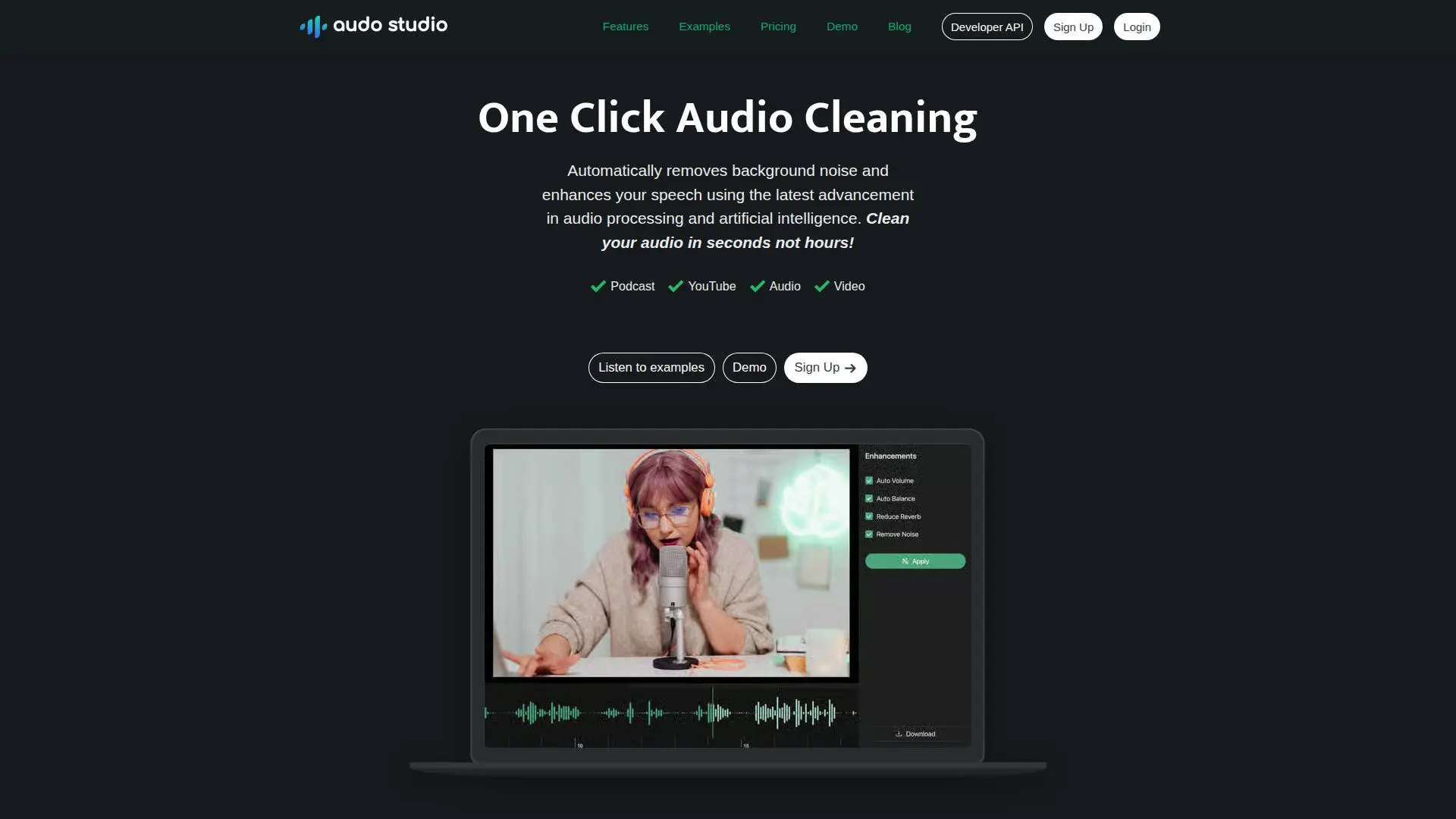
Description
Audo Studio is designed for YouTubers and podcasters who need quick and effective audio cleaning solutions. With just one click, users can automatically remove background noise, reduce room echoes, and adjust volume levels to enhance their audio quality. This tool leverages advanced audio processing and artificial intelligence to deliver results in seconds, not hours.
Read More
The primary feature of Audo Studio is its automatic noise removal capability. This feature allows users to focus on their content without worrying about finding a quiet recording environment. Whether it's the sound of street traffic, barking dogs, or other disruptive noises, Audo Studio effectively cleans the audio to ensure clarity and intelligibility.
In addition to noise removal, Audo Studio is set to introduce echo reduction, which will help users eliminate reverb from their recordings. This feature is particularly beneficial for those who may not have access to professional soundproofing solutions, such as acoustic foam panels. Furthermore, the auto volume adjustment feature ensures that audio levels are balanced for the best listening experience.
Audo Studio is suitable for a wide range of users, from individuals who occasionally need audio enhancements to creators who require regular audio processing. The tool offers various pricing plans, including a starter plan for limited free usage and a creator plan for more extensive needs. Users can also opt for a pay-as-you-go model for additional audio enhancements.
With Audo Studio, users can expect a significant improvement in their audio quality, which is crucial for engaging their audience. Good sound quality can greatly enhance the viewer's experience, making it an essential aspect of video production. The tool is browser-based, making it accessible on any operating system, including Mac, Windows, and Linux. Audo Studio is not just a tool; it's a solution for anyone looking to improve their audio content effortlessly.
- CategoryAI Audio Editors
- Pricing ModelFreemium
- DeploymentCloud
- PlatformsWeb
Audo Studio's Core Features
Automatic Noise Removal
Echo Reduction (coming soon)
Auto Volume Adjustment
Browser-Based Application
Starter Plan Available
Creator Plan Available
Pay As You Go Option
User-Friendly Interface
How to use Audo Studio?
Access the Audo Studio website.
Upload your audio file.
Select the desired audio enhancement options.
Click the clean audio button to process your file.
Download the enhanced audio file.
Audo Studio's Use Cases
- Podcast Production
- YouTube Videos
- Voiceovers
- Music Production
- Webinars