Description
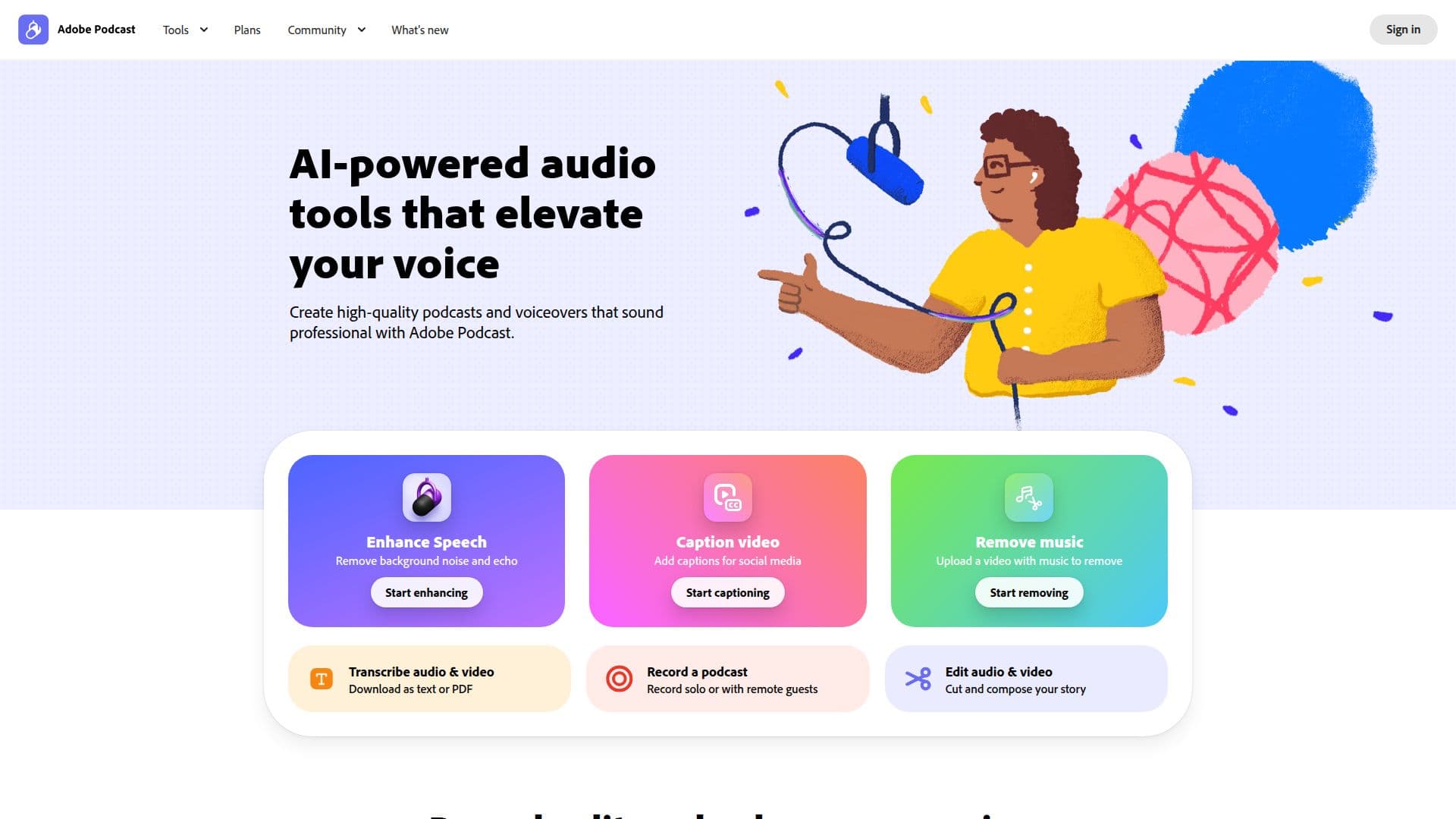
Adobe Podcast is an innovative web-based platform designed for recording, transcribing, editing, and sharing audio content. It provides users with a suite of AI-powered tools that enhance sound quality, making it an excellent choice for podcasters, educators, and content creators. With Adobe Podcast, you can record high-quality audio directly in your browser, eliminating the need for complicated software installations.
Read More
One of the standout features of Adobe Podcast is its Enhance Speech capability, which allows users to improve audio clarity by reducing background noise and balancing voices. This feature is particularly beneficial for those who may not have access to professional recording equipment, as it ensures crisp and clear audio every time. Users can also upload video files alongside audio, making it a versatile tool for multimedia projects.
The platform supports various audio and video formats, including MP4 and MOV, and allows for bulk uploads, enabling users to enhance multiple files simultaneously. For those looking for more advanced features, the Adobe Podcast Premium plan offers additional capabilities such as enhanced audio processing, custom audiograms, and the ability to download original recordings with speaker separation.
Adobe Podcast Studio simplifies the recording process, especially for remote interviews, by capturing high-quality audio from multiple participants. Each speaker's audio is recorded separately, allowing for cleaner edits and adjustments post-recording. This feature is essential for podcasters who frequently collaborate with guests from different locations.
In addition to its recording and editing capabilities, Adobe Podcast provides users with tools for creating engaging audiograms and captions, making it easier to share content on social media platforms. With a 30-day free trial available, users can explore the full range of features before committing to a subscription. Overall, Adobe Podcast is a powerful tool that caters to the needs of modern content creators, providing them with the resources to produce professional-quality audio and video content effortlessly.
- CategoryAI Audio Editors
- Pricing ModelFreemium
- DeploymentWeb-based
- PlatformsBrowser
Adobe Podcast's Core Features
AI-powered audio enhancement
Remote recording capabilities
Bulk file uploads
Transcription services
Speaker separation in recordings
Custom audiograms and captions
Video support for MP4 and MOV
Download original recordings
Professional-grade audio editing
30-day free trial available
How to use Adobe Podcast?
Record: Start a new project and record your audio or video directly in the browser.
Transcribe: Upload your audio or video files to automatically generate transcripts.
Edit: Use text-based editing to cut and compose your story easily.
Enhance: Apply Enhance Speech to improve audio quality and clarity.
Download: Export your final audio or video files in the desired format.
Share: Create audiograms and captions for social media sharing.
Collaborate: Invite remote guests to join your recording session effortlessly.
Adobe Podcast's Use Cases
- Podcasting
- Remote Interviews
- Educational Content
- Audiograms for Social Media
- Video Podcasts