Description
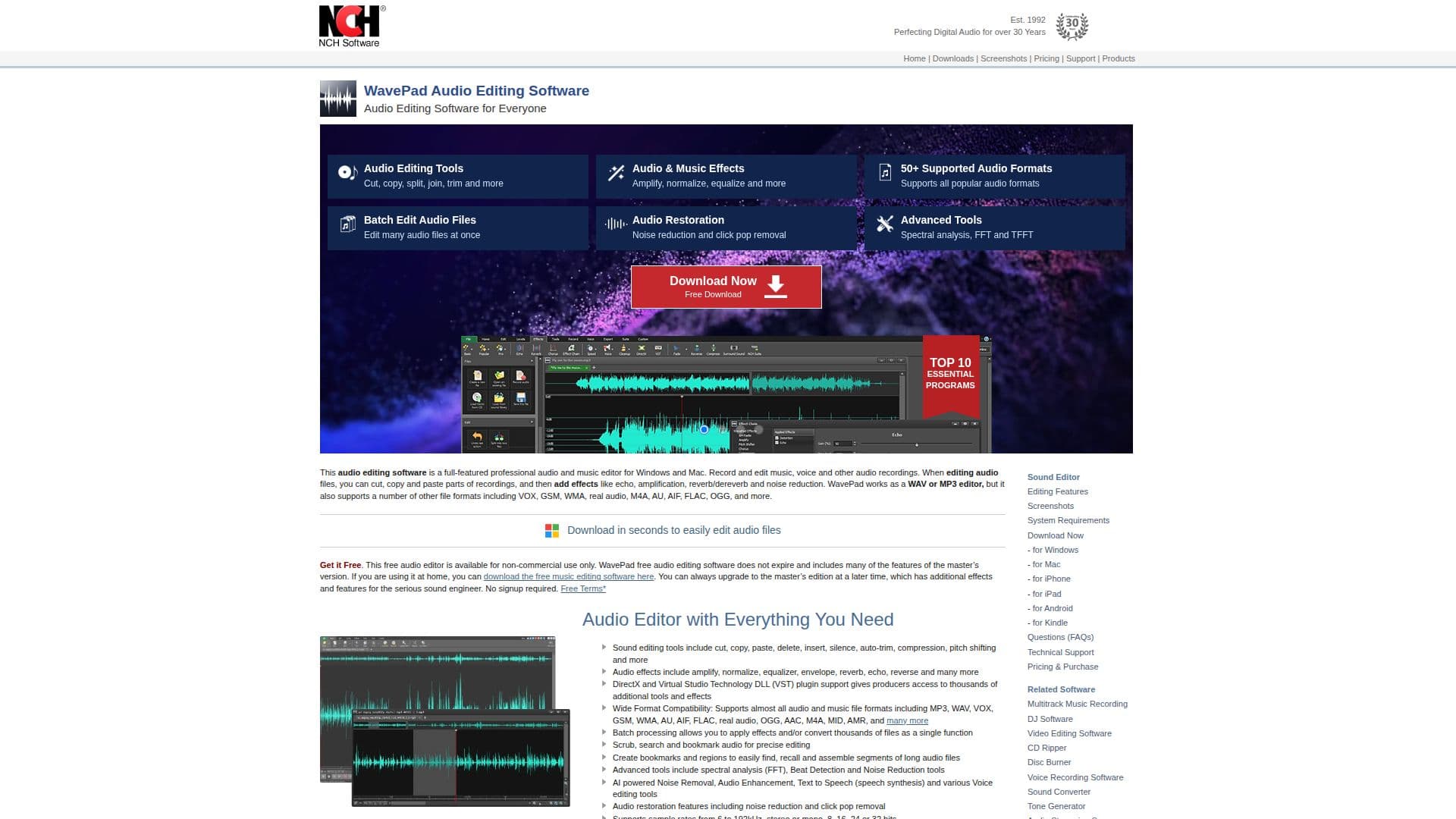
WavePad Audio Editor is a versatile tool designed for both professional sound engineers and home users. It offers a wide range of audio editing capabilities, including cutting, copying, pasting, and trimming audio files. Users can apply various effects such as echo, amplification, and noise reduction to enhance their recordings. WavePad supports over 50 audio formats, including popular ones like MP3, WAV, and FLAC, ensuring compatibility with most audio files.
The software is available for Windows and Mac, and it also offers mobile versions for iOS and Android. WavePad includes advanced tools like spectral analysis, FFT, and TFFT, which are essential for detailed audio examination. It also supports DirectX and Virtual Studio Technology (VST) plugins, providing access to thousands of additional tools and effects.
WavePad's user-friendly interface allows for easy navigation and quick learning, making it accessible to beginners. The software offers a free version for non-commercial use, which includes many features of the master's edition. Users can upgrade to the master's edition for additional effects and features tailored for serious sound engineers.
Batch processing is another key feature, allowing users to apply effects or convert multiple files simultaneously. WavePad also integrates seamlessly with MixPad Multi-Track Audio Mixer, enhancing its functionality for multi-track audio production. With its comprehensive feature set and ease of use, WavePad is a reliable choice for anyone looking to edit and enhance audio files.
WavePad Audio Editor's Core Features
Cut, copy, paste, and trim audio files
Apply effects like echo, amplification, and noise reduction
Supports over 50 audio formats including MP3, WAV, and FLAC
Advanced tools like spectral analysis, FFT, and TFFT
DirectX and VST plugin support
Batch processing for multiple files
Free version available for non-commercial use
Integration with MixPad Multi-Track Audio Mixer
User-friendly interface with tutorials and guides
AI-powered noise removal and audio enhancement
How to use WavePad Audio Editor?
Download: Get WavePad from the official website
Install: Follow the installation instructions for your OS
Open: Launch WavePad and load your audio file
Edit: Use tools to cut, copy, paste, and apply effects
Enhance: Utilize advanced features for noise reduction and spectral analysis
Export: Save your edited audio in the desired format
Upgrade: Consider upgrading to the master's edition for more features
WavePad Audio Editor's Use Cases
- Music Editing
- Podcast Production
- Voiceover Recording
- Audio Restoration
- Sound Design