Description
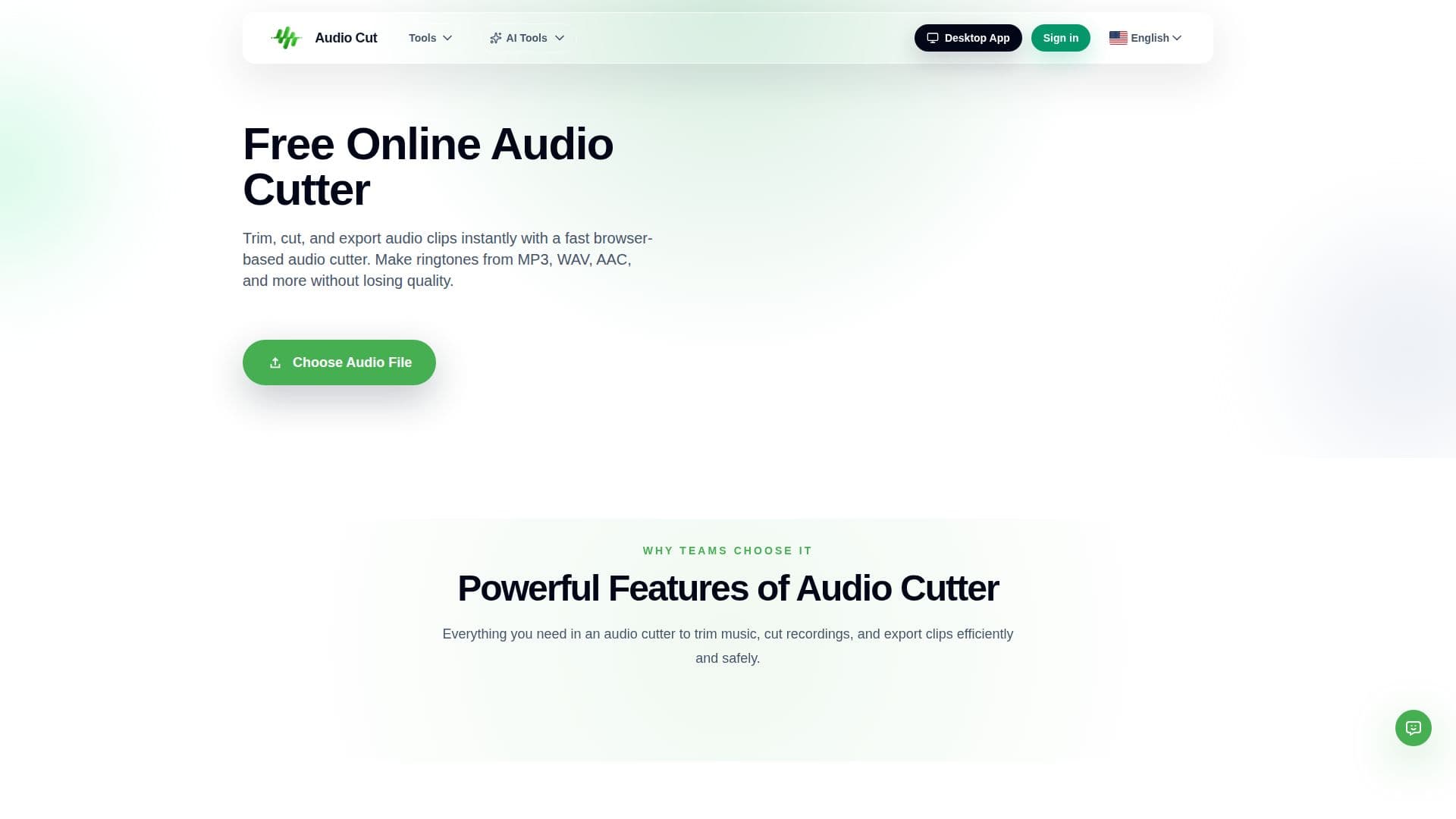
AudioCut is a free online audio cutter for trimming, cutting, and exporting audio clips directly in the browser. It lets you make ringtones from MP3, WAV, AAC, and other formats, shorten songs, or clean up recordings without losing quality and without downloading software.
Read More
The three-step workflow is designed for everyday editing jobs such as trimming audio for podcasts, ringtones, voice notes, and quick cleanups, so you avoid opening heavy editing applications. AudioCut supports MP3, WAV, AAC, FLAC, and more with lossless-quality trimming.
Beyond cutting, AudioCut includes an online audio converter that changes video into audio and switches between MP3, WAV, AAC, FLAC, M4A, OGG, and other formats with preview and export controls. A free tier lets you start online, and paid plans add AI workflows, a desktop app, batch local processing, and higher processing volumes.
- CategoryAI Audio Editors
- Pricing ModelFreemium
- DeploymentCloud
- PlatformsWeb
AudioCut's Core Features
Browser-based audio trimming and cutting
Lossless-quality exports
Supports MP3, WAV, AAC, FLAC, and more
Ringtone creation from audio files
Online audio converter between common formats
Video-to-audio extraction
Free to start with online credits
Paid plans with AI splitter, desktop app, and batch processing
How to use AudioCut?
Open your file: Upload an audio or video file into the browser-based cutter.
Set the selection: Choose the start and end points to trim your clip.
Export: Download the trimmed audio in your chosen format, or convert it to another format.
AudioCut's Use Cases
- Ringtone making
- Podcast editing
- Format conversion
- Audio from video