Description
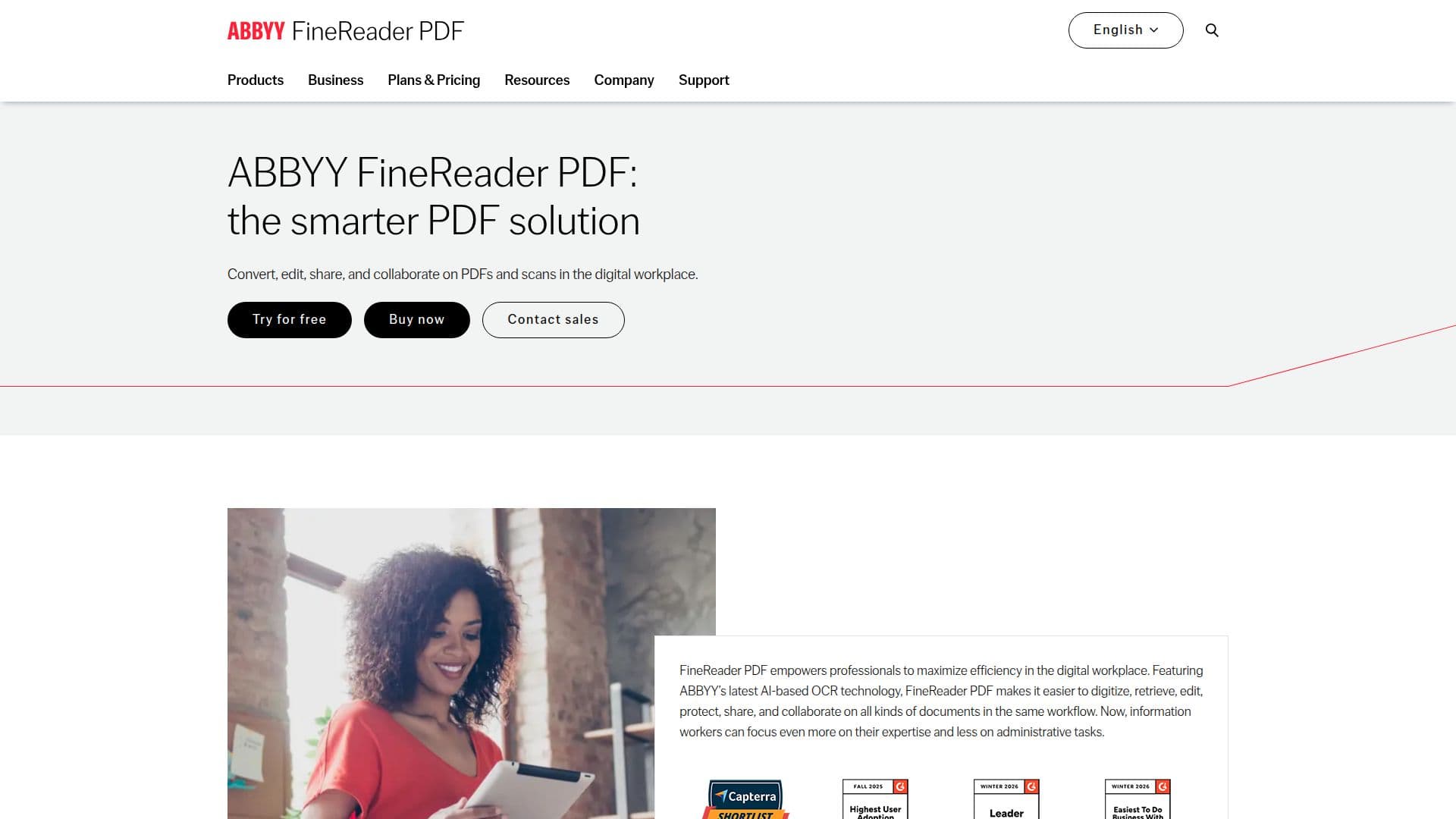
ABBYY FineReader PDF is a comprehensive PDF editing software that leverages advanced AI-based OCR technology to streamline document processing tasks. Designed for professionals in digital workplaces, it enables users to convert, edit, protect, share, and collaborate on various document types, including PDFs and scans. The software integrates seamlessly into digital workflows, allowing information workers to focus on their expertise rather than administrative tasks.
Read More
FineReader PDF offers robust features such as creating fillable PDF forms, comparing documents in different formats, and protecting and signing PDFs. Its AI capabilities enhance image processing, object detection, and text recognition, ensuring high accuracy and performance. The software supports 198 recognition languages, making it suitable for global use.
Flexible licensing options are available, including per seat, concurrent, and remote user licenses, catering to both individual and organizational needs. FineReader PDF is available for Windows and macOS, with specific features tailored for each platform. Pricing plans include standalone licenses and subscription models, with options for upgrading and volume discounts.
The software is trusted by millions of users worldwide, with positive reviews highlighting its speed, accuracy, and ease of use. ABBYY FineReader PDF is ideal for businesses and individuals looking to optimize their document workflows, offering a cost-effective alternative to industry leaders like Adobe Acrobat.
- CategoryAI Document & PDF Tools
- Pricing ModelSubscription
- DeploymentCloud, Desktop app
- PlatformsWindows, macOS
ABBYY FineReader PDF's Core Features
AI-based OCR technology
Convert PDFs to Word, Excel, etc.
Edit and organize PDFs
Create fillable PDF forms
Collaborate and approve PDFs
Compare documents in different formats
Protect and sign PDFs
Digitize documents with OCR
Flexible licensing options
Integration with Microsoft Office
Automated conversion tasks
High accuracy in text recognition
Supports 198 recognition languages
Cross-platform compatibility
Optimized algorithms for document processing
How to use ABBYY FineReader PDF?
Configure: Set up document processing preferences
Use: Convert and edit PDFs using OCR
Collaborate: Share and approve documents
Optimize: Automate recurring tasks
ABBYY FineReader PDF's Use Cases
- Document Conversion
- PDF Editing
- Form Creation
- Document Comparison
- Collaboration
- Document Protection
- OCR Digitization
- Workflow Automation
- Language Support
- Integration