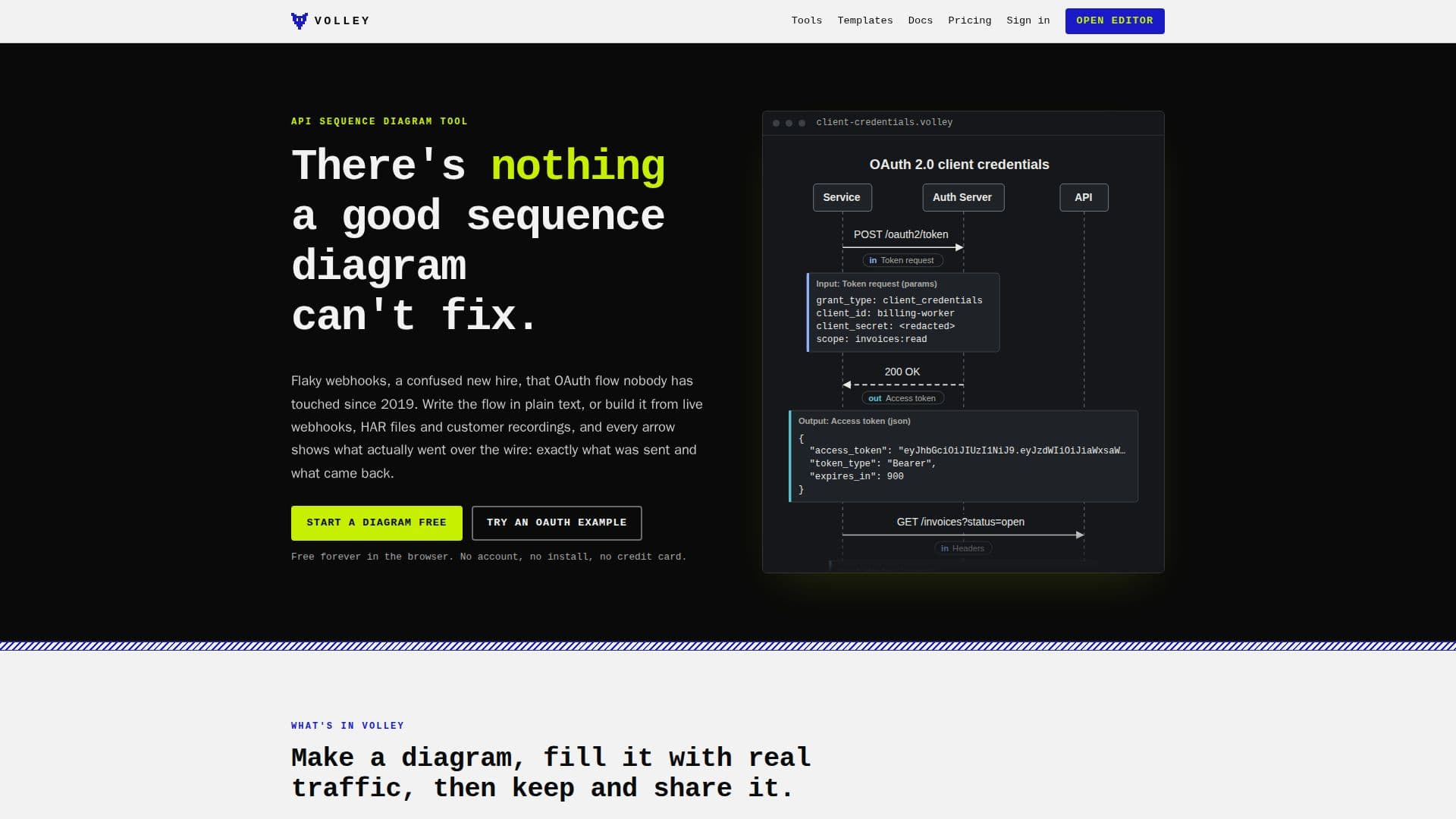
Description
Volley is a versatile tool designed for creating API sequence diagrams with ease. It allows users to write flows in plain text, with the request and response payloads clearly displayed on every arrow. This feature ensures that users can easily understand what data is being sent and received at each step of the API interaction. Volley supports the import of HAR files, enabling users to convert browser recordings into detailed diagrams. Additionally, it offers webhook inboxes that can capture real-time data from services like Stripe, GitHub, and Shopify, transforming them into visual diagrams.
Read More
The tool is accessible directly from the browser, requiring no signup or installation. Users can share diagrams via links, embed them in README files, and export them as SVG or PNG files. Volley also supports AI agents, allowing chat assistants to generate diagrams from text prompts. The tool provides a CLI, HTTP API, and remote MCP server for coding agents to interact with diagrams programmatically.
Volley offers a free tier with essential features, including unlimited local diagrams, HAR imports, and webhook captures. The Pro plan, priced at $9 per month or $90 annually, adds advanced features such as version history, private diagrams, and increased limits on saved diagrams and API calls. This makes Volley suitable for both individual developers and teams who need to document and maintain complex API integrations.
Overall, Volley is an invaluable tool for developers and teams looking to streamline their API documentation process, providing a clear and interactive way to visualize and share API interactions.
- CategoryCoding & Development
- Pricing ModelFreemium
- DeploymentCloud
- PlatformsWeb
Volley's Core Features
Plain-text sequence diagrams
Request and response payloads
HAR file import
Webhook inboxes
AI sequence diagram generation
CLI and HTTP API support
SVG and PNG export
Version history
How to use Volley?
Open the editor: Start typing your API flow in plain text.
Import HAR files: Drop a HAR file to create a diagram.
Capture webhooks: Set up a webhook inbox to visualize data.
Share and export: Use links or export diagrams as SVG/PNG.
Volley's Use Cases
- API Documentation
- Webhook Visualization
- Integration Debugging
- AI Agent Interaction
- Team Collaboration