Description
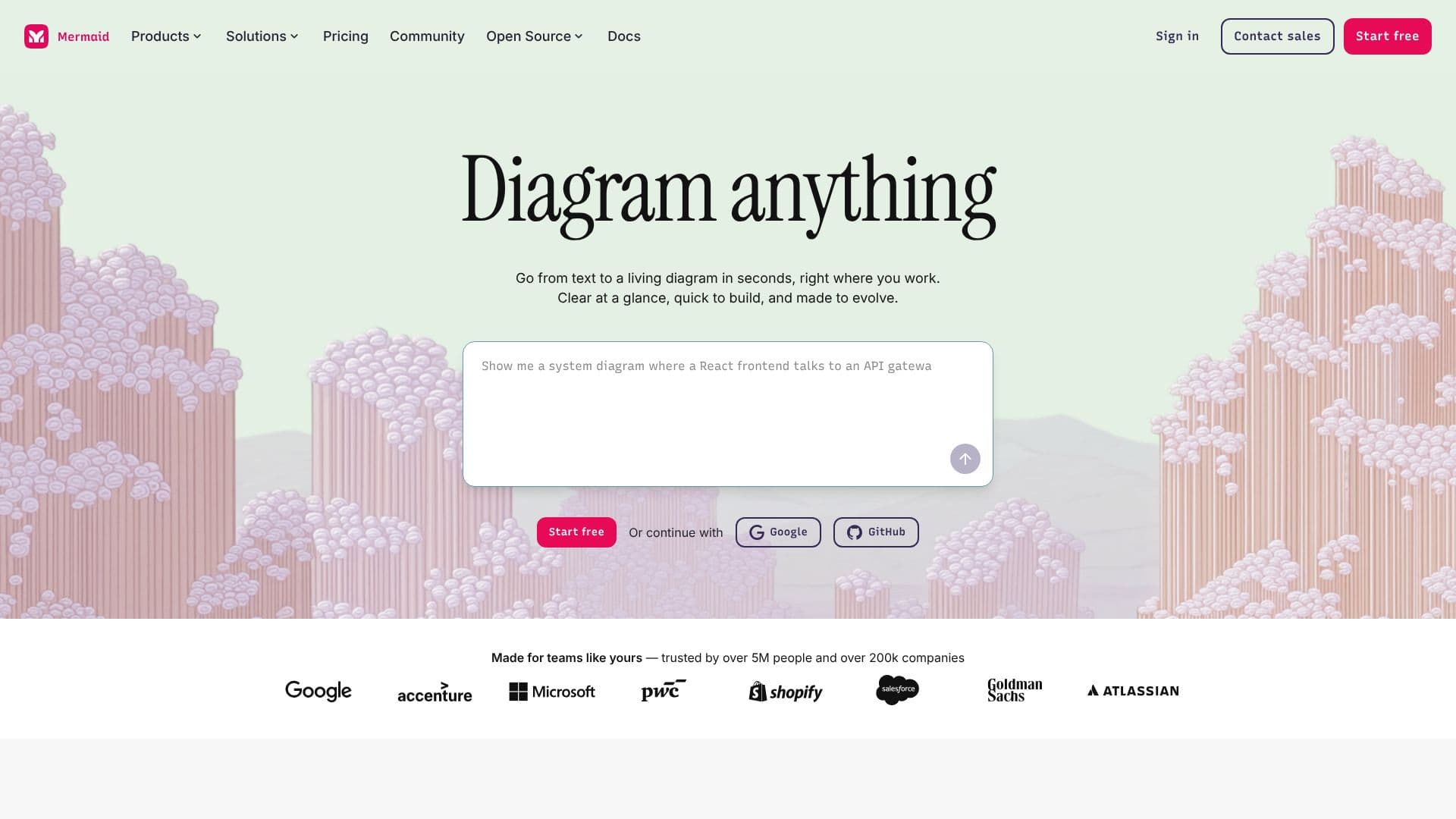
Mermaid empowers users to create a wide array of diagrams, from flowcharts and sequence diagrams to ER diagrams and timelines, directly from text or code. The tool's core innovation lies in its AI-powered text-to-chart functionality, allowing users to describe their ideas in plain language and receive instant, customizable visuals. This significantly speeds up the diagramming process, enabling users to focus on content rather than intricate design.
Read More
Beyond AI generation, Mermaid offers flexibility in how diagrams are built. Users can opt for a code-based approach using Mermaid syntax, which treats diagrams like code for version control and portability, or switch to a visual editor for fine-tuning. This adaptability caters to diverse user preferences and technical skill levels. The platform is designed for collaboration, enabling real-time co-editing and feedback, ensuring teams can align on ideas and drive action together.
Mermaid is built with security and compliance in mind, offering features like secure access controls, custom encryption, SOC2 compliance, and SSO integration. Its ability to render diagrams directly within development environments like VS Code, and embed them in presentations, documentation, and wikis, makes it a powerful tool for integrating visual communication into existing workflows. Trusted by over 5 million users and 200,000 companies, Mermaid supports the continued growth of its open-source roots while providing robust solutions for professionals across various roles.
The tool supports a broad spectrum of diagram types, including Gantt charts, mind maps, org charts, block diagrams, state diagrams, Git graphs, user journeys, class diagrams, pie charts, and quadrant charts. This versatility makes it suitable for a wide range of applications, from project planning and system design to data analysis and educational content creation. Mermaid aims to bridge the gap between thinking and communication, making complex ideas clear and accessible to all.
- CategoryData Visualization
- Pricing ModelFreemium
- DeploymentCloud
- PlatformsWeb, VS Code Extension
Mermaid AI Diagramming's Core Features
AI-powered text-to-diagram generation
Supports natural language and Markdown-style code input
Visual editor for diagram refinement
Real-time collaboration and co-editing
Integration with development environments (e.g., VS Code)
Embeddable diagrams for documentation and presentations
Secure access controls and SOC2 compliance
Supports over 15 different diagram types
Open-source roots with community support
Seamless SSO integration
Version-controlled diagrams when using code
How to use Mermaid AI Diagramming?
Describe your diagram: Input your ideas using plain text or Markdown-style code.
Generate visuals: Mermaid's AI or engine converts your input into a diagram.
Refine and edit: Use the visual editor or code to make adjustments.
Collaborate with your team: Share and co-edit diagrams in real time.
Integrate and present: Embed diagrams into your workflow or presentations.
Mermaid AI Diagramming's Use Cases
- Project Planning
- System Architecture
- Process Documentation
- Data Modeling
- Team Organization
- Technical Explanations
- Brainstorming