Description
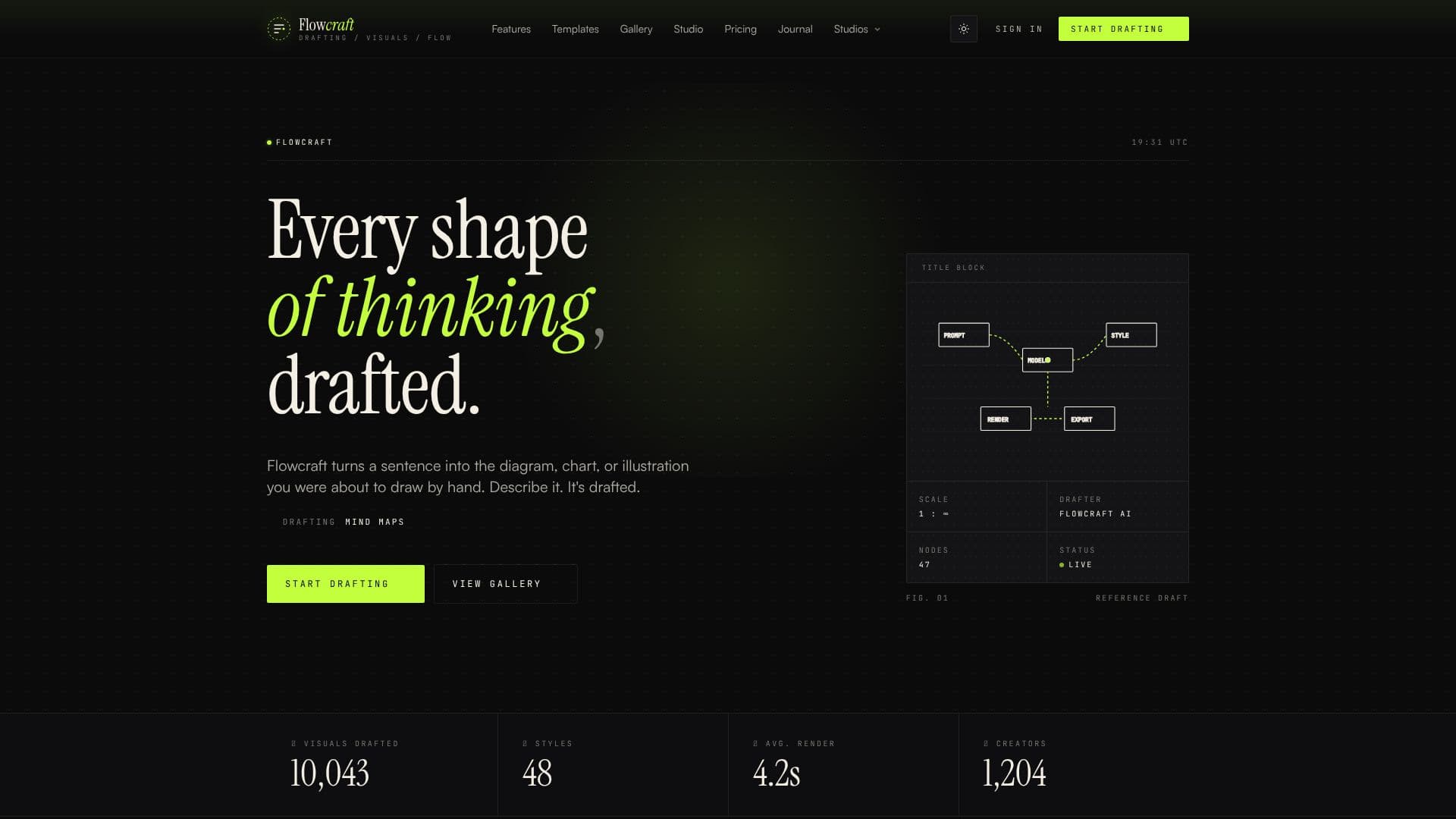
FlowCraft is an AI-powered diagram generator designed to quickly transform textual descriptions into visual representations. It eliminates the need for manual drawing, dragging, and dropping elements, allowing users to generate a wide array of diagrams, charts, and illustrations from simple sentences or pasted documents.
Read More
The core functionality of FlowCraft revolves around a three-step process: Describe, Style, and Refine. Users begin by typing a sentence or pasting text that outlines the structure of their intended diagram. FlowCraft's AI then interprets this input to understand the underlying meaning and relationships. In the second step, users select an aesthetic style, choosing from options like editorial, technical, hand-drawn, or corporate, to ensure the visual aligns with their desired voice and context.
Finally, users can refine the AI-generated draft. The tool renders the visual in seconds, and users have the ability to nudge elements or make adjustments as needed. FlowCraft supports the creation of various diagram types, including flowcharts, decision trees, pipelines, mind maps, sequence diagrams, knowledge graphs, editorial illustrations, and infographics. It aims to make complex ideas accessible and easy to understand for a broad audience.
The platform is built for individuals who use visual thinking to comprehend and communicate information. This includes engineers, educators, analysts, founders, and anyone who needs to translate abstract thoughts into concrete visual forms. FlowCraft streamlines processes like knowledge sharing, process mapping, stakeholder communication, data visualization, user flow mapping, and system architecture planning, making it a versatile tool for both individual productivity and team collaboration.
- CategoryData Visualization
- Pricing ModelFreemium
- DeploymentCloud
- PlatformsWeb
FlowCraft AI Diagram Generator's Core Features
AI-powered diagram generation from text
Automatic generation of flowcharts
Automatic generation of mind maps
Automatic generation of sequence diagrams
Automatic generation of knowledge graphs
Automatic generation of editorial illustrations
Automatic generation of infographics
Multiple style options for visuals
Refinement tools for AI-generated drafts
Exports in PNG, SVG, and PDF formats
Free tier available
How to use FlowCraft AI Diagram Generator?
Describe: Type a sentence or paste a document outlining your diagram's structure.
Style: Select an aesthetic style (e.g., editorial, technical, hand-drawn, corporate).
Refine: Review the AI-generated draft and make any necessary nudges or adjustments.
Export: Download your diagram in PNG, SVG, or PDF format.
FlowCraft AI Diagram Generator's Use Cases
- Knowledge Sharing
- Process Mapping
- Stakeholder Decks
- Data Visualization
- User Flow Visualization
- System Architecture
- Mind Mapping
- Creating Infographics