Description
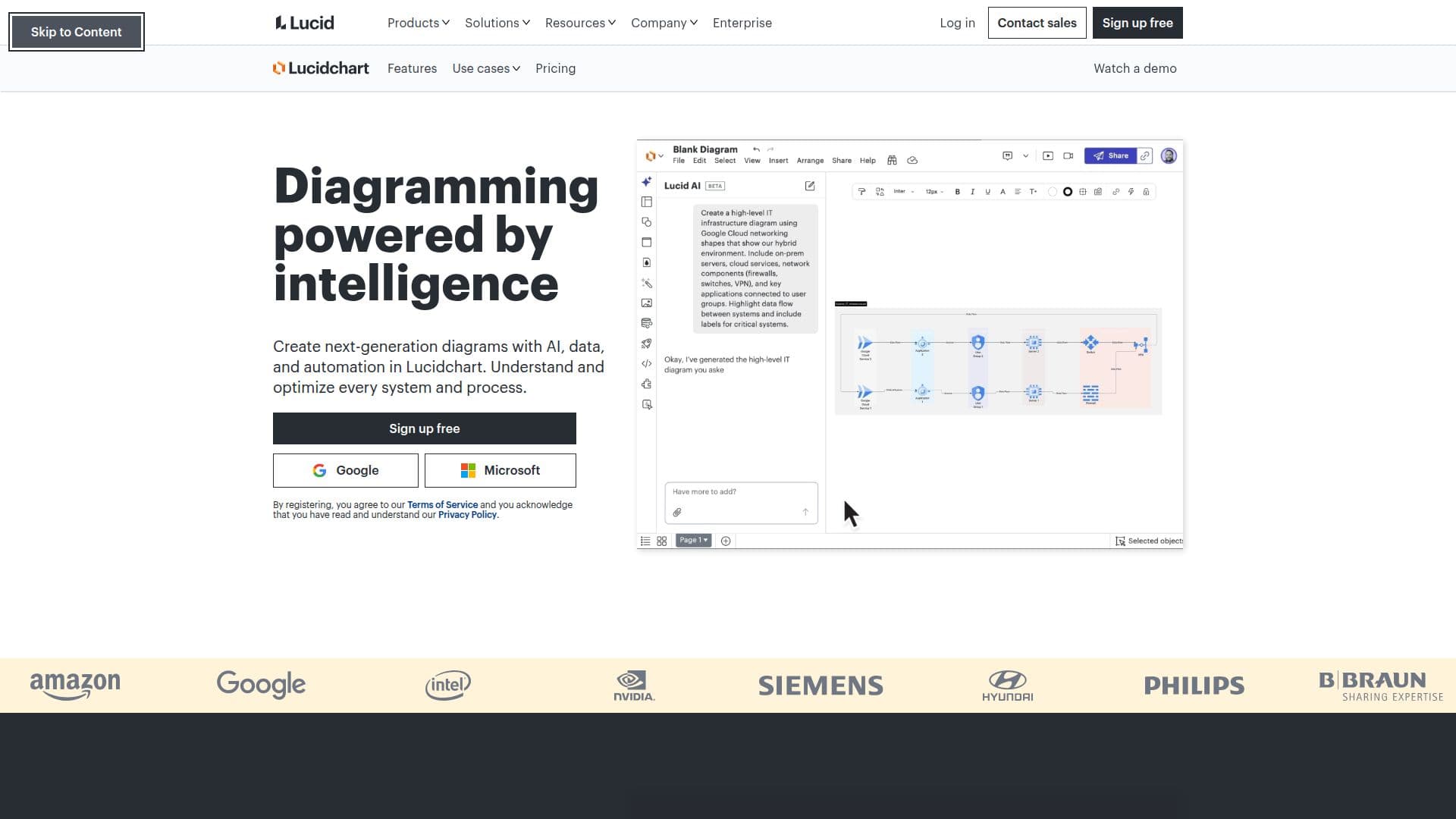
Lucidchart is a powerful diagramming tool that integrates AI, data, and automation to facilitate the creation of advanced diagrams. It enables users to understand and optimize systems and processes by providing a platform for real-time collaboration and data-driven insights. Lucidchart offers a variety of features, including AI-generated diagrams, data linking, and conditional formatting, which help users visualize complex data and streamline workflows. The platform supports a wide range of diagram types, such as process maps, flowcharts, org charts, and technical diagrams, making it suitable for various industries and use cases.
Lucidchart's integration capabilities are extensive, allowing users to connect with over 100 applications, including Google Sheets, Microsoft Teams, Slack, and Jira. This ensures seamless collaboration and data sharing across different platforms. The tool also offers features like diagram as code, real-time collaboration, and cloud shape libraries, which enhance its functionality and user experience.
The platform is designed to cater to diverse user needs, from individual users to large enterprise teams. Lucidchart provides a freemium pricing model, allowing users to access basic features for free while offering premium features through paid plans. This flexibility makes it accessible to a wide range of users, from small businesses to large corporations.
Lucidchart's value proposition lies in its ability to transform complex data into clear, actionable insights, enabling teams to make informed decisions quickly. Its intelligent capabilities, such as AI-generated content and data-driven visualizations, set it apart from traditional diagramming tools. However, users should be aware that while Lucidchart offers extensive integration options, the effectiveness of these integrations may vary depending on the specific applications and workflows involved.
Lucidchart's Core Features
AI-generated diagrams
Data linking
Conditional formatting
Real-time collaboration
Diagram as code
Cloud shape libraries
Integration with 100+ apps
Freemium pricing model
Org and team planning
Technical diagrams
Process maps and flowcharts
Layers for hierarchy management
Lucid AI for content generation
Linking and embedding
Enhanced prompt and summarization
How to use Lucidchart?
Configure: Set up integrations with your favorite apps
Use: Create diagrams using AI-generated content and data linking
Optimize: Utilize real-time collaboration and conditional formatting
Share: Embed and share diagrams across platforms like Slack and Teams
Lucidchart's Use Cases
- Process Mapping
- Org Chart Planning
- Technical Diagrams
- Data Visualization
- Real-time Collaboration