
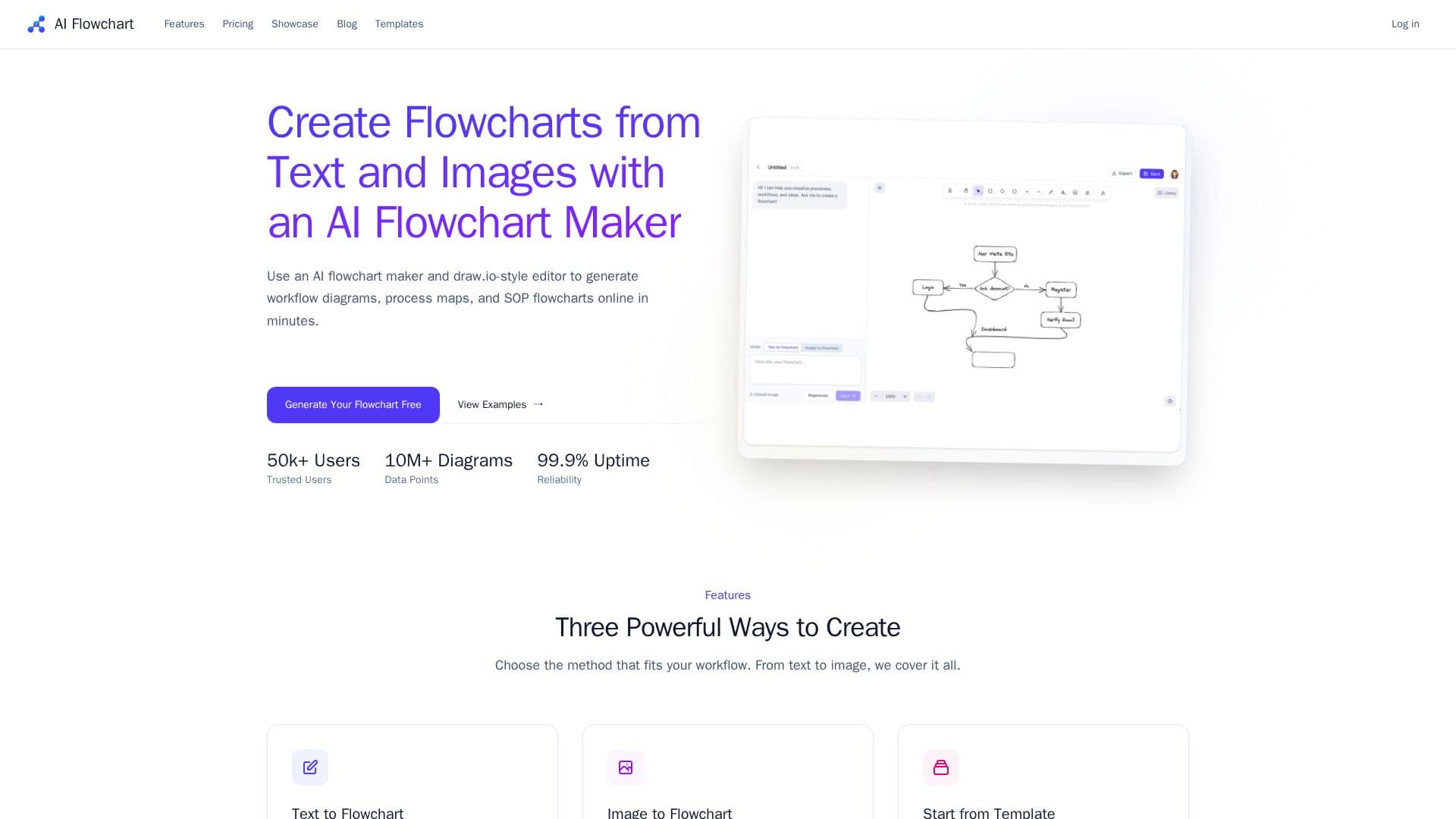
Description
AI Flowchart is an AI-powered flowchart maker and draw.io alternative for turning text, prompts, SOP steps, and images into editable workflow diagrams. Instead of placing every node by hand, you start with a description or an image and refine the generated chart, keeping a draw.io-style editing workflow.
Read More
It offers three ways to create diagrams: text to flowchart, where you describe a process in plain language and the AI generates a professional flowchart; image to flowchart, where you upload a whiteboard photo or a screenshot of an existing diagram and the AI converts it into an editable format; and start from template, using a library of flowchart templates for onboarding, approvals, release workflows, and operations. Charts stay editable and can be exported as .drawio for continued editing.
The tool is designed for many teams — product, operations, finance, customer success, and engineering — for workflow documentation and process mapping, covering use cases like onboarding flows, approval workflows, SOP diagrams, bug triage, incident response, release management, and support escalation. Pricing includes a free plan with 5 credits per day, plus Hobby and Professional plans that add monthly credits, priority processing, and support.
- CategoryProductivity
- Pricing ModelFreemium
- DeploymentCloud
- PlatformsWeb
AI Flowchart Generator's Core Features
Text-to-flowchart generation
Image-to-flowchart conversion
Template library for common workflows
draw.io-style editing workflow
Editable diagrams and process maps
Export as .drawio
Unlimited diagram storage
Free plan with daily credits
How to use AI Flowchart Generator?
Choose a method: Start from text, an image, or a template.
Describe or upload: Write your process or upload a whiteboard photo or diagram.
Generate: Let the AI create an editable flowchart.
Refine and export: Edit the diagram and export it as .drawio.
AI Flowchart Generator's Use Cases
- Process documentation
- Whiteboard digitizing
- Workflow mapping
- draw.io alternative