
Description
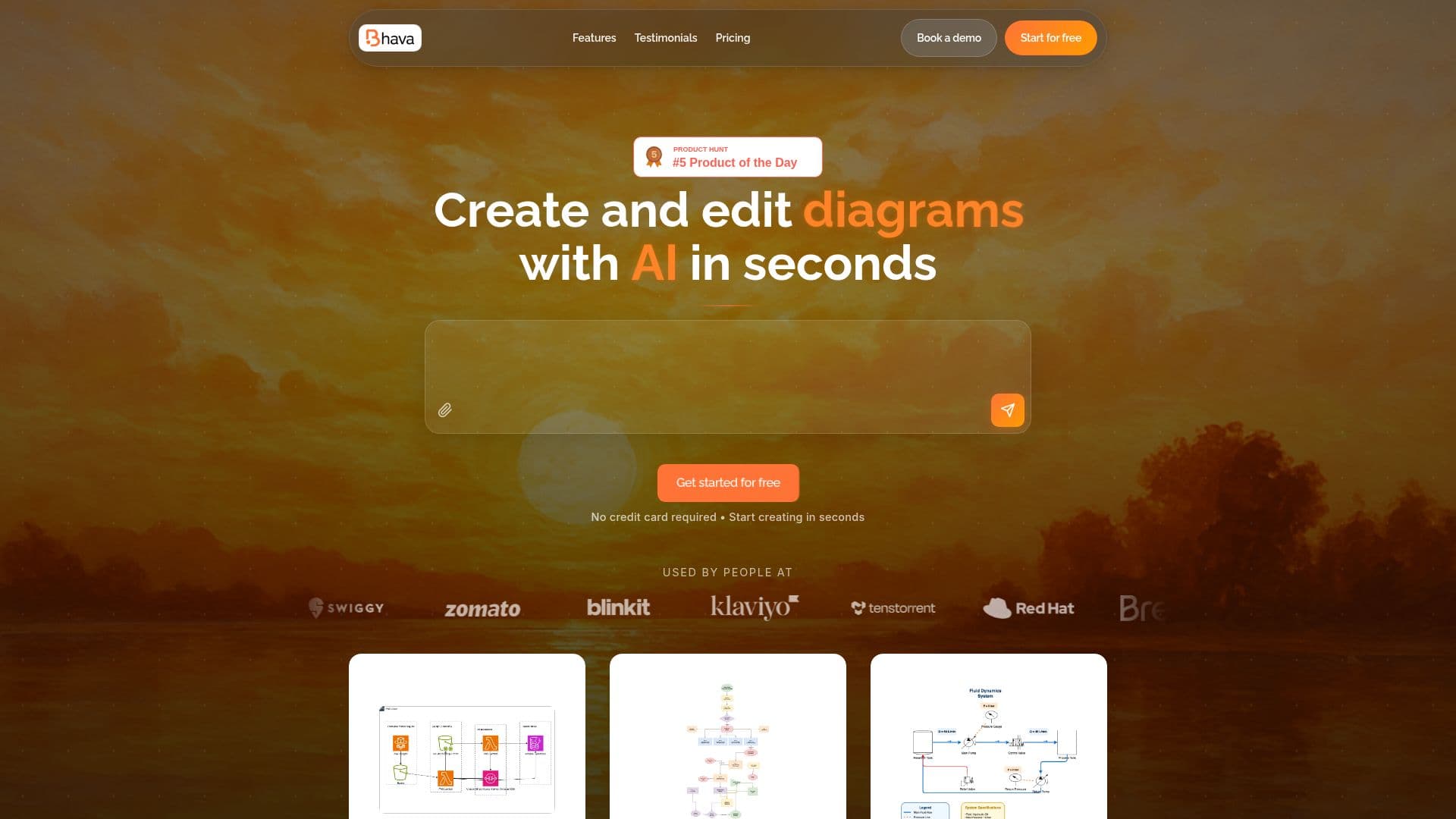
Bhava is an AI-powered diagram editor that transforms ideas into professional diagrams instantly. You describe what you want in text or drop in an image, and Bhava generates a first draft in seconds that you can keep editing on the canvas, covering flowcharts, architecture diagrams, UML, ERD, sequence diagrams, network maps, org charts, mind maps, and hardware schematics.
Read More
When you paste a sketch, whiteboard photo, or screenshot, Bhava recognizes services and symbols and automatically places the correct AWS, GCP, Azure, Kubernetes, and library icons, keeping everything editable including styles, layers, and groups. Smart layout and connectors reduce the time spent nudging boxes into place.
Bhava avoids lock-in by letting you import existing files from Draw.io or Mermaid while preserving layers, groups, and styles, and export to formats such as PNG and SVG. It is aimed at product managers, developers, and engineers who need to communicate complex ideas visually.
The tool offers a free plan with unlimited diagrams, AI generation, and all export formats and icon packs, along with a Plus plan with monthly credits and an Enterprise plan adding SSO, team management, and custom integrations.
- CategoryData Visualization
- Pricing ModelFreemium
- DeploymentCloud
- PlatformsWeb
Bhava's Core Features
AI diagram generation from text prompts
Image input from sketches, whiteboard photos, and screenshots
Automatic AWS, GCP, Azure, and Kubernetes icon placement
Coverage of flowcharts, UML, ERD, sequence, network, org charts, and mind maps
Smart layout and connectors
Import from Draw.io and Mermaid with preserved layers and styles
Export to PNG, SVG, and other formats
Free plan with unlimited diagrams and all icon packs
How to use Bhava?
Start creating: Open Bhava and begin a new diagram, no credit card required.
Describe or drop: Type a text description or drop in a sketch, photo, or screenshot.
Generate: Let the AI create a first draft with the right icons and smart layout.
Edit on the canvas: Adjust styles, layers, and groups, and refine the diagram.
Export: Download the diagram as PNG, SVG, or another supported format.
Bhava's Use Cases
- System architecture
- Product communication
- Software design
- Sketch conversion
- Diagram migration