Description
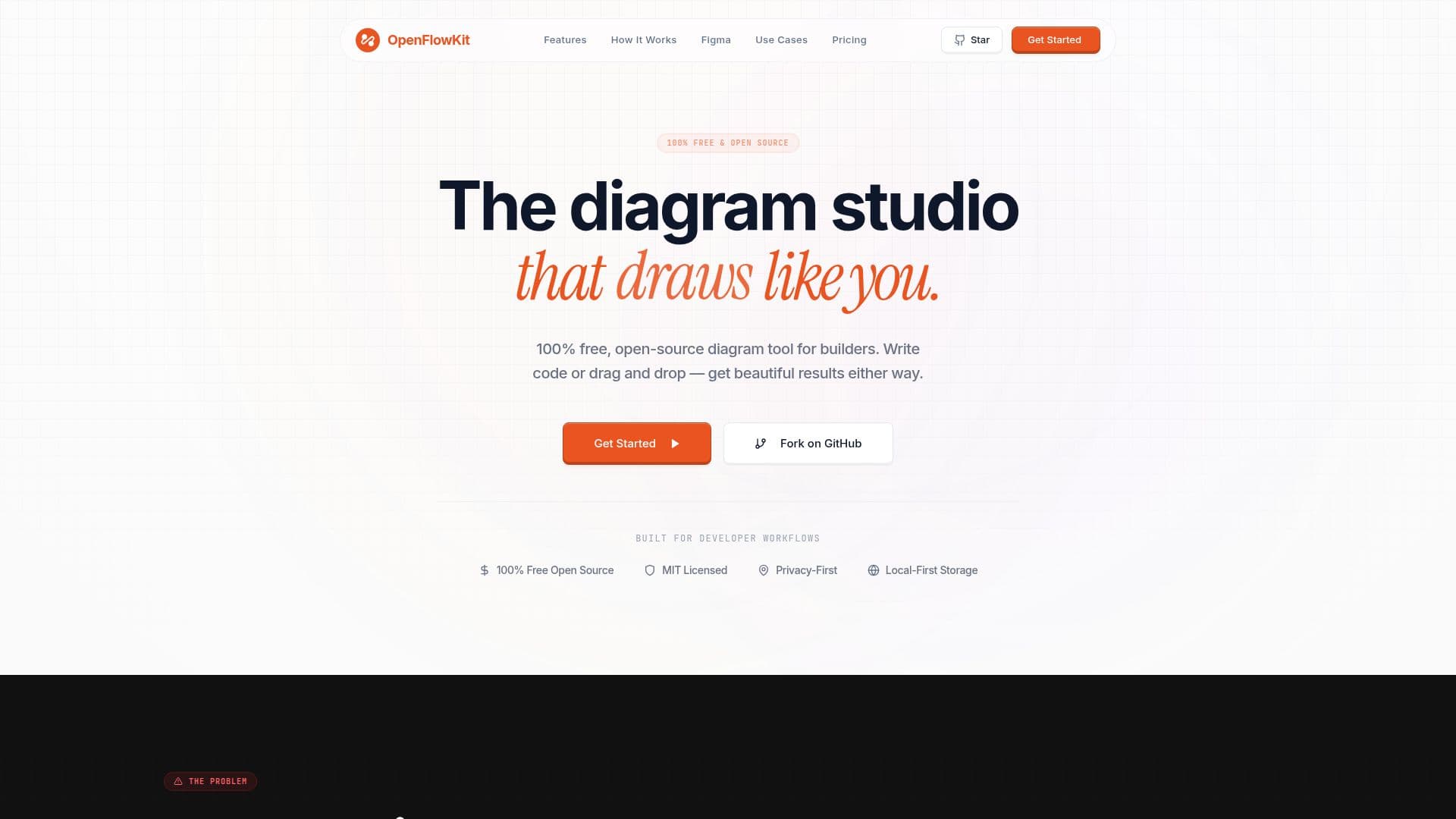
OpenFlowKit is an open-source, local-first diagramming studio built for developers, architects, technical founders, and product teams who want editable diagrams instead of static AI image output. It creates architecture diagrams, flowcharts, system designs, and other visual workflows, and it works whether you prefer to write code or drag and drop.
Read More
Instead of drawing boxes by hand, you can paste JSON, React components, Prisma schemas, or SQL dumps and the AI engine parses the relationships to build a living canvas. It offers first-class diagram-as-code support with a type-safe DSL and Mermaid.js syntax, smart auto-layout powered by ELK.js, and a Flowpilot AI assistant you can chat with in natural language to build and style blocks. AI is optional and uses a bring-your-own-key model with your own OpenAI or Anthropic keys stored locally.
Everything is local and private, staying on your machine with no cloud tracking or forced syncing, and no account is required to start. You can export to native Figma vector layers, SVG, PNG, or JSON, and copy diagrams straight into Figma as editable text and vector shapes. Peer-to-peer multiplayer sync over WebRTC lets teams build together in real time.
OpenFlowKit is 100% free and MIT licensed, with the core engine developed in the open, and it also includes a cinematic export engine that turns diagrams into presentation-ready MP4 animations.
- CategoryCoding & Development
- Pricing ModelOpen source
- DeploymentRuns locally
- PlatformsWeb
OpenFlowKit's Core Features
Code-to-diagram parsing of JSON, React, Prisma schemas, and SQL
Diagram-as-code with a type-safe DSL and Mermaid.js support
Flowpilot AI assistant with bring-your-own OpenAI or Anthropic key
Smart auto-layout powered by ELK.js
Local-first and private with no account required
Export to Figma vector layers, SVG, PNG, and JSON
Peer-to-peer multiplayer sync over WebRTC
Open-source MIT-licensed engine and cinematic MP4 animation export
How to use OpenFlowKit?
Open the studio: Start from the workspace home with a blank flow, a template, or an import, with no account needed.
Choose an input: Paste code, import Mermaid or Draw.io files, or write a prompt in the Flowpilot tab.
Add your AI key (optional): For AI generation, add your own OpenAI or Anthropic key in settings.
Refine visually: Move nodes, edit properties, and run Smart Layout to clean up spacing.
Export: Save as JSON for version control or export to Figma, SVG, or PNG.
OpenFlowKit's Use Cases
- Architecture diagrams
- Diagram as code
- Whiteboard to diagram
- Figma handoff
- Team collaboration