
Description
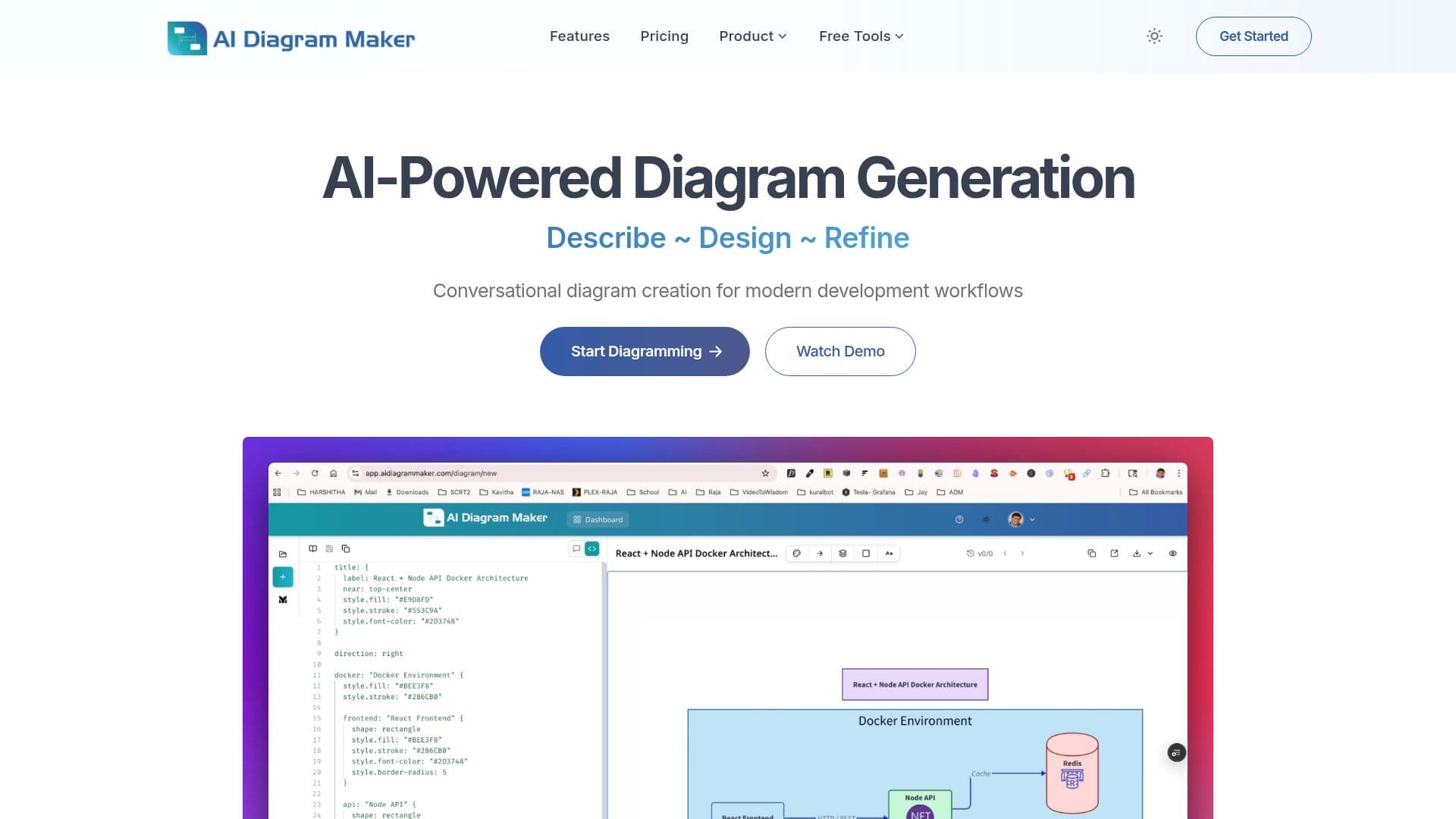
AI Diagram Maker is an AI-powered tool that creates professional software architecture, UML, and flow diagrams from natural language instead of manual drag-and-drop. You describe your idea in plain English, and an AI agent analyzes the requirements, identifies components and relationships, and generates clean D2 diagram-as-code that renders as a visual diagram.
Read More
It supports many diagram types, including system architecture, microservices, database schemas, network diagrams, flowcharts, and sequence diagrams. You can iterate conversationally, asking the AI to change a diagram in natural language, or switch to code view to edit the underlying D2 directly. It also creates diagrams from uploaded images, documents, and notes, and can analyze public or private GitHub repositories to visualize a codebase's architecture automatically.
The tool uses D2 for its simple, AI-friendly syntax, automatic layout engine, and integrations with tools like Confluence and Obsidian, so you can focus on the architecture rather than tool mechanics. An MCP server lets you generate diagrams inside Cursor, Claude Desktop, VS Code, or any MCP client, turning natural language, code, ASCII, images, or Mermaid into editable diagrams.
Diagrams export as PNG, SVG, or D2 code, and higher tiers add revision history. Pricing is credit-based and usage-metered, with a free Basic plan and paid Plus and Max tiers that add more monthly credits, longer revision history, and priority support.
- CategoryAI Coding Assistants
- Pricing ModelFreemium
- DeploymentCloud
- PlatformsWeb
AI Diagram Maker's Core Features
AI diagram generation from plain-English descriptions
Conversational editing to refine diagrams in natural language
D2 diagram-as-code with automatic layout and editable code view
Creation from uploaded images, documents, and notes
Code-to-diagram from public and private GitHub repositories
MCP server for Cursor, Claude Desktop, VS Code, and other clients
Export as PNG, SVG, or D2 code
Diagram revision history on higher plans
How to use AI Diagram Maker?
Describe your diagram: Type your architecture or process in plain English.
Generate: The AI produces D2 code that renders as a professional diagram.
Refine: Ask the AI for changes in natural language or edit the D2 code directly in code view.
Import a source: Optionally upload a document or provide a GitHub repository URL to generate from.
Export: Download the diagram as PNG, SVG, or diagram code for docs, presentations, or repos.
AI Diagram Maker's Use Cases
- Software architecture
- Codebase visualization
- UML and sequence diagrams
- Process flowcharts
- In-editor diagramming