Description
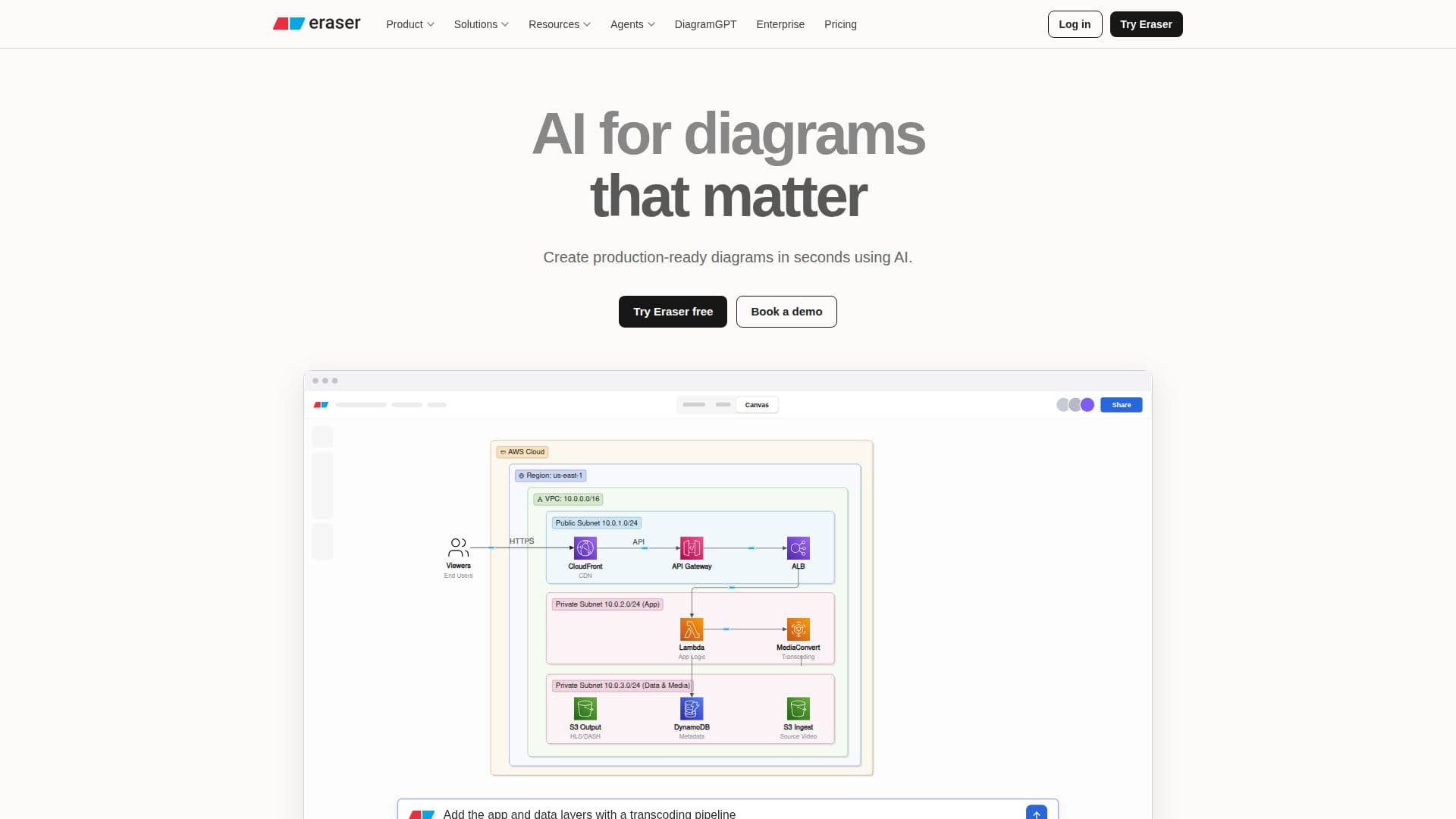
Eraser is an AI-powered tool that revolutionizes the creation of technical diagrams and documentation, specifically designed for engineering teams. It is trusted by architecture and process teams for its seamless and intuitive interface. Eraser allows users to create pixel-perfect diagrams using text, code, or files as input, supported by a visual editor and AI chat. This tool can save up to 90% of the time typically spent on diagramming, ensuring consistent and accurate designs every time.
Read More
Eraser offers a comprehensive set of features, including the ability to define rules, styles, and templates, and to build agents for full diagram CRUD operations. Users can create, search, update, and export diagrams from platforms like Claude, Cursor, or ChatGPT. The tool also supports code and image inputs, grounding diagrams in the user's codebase and screenshots.
The pricing structure of Eraser includes a Free plan for individuals and small teams, a Starter plan for advanced collaboration, a Business plan for growing teams, and an Enterprise plan for organizations. Each plan offers varying levels of access to features such as AI diagrams, version history, and custom icons.
Eraser is designed for engineering and architecture teams looking to enhance their documentation processes. It provides a single source of truth for technical diagrams, ensuring that all documentation is up-to-date and accurate. The tool is SOC 2 type 2 certified, offering enterprise-grade security and seamless integration with existing workflows through templates, integrations, and APIs.
Overall, Eraser is a powerful tool for teams aiming to improve their technical documentation and diagramming processes, offering significant time savings and enhanced collaboration capabilities.
- CategoryAI Coding Assistants
- Pricing ModelFreemium
- DeploymentCloud, Self-host
- PlatformsWeb
Eraser's Core Features
AI-powered diagram creation
Visual editor and AI chat support
Integration with GitHub, Notion, Confluence, and VS Code
Customizable rules, styles, and templates
Full diagram CRUD operations
Code and image input support
SOC 2 type 2 certified security
Self-hosting and flexible deployment options
How to use Eraser?
Configure: Set up rules and templates
Use: Create diagrams using text, code, or files
Collaborate: Integrate with GitHub and other tools
Optimize: Save time and ensure consistency
Eraser's Use Cases
- Technical Documentation
- Architecture Diagrams
- Process Mapping
- Collaboration
- Security Compliance