
Description
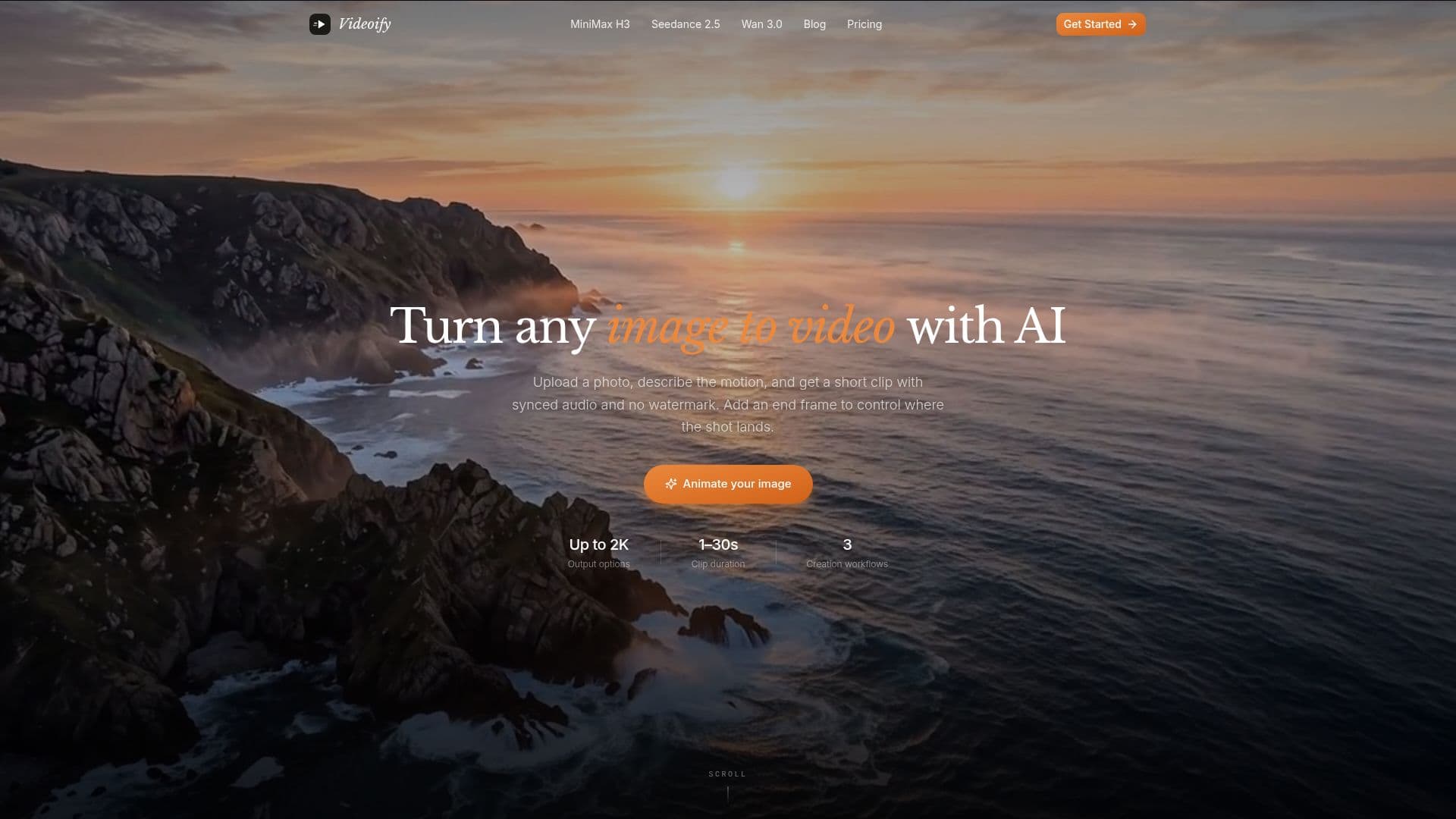
Videoify is an online AI video generator designed to animate still images into engaging video clips. It provides a streamlined workflow for users to upload a starting image, define motion through text prompts, and optionally specify an end frame to control the visual conclusion of the shot. The platform supports multiple AI models, including MiniMax H3, Seedance 2.5, and Wan 3.0, each offering distinct capabilities in terms of clip duration, resolution, and reference media handling.
Read More
The core functionality revolves around turning a static image into motion, allowing for creative control over the shot's beginning and end. Users can describe subject movement, camera direction, pacing, and desired final moments. For more complex scenarios, Videoify offers a reference workflow where multiple images can be used to guide character, wardrobe, setting, or style consistency within a single shot. Each generated clip includes native synchronized audio, with options to add MP3 or WAV references to guide pacing or voice-led timing.
Videoify operates on a credit-based subscription model, ensuring transparency by displaying the exact generation cost before each clip is created. This allows users to manage their budget effectively, whether for testing ideas or producing high-volume content. The platform emphasizes user control, offering choices for duration (ranging from 1 to 30 seconds depending on the model), resolution (from 480p up to 2K), and aspect ratio. All exports are watermark-free, making them suitable for commercial use.
The service is browser-based, eliminating the need for local installations or powerful GPUs. It focuses on generating single, focused shots rather than full-length edits, encouraging users to plan stories as separate clips and assemble them in external video editors for longer narratives. Videoify also prioritizes user privacy and security, ensuring that uploads and prompts are never used for model training, reference files are auto-deleted, and data is encrypted both in transit and at rest. Secure payments are processed by PCI-DSS compliant providers, further safeguarding user information.
- CategoryAI Video Generators
- Pricing ModelSubscription
- DeploymentCloud
- PlatformsWeb
Videoify's Core Features
Image to video generation
Text-to-video prompting
End-frame control for precise shot landing
Multiple image references for consistency
Native synchronized audio generation
Audio reference for pacing and timing
No watermark on exported videos
Credit-based pricing with cost preview
Support for JPG, PNG, WebP image uploads
Support for MP4, MOV video references
Support for MP3, WAV, AAC, M4A, OGG audio references
Multiple AI video models (MiniMax H3, Seedance 2.5, Wan 3.0)
Adjustable video duration (1-30 seconds)
Multiple resolution options (480p, 720p, 768P, 1080p, 2K)
Secure data handling and privacy
How to use Videoify?
Choose Workflow: Select text-to-video, image-to-video, or reference-to-video based on your starting media.
Write Prompt & Add References: Describe the desired scene, action, setting, and camera movement, adding images, video, or audio as references.
Set Options: Choose duration, resolution, and aspect ratio for your video clip.
Review Cost & Generate: Check the credit cost displayed and submit to generate your video.
Preview & Download: Once the generation is complete, preview the clip and download the watermark-free output.
Videoify's Use Cases
- Animate Still Photos
- Storyboarding for Ads
- UGC Creation
- Product Reveals
- Visual Transitions
- Music Video Sequences
- Real Estate Walkthroughs
- Character Consistency
- Concept Visualization