Description
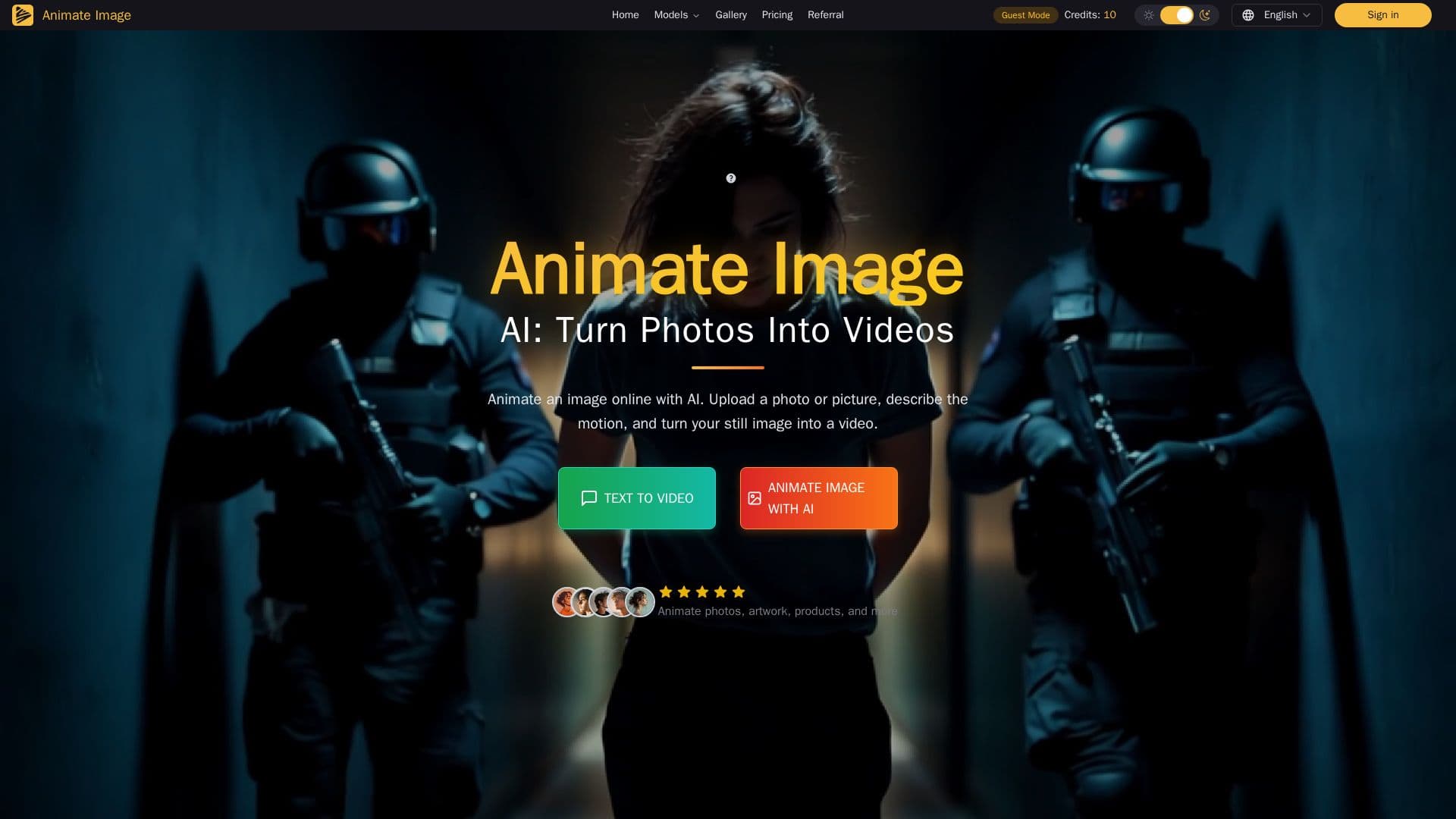
Animate Image AI is an online image-to-video workflow that turns static photos, pictures, and text prompts into AI-generated videos. Users provide a source picture and a motion prompt, and the tool generates a short clip, working with portraits, products, landscapes, artwork, and other clear still images.
Read More
To animate an image, users upload a supported photo, choose an available image-to-video model, describe the subject motion and camera direction, and generate the clip, then refine the prompt or settings as needed. Controls depend on the selected model and may include the motion prompt, negative prompt, duration, aspect ratio, resolution, camera behavior, and reference-frame options. Clear, well-lit images with a visible subject and simple composition tend to produce more controlled motion. Old family photos can be animated with restrained motion such as a natural blink or subtle breathing, with results reviewed before sharing.
Beyond general photo animation, it offers dedicated workflows such as Animate Photo AI for making pictures move with prompts and a Product Image to Video AI for turning product photos into short video ads. Usage runs on credits that vary by model and plan, with monthly and yearly billing, private and creator-owned generations on paid plans, and a free trial with no credit card needed. It reports 50,000+ creators.
- CategoryAI Video Generators
- Pricing ModelFreemium
- DeploymentCloud
- PlatformsWeb
Animate Image AI's Core Features
Image-to-video generation from a photo and motion prompt
Multiple selectable image-to-video models
Motion, camera, duration, aspect-ratio, and resolution controls
Works with portraits, products, landscapes, and artwork
Old family photo animation with restrained motion
Product Image to Video for short ads
Text-to-video and consistent character videos
Credit-based plans with private, creator-owned outputs
How to use Animate Image AI?
Upload an image: Add a clear photo, picture, or artwork.
Pick a model: Choose an available image-to-video model.
Describe the motion: Enter a prompt for subject movement and camera direction.
Generate: Create the short animated video.
Review and refine: Check the result and adjust the prompt or settings, then download.
Animate Image AI's Use Cases
- Product video ads
- Social media content
- Family photo animation
- Creative motion tests